

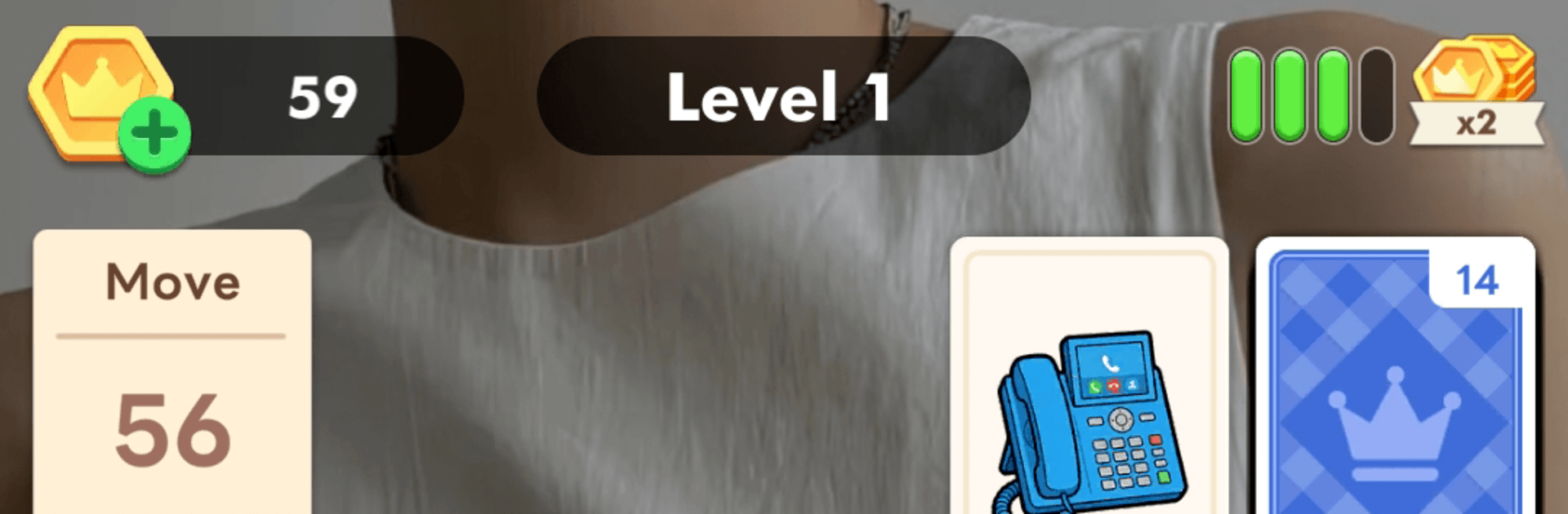
Solitaire Icon Secret: Sorting
Play on PC with BlueStacks – the Android Gaming Platform, trusted by 500M+ gamers.

Page Modified on: Sep 7, 2026
Play Solitaire Icon Secret: Sorting on PC or Mac
Solitaire Icon Secret: Sorting by Achraf El Amrani has plenty to keep you busy. BlueStacks lets you play it on PC or Mac with more screen space, better control, and fewer mobile limits.
About the Game
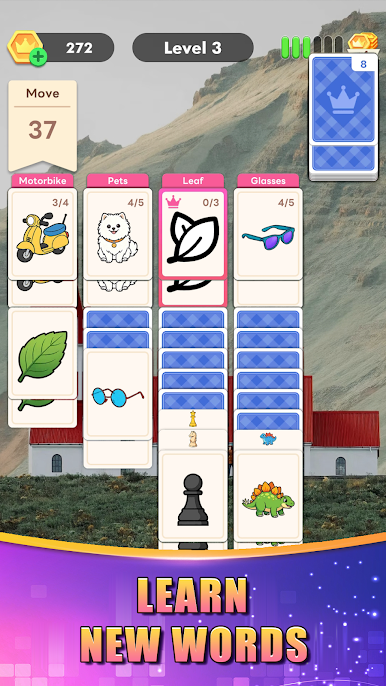
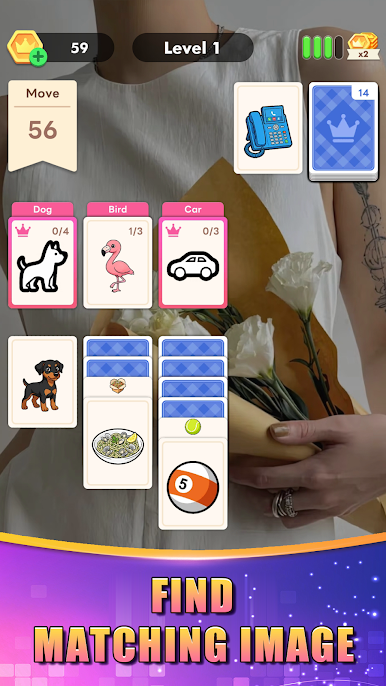
Solitaire Icon Secret: Sorting takes the familiar card-table vibe and twists it into a clever word-matching challenge. It blends classic moves with category sorting, so every drag-and-drop feels like a tiny lightbulb moment. If you’re into quick-thinking Puzzle fun that’s both relaxing and brainy, this one hits a sweet spot.
Game Features
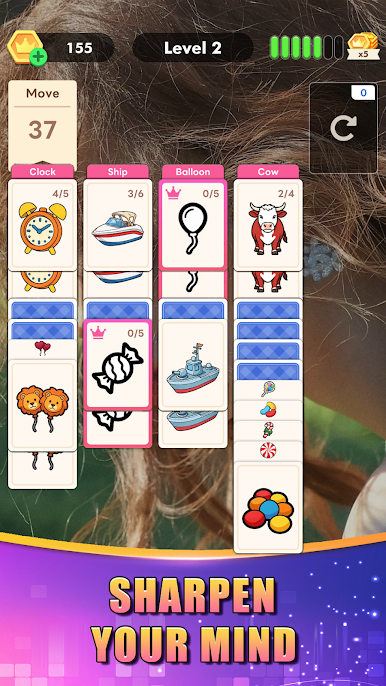
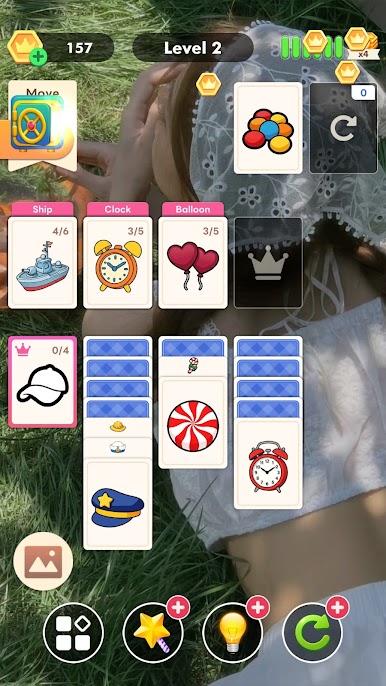
- Solitaire, reimagined: Cards carry words, and you clear the tableau by sliding each one under the correct category stack.
- Strategy that snowballs: Limited moves plus a stock and discard pile mean a single off move can jam your lanes—think a few steps ahead.
- Helpful tools, zero stress: Use smooth drag-and-drop, undo, and gentle hints when you want a nudge instead of starting over.
- Categories you know (and a few surprises): Match animals, foods, places, and more—quick recognition that grows your word sense without feeling like homework.
- Clean, readable layout: A familiar solitaire setup with text-first cards keeps decisions snappy and easy on the eyes.
- Satisfying progress: Clear boards to uncover pieces of a growing art gallery—little rewards that are fun to chase.
- Pick-up-and-play pacing: Sessions run quick, perfect for a short break or an evening of “okay, one more board.”
- Better on a bigger screen: Runs smoothly on BlueStacks if you want that tidy desktop feel while you sort and strategize.
Start your journey now. Download the game on BlueStacks, invite your friends, and march on a new adventure.
Play Solitaire Icon Secret: Sorting on PC. It’s easy to get started.
-
Download and install BlueStacks on your PC
-
Complete Google sign-in to access the Play Store, or do it later
-
Look for Solitaire Icon Secret: Sorting in the search bar at the top right corner
-
Click to install Solitaire Icon Secret: Sorting from the search results
-
Complete Google sign-in (if you skipped step 2) to install Solitaire Icon Secret: Sorting
-
Click the Solitaire Icon Secret: Sorting icon on the home screen to start playing

