


Wordmere: Cozy Word Puzzles
Play on PC with BlueStacks – the Android Gaming Platform, trusted by 500M+ gamers.

Page Modified on: Sep 26, 2026
Play Wordmere: Cozy Word Puzzles on PC
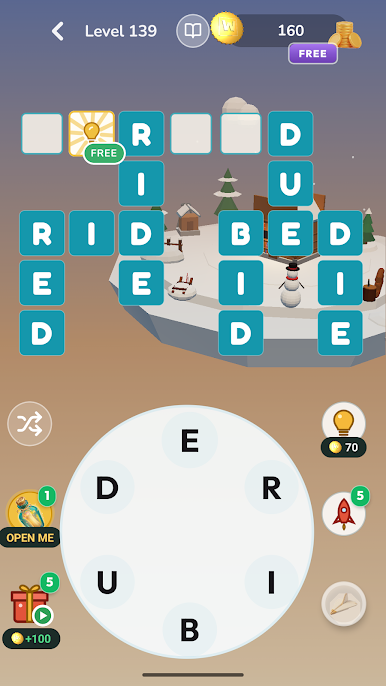
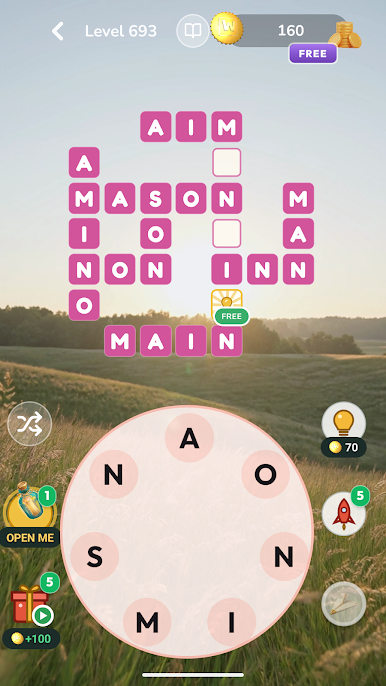
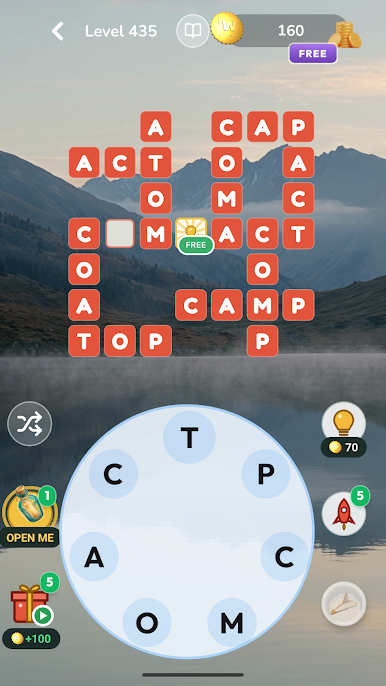
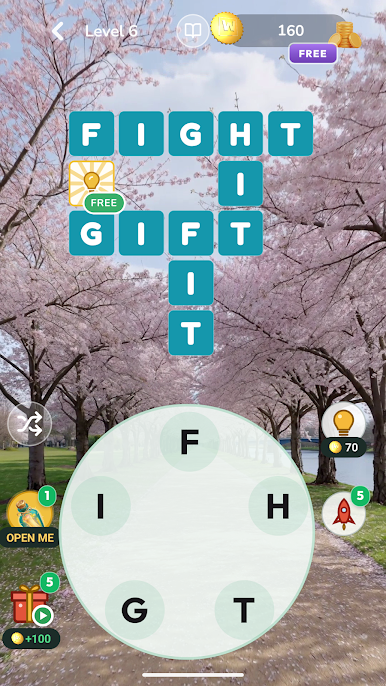
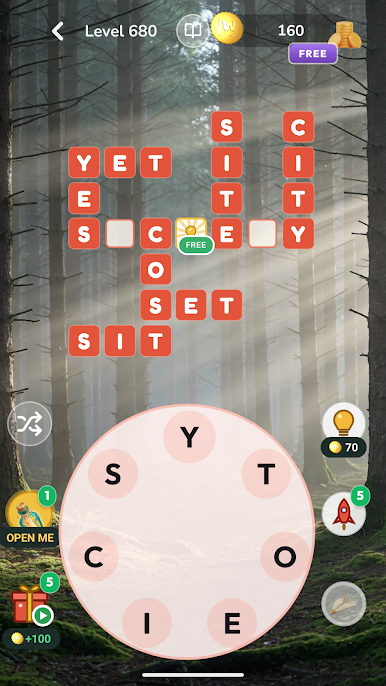
Connect letters on the wheel, fill the crossword grid, and watch your world rise piece by piece in 3D: a cottage here, a lantern there, a garden in bloom. It's a relaxing word game with no timers and no rush. Just you, a handful of letters and a quiet place that gets lovelier the more you play.
HOW TO PLAY
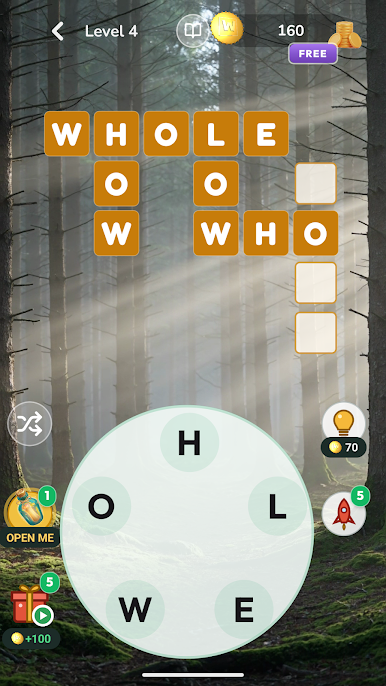
• Swipe across the letter wheel to spell a word
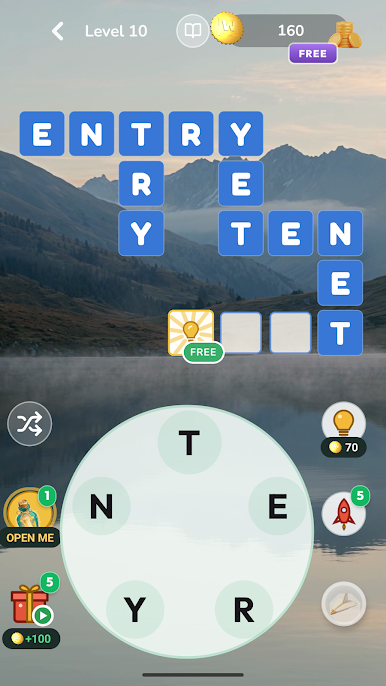
• Each word you find drops into the crossword grid
• Fill the grid to finish the level and build the next piece of your world
• Spot extra bonus words hiding in the letters
• Stuck? Use a hint to reveal a letter, or launch a rocket to reveal several at once
YOUR WORDS BUILD WORLDS
Start in a sleepy meadow, then travel on through a glowing mushroom hollow, a sakura garden, a lantern night market and an aurora cabin, all the way to Tower Bridge, the Sphinx and the terraces of Bali. Every world you finish becomes a little place you made yourself, one word at a time.
A NEW PUZZLE EVERY DAY
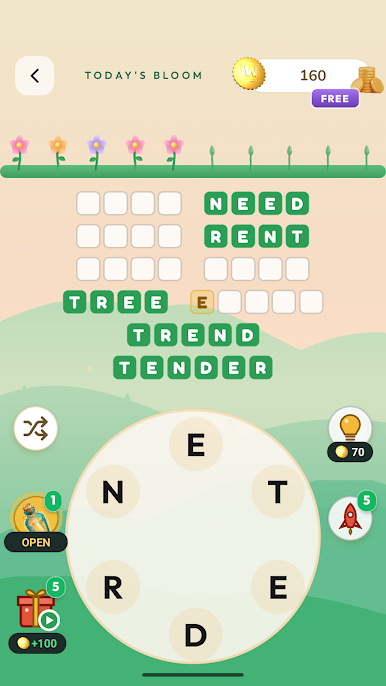
Once you've settled in, a fresh daily puzzle arrives every day. Solve it to grow your garden and keep your streak flame glowing. A few minutes a day keeps your brain happily ticking over.
WHY YOU'LL LOVE IT
• Play at your own pace: no timers, no pressure, nothing to lose
• Thousands of word puzzles that start gentle and grow into a real challenge
• Calm music of meadow, water and birdsong to help you relax
• Soft sounds and gentle haptics every time a word lands
• Gifts, chests and little surprises along the way
• Easy to learn, hard to put down: the perfect five-minute break
A GENTLE WORKOUT FOR YOUR BRAIN
Wordmere brings together the best of crossword puzzles, anagrams, word connect and brain games. Unscramble letters, stretch your vocabulary and sharpen your spelling, all at your own pace.
PERFECT FOR
• Word game lovers and crossword fans
• Anyone looking for a calm, cozy game to unwind with
• Coffee breaks, commutes and quiet evenings on the couch
Find a word, build a world, breathe out. Your little world is waiting.
Questions or ideas? We'd love to hear from you: https://nikhilucl-cmyk.github.io/wordmere-legal/support/

Play Wordmere: Cozy Word Puzzles on PC. It’s easy to get started.
-
Download and install BlueStacks on your PC
-
Complete Google sign-in to access the Play Store, or do it later
-
Look for Wordmere: Cozy Word Puzzles in the search bar at the top right corner
-
Click to install Wordmere: Cozy Word Puzzles from the search results
-
Complete Google sign-in (if you skipped step 2) to install Wordmere: Cozy Word Puzzles
-
Click the Wordmere: Cozy Word Puzzles icon on the home screen to start playing

