


Office Word Reader Docx Editor
Play on PC with BlueStacks – the Android Gaming Platform, trusted by 500M+ gamers.

Page Modified on: Nov 25, 2025
Run Office Word Reader Docx Editor on PC or Mac
Get freedom from your phone’s obvious limitations. Use Office Word Reader Docx Editor, made by PopSkills Global, a Productivity app on your PC or Mac with BlueStacks, and level up your experience.
About the App
Ever needed to view or edit an important document right on your phone, without hunting for your laptop? With Office Word Reader Docx Editor from PopSkills Global, handling common work files gets a whole lot simpler. Whether you’re reviewing a report, checking out slides for class, or making a quick tweak to your latest spreadsheet, this Productivity app is ready to jump in. Everything’s neatly organized and easy to find — all in one place on your device.
App Features
-
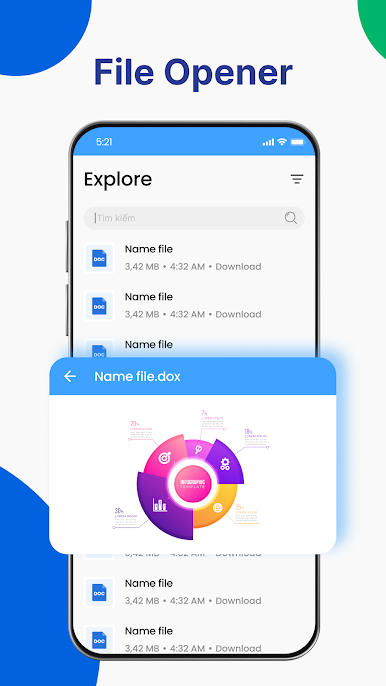
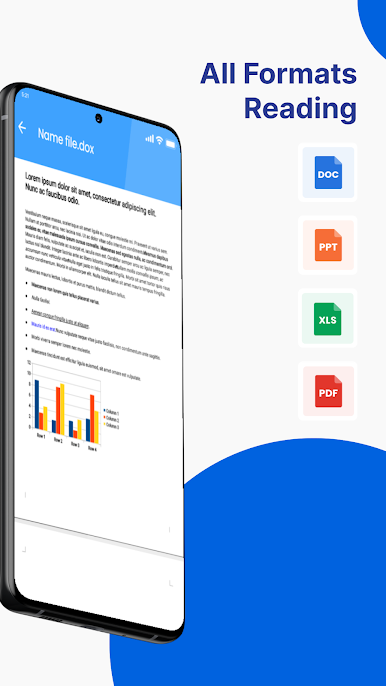
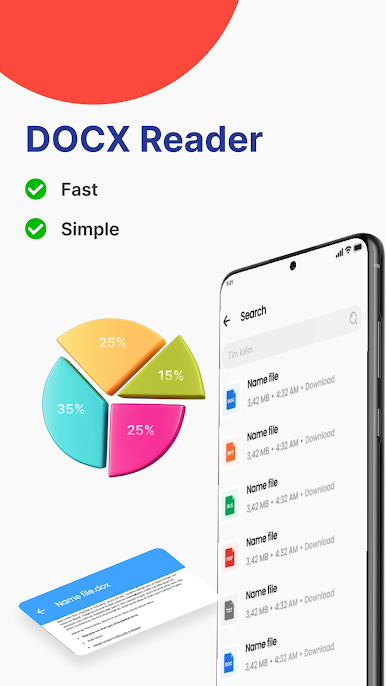
Read Popular File Types
No more switching between different apps. Open DOC, DOCX, PPT, PPTX, XLS, XLSX, PDF, and text files straight from your phone or tablet. -
Easy Doc Editing
Need to adjust a document? Change up the formatting, add bullets or checklists, or even insert images and charts right where you want them. -
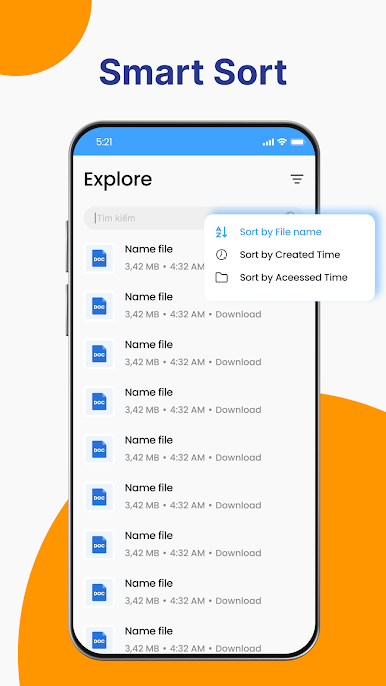
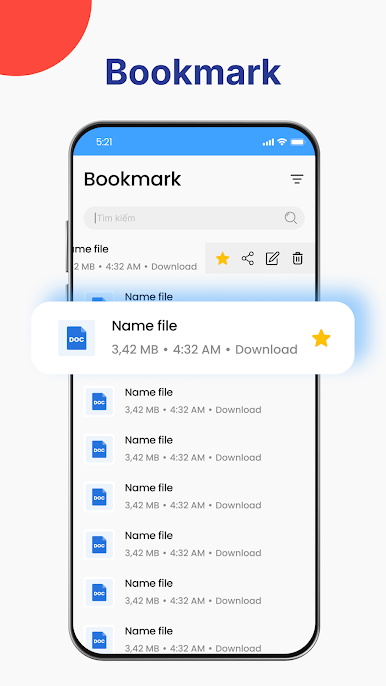
File Organization
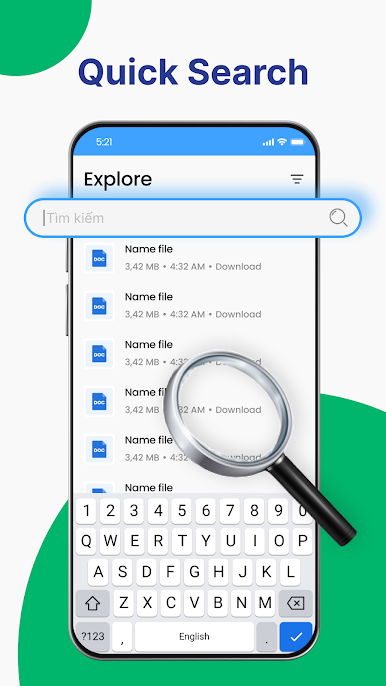
Manage your documents however you like — print, delete, or share files directly. Plus, finding what you need is simple with built-in file management tools. -
Create New Documents
Start fresh with a new word document, quick spreadsheet, or a presentation slide deck. All your editing essentials are handy, so you can get things done anywhere. -
PDF and Excel Convenience
Quickly jump into PDF files for a fast read, or create new Excel spreadsheets on the go. You don’t need multiple apps when you’ve got this one. -
Presentation Viewing
Check out PowerPoint files and flip through slides with ease, perfect for last-minute prep or reviews. -
Optimized for Any Device
Whether on a tiny screen or something bigger, text reflows to fit, and you can zoom or tweak the view as you like. For those using BlueStacks, working with documents feels even smoother.
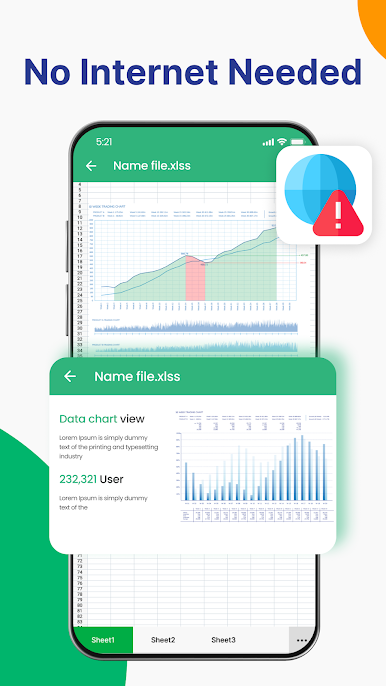
With Office Word Reader Docx Editor, you’ve got all your go-to file tools whenever you need them — even offline.
BlueStacks gives you the much-needed freedom to experience your favorite apps on a bigger screen. Get it now.
Play Office Word Reader Docx Editor on PC. It’s easy to get started.
-
Download and install BlueStacks on your PC
-
Complete Google sign-in to access the Play Store, or do it later
-
Look for Office Word Reader Docx Editor in the search bar at the top right corner
-
Click to install Office Word Reader Docx Editor from the search results
-
Complete Google sign-in (if you skipped step 2) to install Office Word Reader Docx Editor
-
Click the Office Word Reader Docx Editor icon on the home screen to start playing

