


College Wrestling 27
Play on PC with BlueStacks – the Android Gaming Platform, trusted by 500M+ gamers.

Page Modified on: Aug 2, 2026
Play College Wrestling 27 on PC
LIVE A WRESTLING CAREER
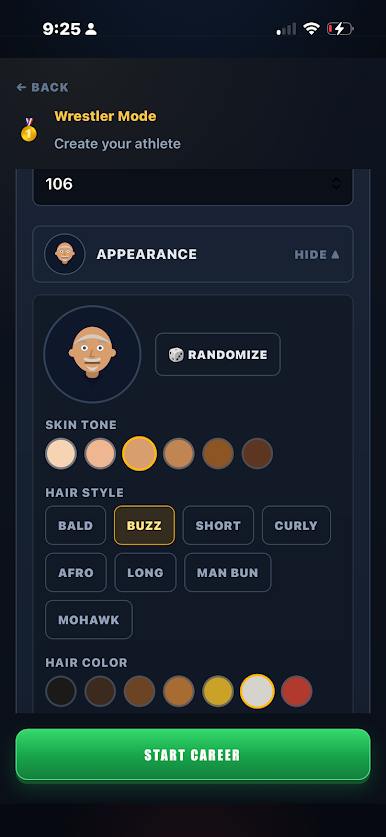
Create your wrestler and play week by week through folkstyle and freestyle seasons:
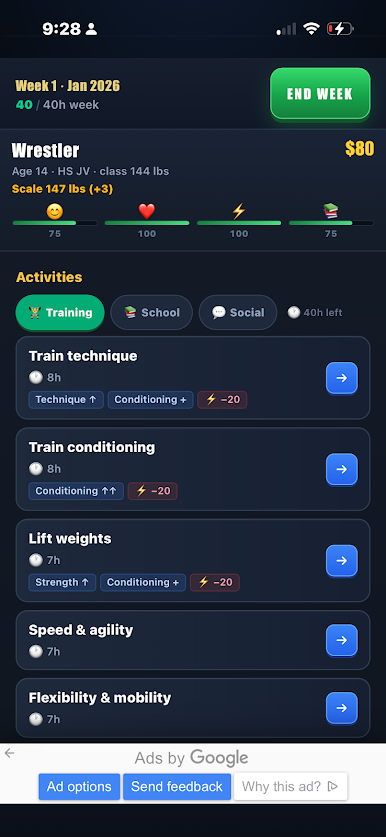
• Train your skills — takedowns, top, bottom, and conditioning — and watch your ratings climb.
• Make weight: manage your weight class, cut smart, and live with the consequences.
• Battle through duals and double-elimination tournament brackets in live, decision-based matches.
• Get recruited out of high school — take official visits, weigh offers, and negotiate NIL deals.
• Climb the national rankings and chase an individual NCAA championship.
• Handle injuries, redshirts, academics, and the grind of a full season.
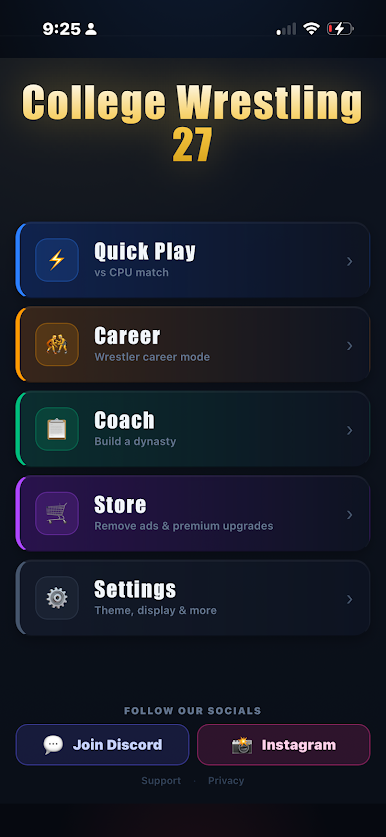
COACH MODE
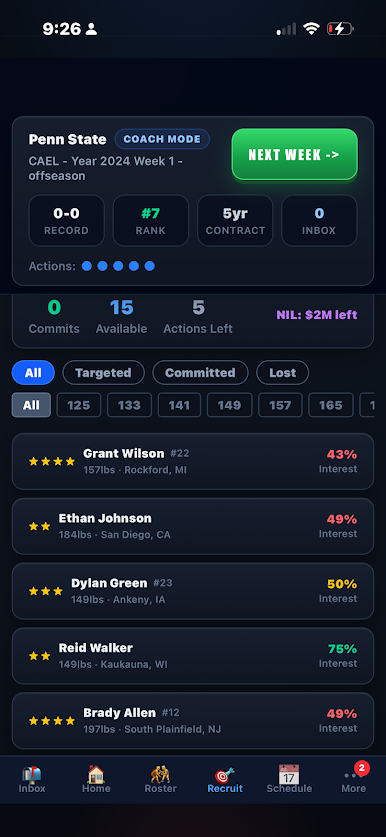
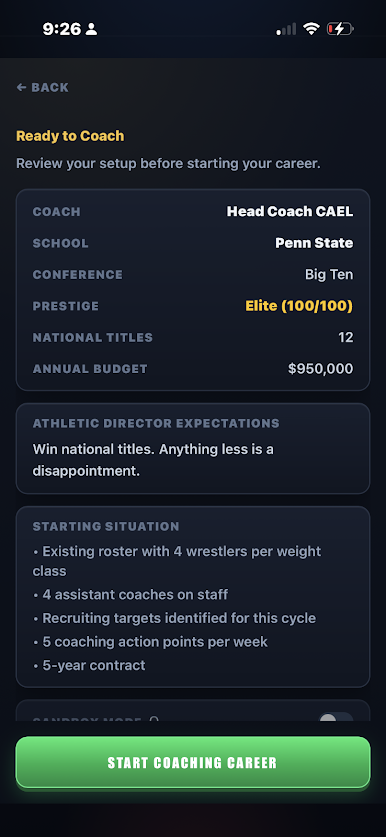
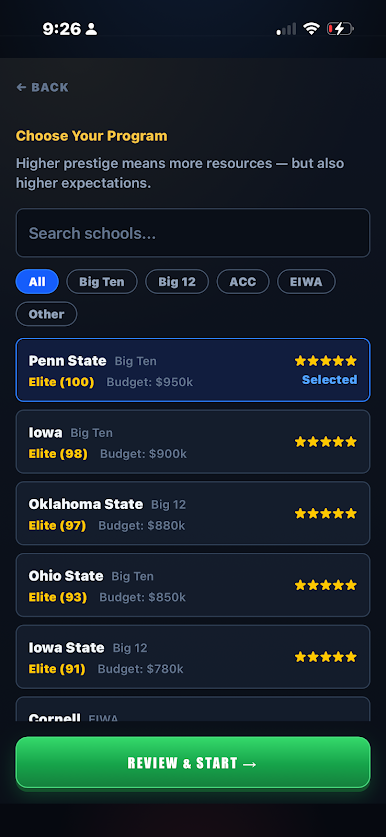
Run a full Division I program and build a dynasty:
• Recruit high schoolers and work the transfer portal.
• Manage NIL deals, scholarships, and your coaching staff.
• Set lineups, develop your roster, and coach live matches.
• Chase conference and NCAA team trophies across a full season.
QUICK PLAY
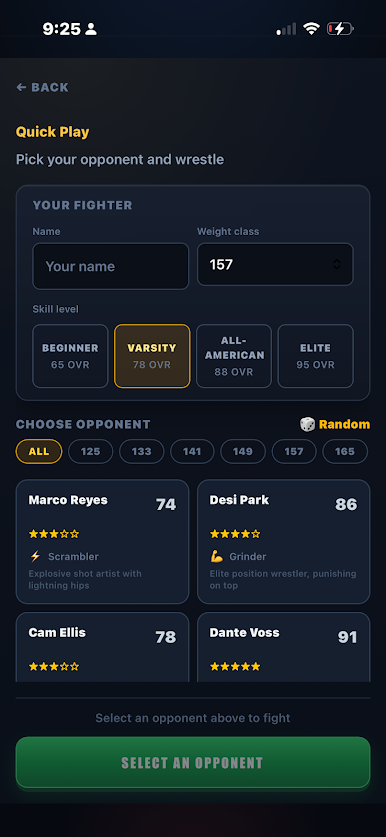
No career required — pick a wrestler and jump straight into a CPU match, fighter-select style. Perfect for a fast bout.
BUILT TO LAST
• Multiple save slots with export/import backups — your progress stays safe.
• Polished menu and a Settings screen with theme color, display size, larger text, and reduced-motion options.
Whether you want to win a state title, earn a scholarship, stand on top of the NCAA podium, or build a championship program, CW27 puts an entire wrestling world in your hands.
Share your season: #CW27
Play College Wrestling 27 on PC. It’s easy to get started.
-
Download and install BlueStacks on your PC
-
Complete Google sign-in to access the Play Store, or do it later
-
Look for College Wrestling 27 in the search bar at the top right corner
-
Click to install College Wrestling 27 from the search results
-
Complete Google sign-in (if you skipped step 2) to install College Wrestling 27
-
Click the College Wrestling 27 icon on the home screen to start playing

