


V2VPN - A Fast VPN Proxy
Play on PC with BlueStacks – the Android Gaming Platform, trusted by 500M+ gamers.

Page Modified on: Sep 16, 2026
Play V2VPN - A Fast VPN Proxy on PC
🔵 Why choose V2VPN?
✔ Permanent and free VPN with advanced paid features
✔ No bandwidth limitation for all users
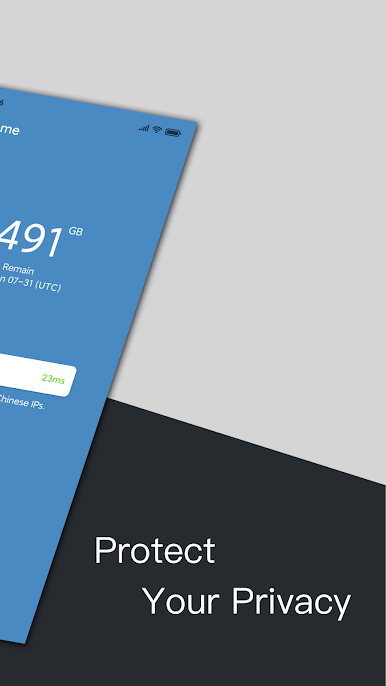
✔ Use TLS encryption to transmit data and use multiple layers of proxy server to protect your privacy
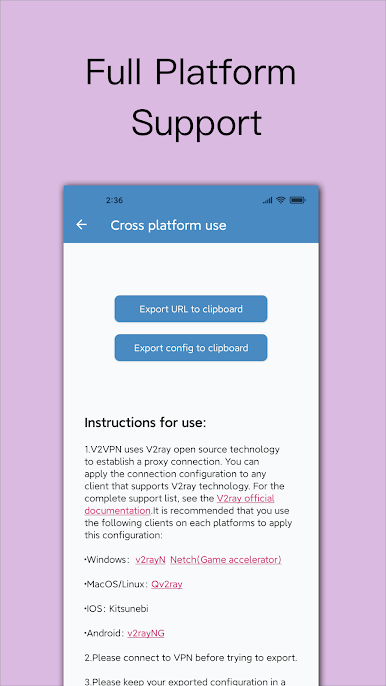
✔ Provide highly stable agency services with CDN technology
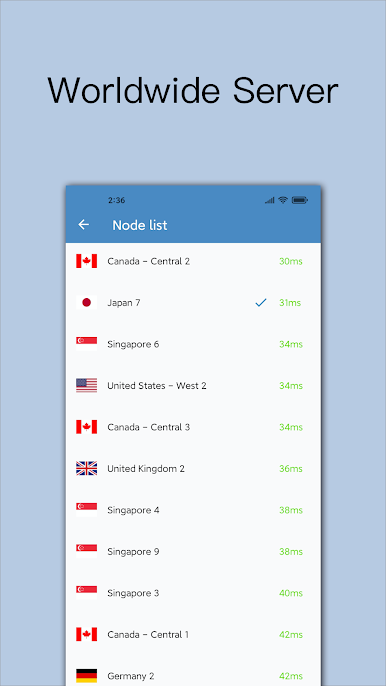
✔ Large number of server clusters
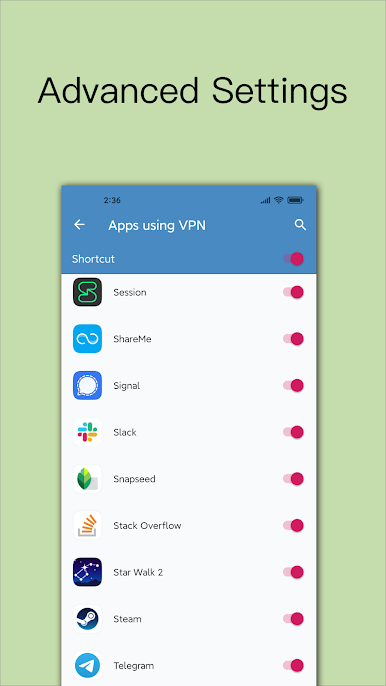
✔ Can be set to use proxy applications
✔ Smart selection server
🔴 Disclaimer
This app provides a VPN service to protect your private information, please use this app in accordance with local laws. This application is not responsible for any use of this application in violation of local laws or for violation of local laws.By using this app, you agree to all the above statements, ToS and the privacy policy by default.
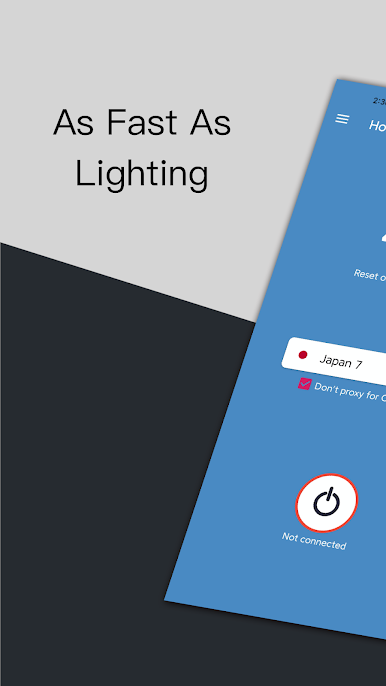
Play V2VPN - A Fast VPN Proxy on PC. It’s easy to get started.
-
Download and install BlueStacks on your PC
-
Complete Google sign-in to access the Play Store, or do it later
-
Look for V2VPN - A Fast VPN Proxy in the search bar at the top right corner
-
Click to install V2VPN - A Fast VPN Proxy from the search results
-
Complete Google sign-in (if you skipped step 2) to install V2VPN - A Fast VPN Proxy
-
Click the V2VPN - A Fast VPN Proxy icon on the home screen to start playing

