


McAfee® Security for Metro®
Play on PC with BlueStacks – the Android Gaming Platform, trusted by 500M+ gamers.

Page Modified on: Sep 30, 2025
Play McAfee® Security for Metro® on PC
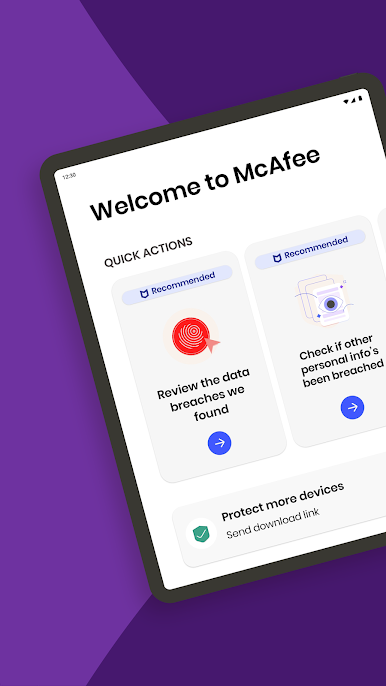
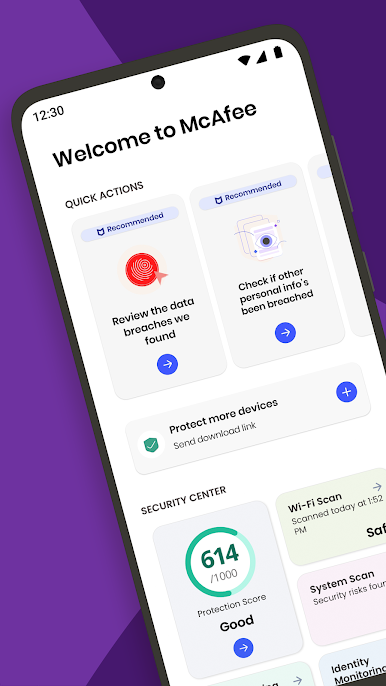
With McAfee Security for Metro you can secure multiple devices including your smartphones, tablets, Macs and PCs. Our powerful privacy and identity protection give you the confidence to explore freely online—anywhere, anytime.
Here’s just how much security you can expect:
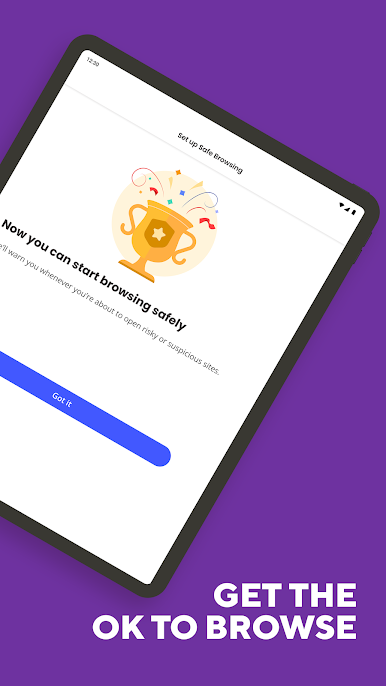
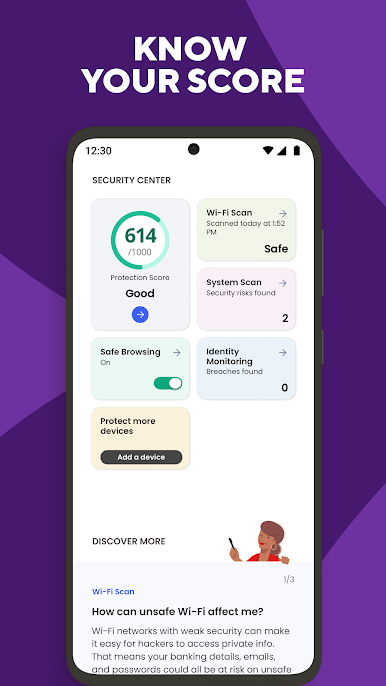
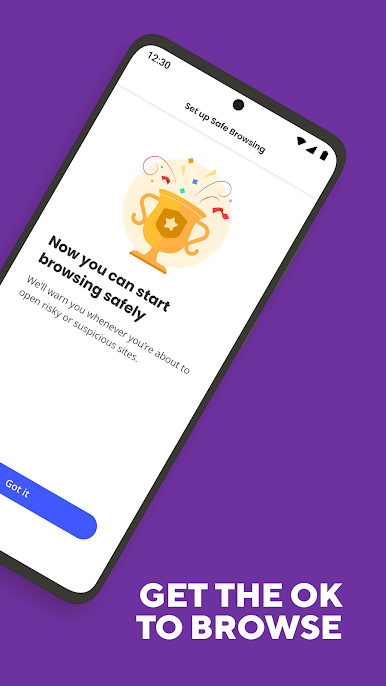
SAFE BROWSING
• Block malicious websites automatically so you can browse safely
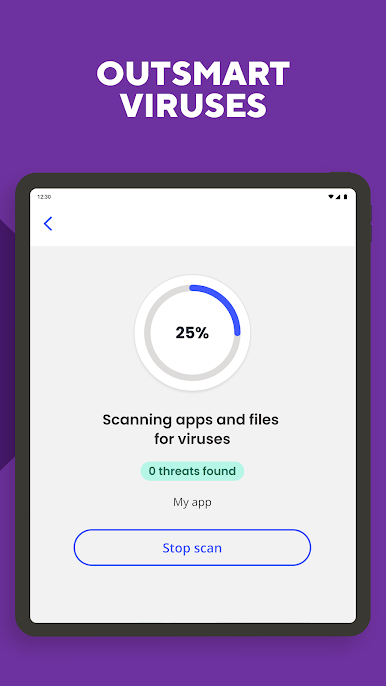
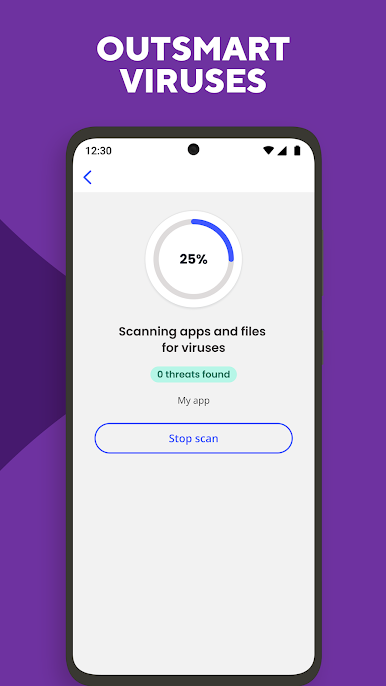
• Stop online threats like malware, spyware, viruses, and more
• Protect yourself from phishing and data leaks with Safe Browsing alerts
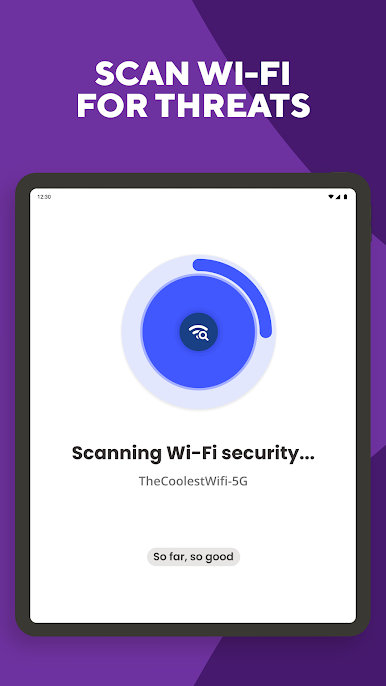
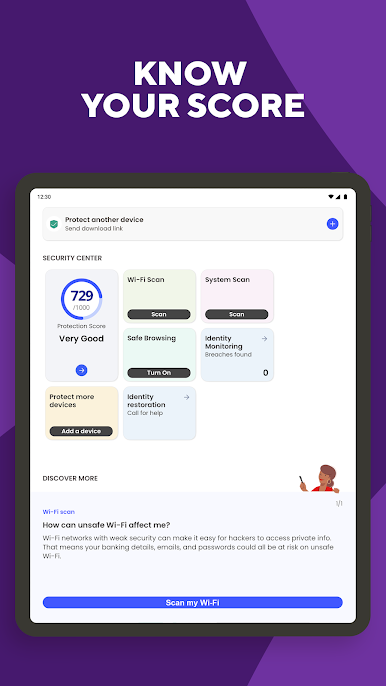
WI-Fl & SYSTEM SCANNER
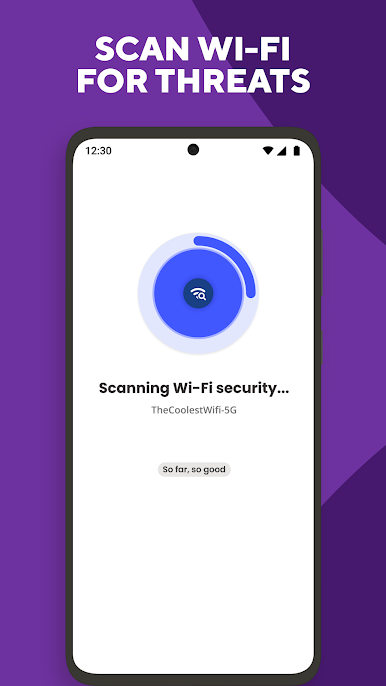
• Receive alerts when connecting to an unsecured Wi-Fi network or hotspot • Ensure safer online and network connections with Wi-Fi Scan
PROTECTION SCORE
• Learn how safe you are online with your personalized Protection Score
• Boost your score by following recommendations like monitoring more info
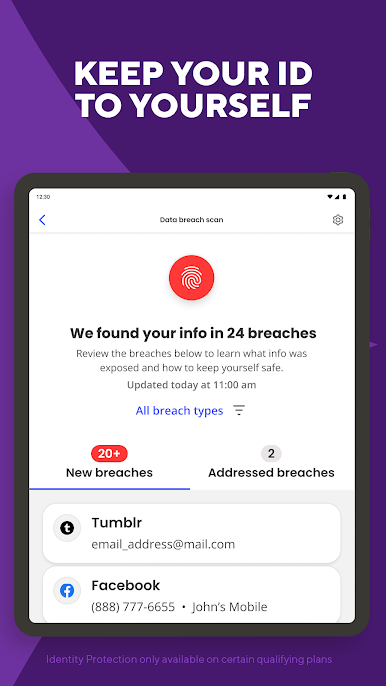
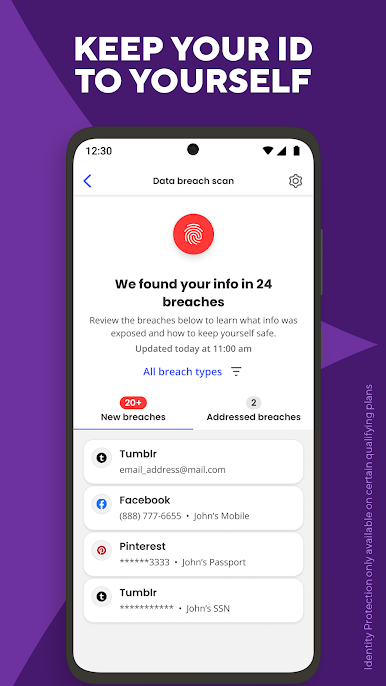
IDENTITY PROTECTION available on qualifying plans • Scan and monitor your personal data online
• Receive breach alerts and secure your info quickly with our protection tips
• Monitor up to 10 email addresses, ID numbers, passport numbers, bank cards and
more
McAfee uses the AccessibilityService API to access information about the websites you visit. This allows us to protect you in real-time from harmful sites.
McAfee Security for Metro makes it so much safer to live your life online. Download today and start exploring.

Play McAfee® Security for Metro® on PC. It’s easy to get started.
-
Download and install BlueStacks on your PC
-
Complete Google sign-in to access the Play Store, or do it later
-
Look for McAfee® Security for Metro® in the search bar at the top right corner
-
Click to install McAfee® Security for Metro® from the search results
-
Complete Google sign-in (if you skipped step 2) to install McAfee® Security for Metro®
-
Click the McAfee® Security for Metro® icon on the home screen to start playing

