


异次元
Play on PC with BlueStacks – the Android Gaming Platform, trusted by 500M+ gamers.

Page Modified on: Mar 27, 2026
Overview
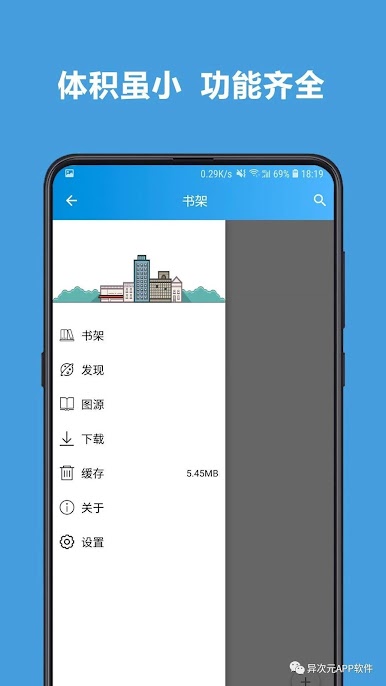
界面简洁干净。
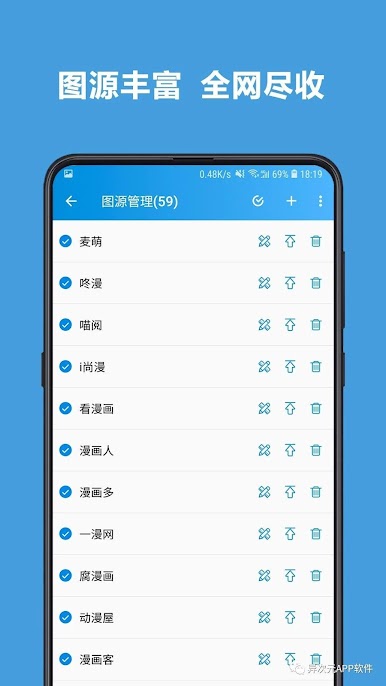
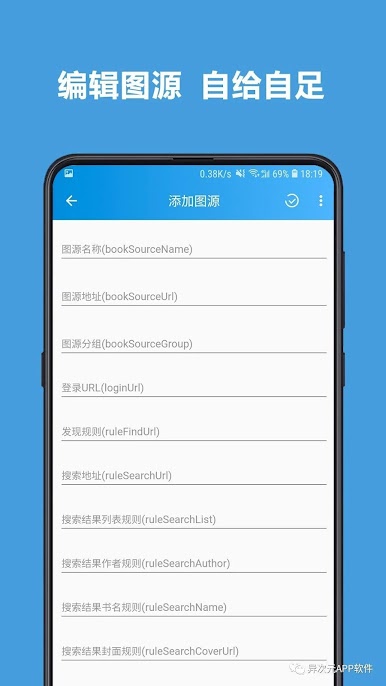
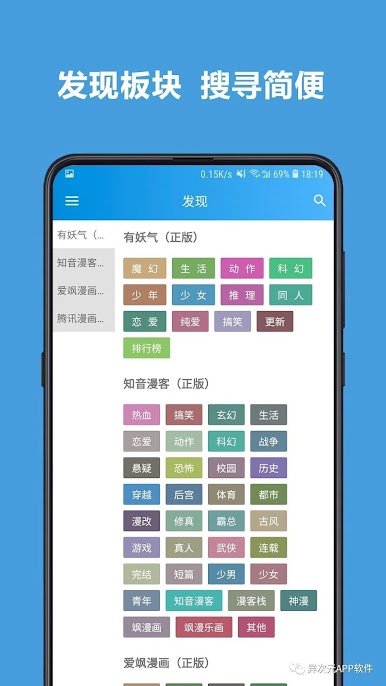
可自由制作添加图源和发现。
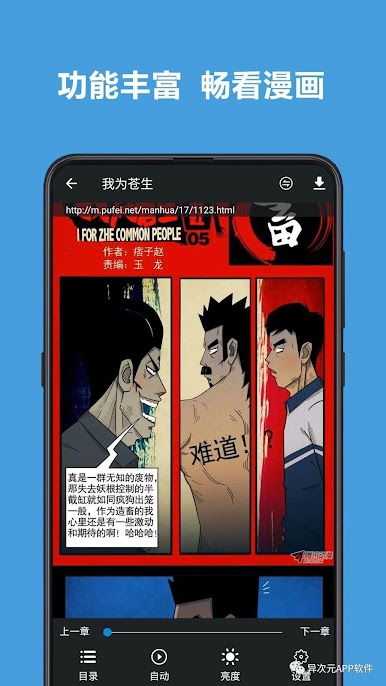
拥有多种翻页方式和阅读模式。
支持音量键翻页。
可对漫画进行下载缓存,方便无网络时观看。
支持图源和书架备份。
更多功能正在开发完善中。

Play 异次元 on PC. It’s easy to get started.
-
Download and install BlueStacks on your PC
-
Complete Google sign-in to access the Play Store, or do it later
-
Look for 异次元 in the search bar at the top right corner
-
Click to install 异次元 from the search results
-
Complete Google sign-in (if you skipped step 2) to install 异次元
-
Click the 异次元 icon on the home screen to start playing

