


Heartopia
Play on PC with BlueStacks – the Android Gaming Platform, trusted by 500M+ gamers.

Page Modified on: Mar 10, 2026
Main Heartopia on PC
[Game Features]
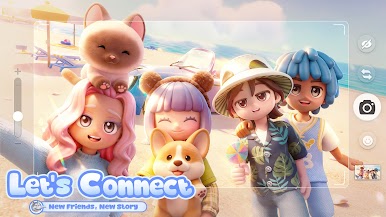
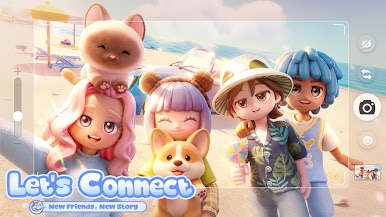
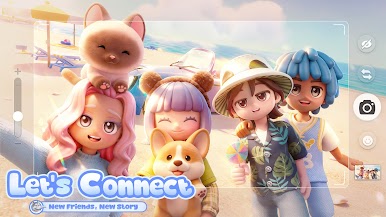
◆ Let's Connect! Create Unique Memories
Chat with the charming residents of Heartopia Town, hang out with old friends, and meet new friends every time you log in!
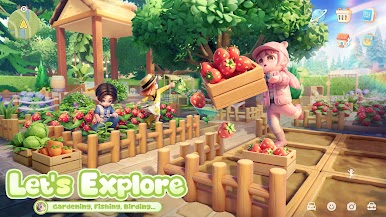
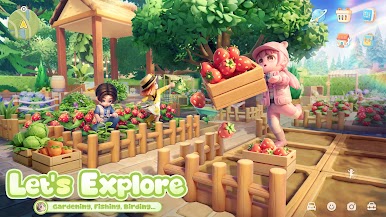
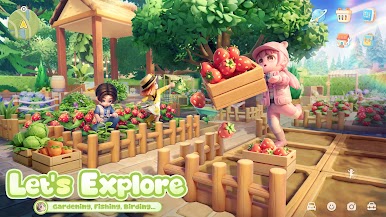
◆ Let's Explore! Gardening, Fishing, Birding...
Hobbies are yours to enjoy, not chores. In Heartopia, feel free to develop six major hobbies, including fishing, cooking, gardening, birdwatching, and more.
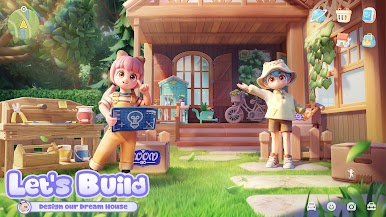
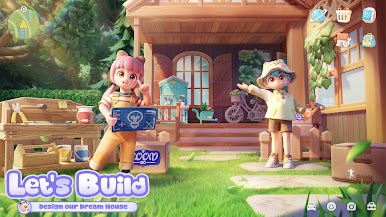
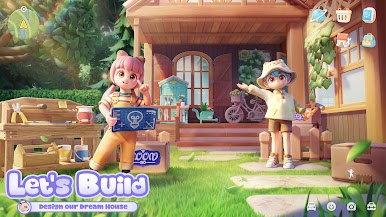
◆ Let's Build! Design Your Dream House
Whether you dream of a cozy cottage or a magnificent mansion, Heartopia gives you the tools to turn your vision into a reality. You can also invite your friends over and build your dream home together.
◆ Let's Dress Up! 1000+ Daily Outfits
Mix and match casual wear, elegant gowns, and whimsical costumes to create the perfect look for any occasion. Express your mood and show the world who you are.
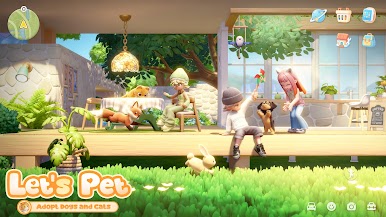
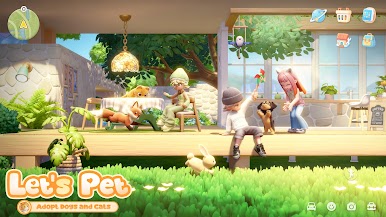
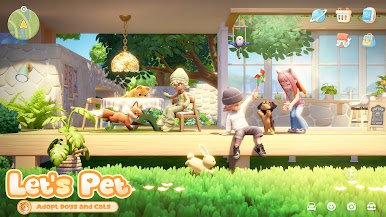
◆ Let's Pet! Adopt Cats and Dogs
Meet your very own animal companions in Heartopia! While each of your furry friends may come with different colors and personalities, they can all bring you warmth and comfort.
[Follow Us]
X:@myheartopia
TikTok:@heartopia_en
Facebook:Heartopia
Instagram:@myheartopia
YouTube:@heartopia-official
[System Requirements]
RAM: 6GB or more
Storage Space: 14 GB of available storage or more
OS: Android 8.0 and above








Play Heartopia on PC. It’s easy to get started.
-
Download and install BlueStacks on your PC
-
Complete Google sign-in to access the Play Store, or do it later
-
Look for Heartopia in the search bar at the top right corner
-
Click to install Heartopia from the search results
-
Complete Google sign-in (if you skipped step 2) to install Heartopia
-
Click the Heartopia icon on the home screen to start playing

