

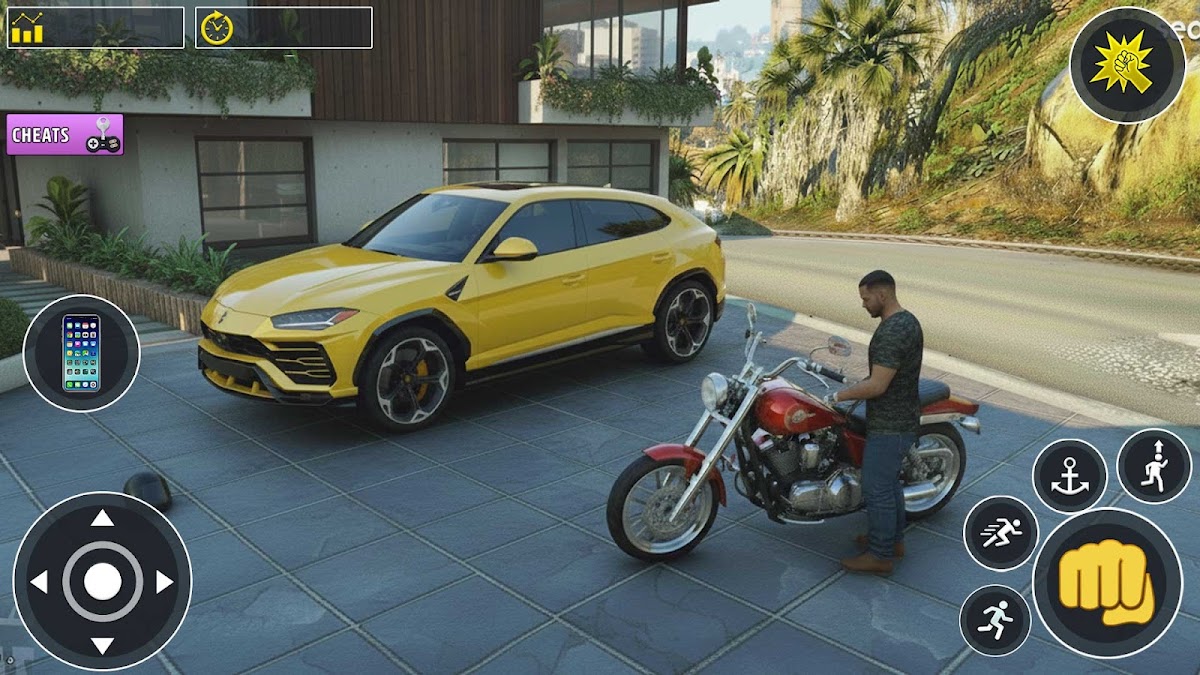
Open Crimeverse Gangster Game
Play on PC with BlueStacks – the Android Gaming Platform, trusted by 500M+ gamers.

Page Modified on: Jan 7, 2026
Main Open Crimeverse Gangster Game on PC
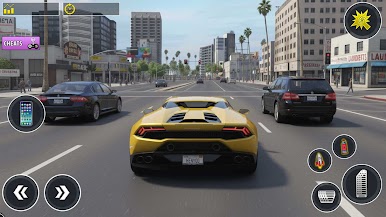
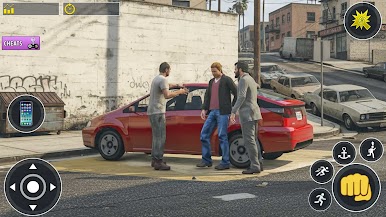
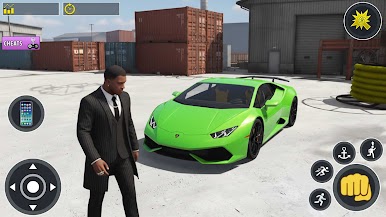
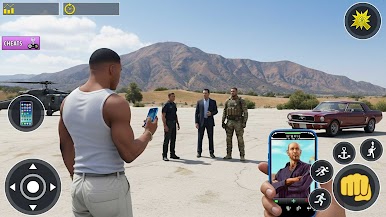
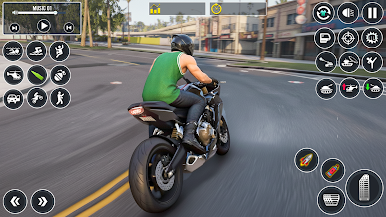
Every choice brings new excitement — whether you drive through heavy traffic, escape intense pursuits, or explore hidden areas filled with surprises. Feel the intensity of real action with smooth controls, lifelike animations, and cinematic moments that keep you completely immersed.
The city never sleeps — law enforcers patrol the roads, helicopters scan the skies, and every chase feels alive and unpredictable. Unlock a wide range of cars, bikes, trucks, and helicopters to experience the true freedom of movement. Customize your character, explore secret locations, and prove your strength through skill and determination.
The world is yours to shape — create your own path, test your limits, and rule the streets in this ultimate open-world experience where power and ambition collide. Every second is full of danger, opportunity, and excitement waiting to be discovered.
Play Open Crimeverse Gangster Game on PC. It’s easy to get started.
-
Download and install BlueStacks on your PC
-
Complete Google sign-in to access the Play Store, or do it later
-
Look for Open Crimeverse Gangster Game in the search bar at the top right corner
-
Click to install Open Crimeverse Gangster Game from the search results
-
Complete Google sign-in (if you skipped step 2) to install Open Crimeverse Gangster Game
-
Click the Open Crimeverse Gangster Game icon on the home screen to start playing

