


Crazy Pizza: Moto Delivery
Play on PC with BlueStacks – the Android Gaming Platform, trusted by 500M+ gamers.

Page Modified on: Jan 16, 2026
Main Crazy Pizza: Moto Delivery on PC
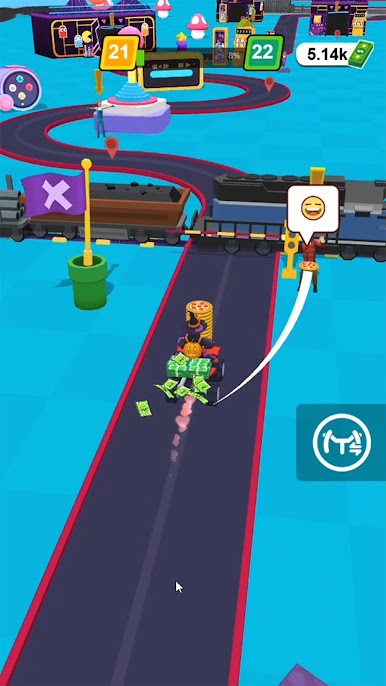
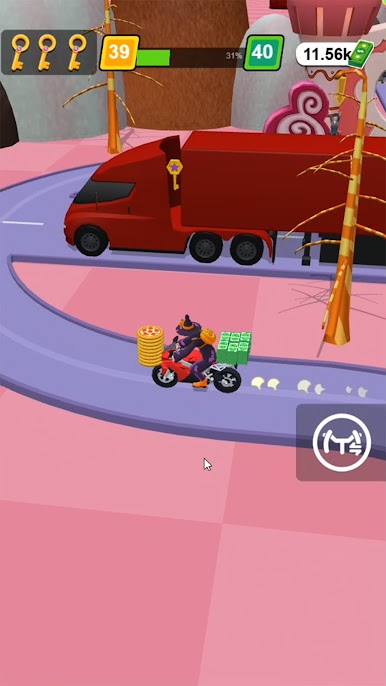
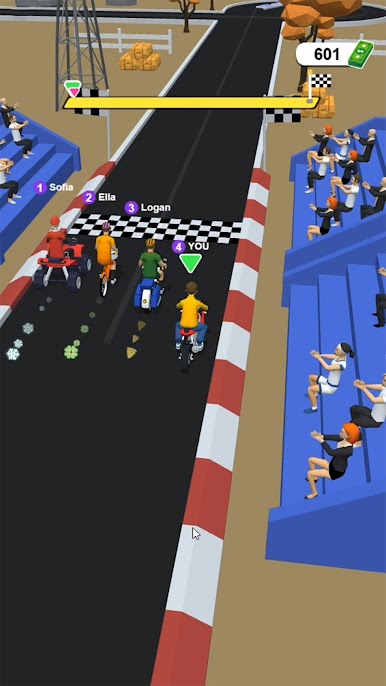
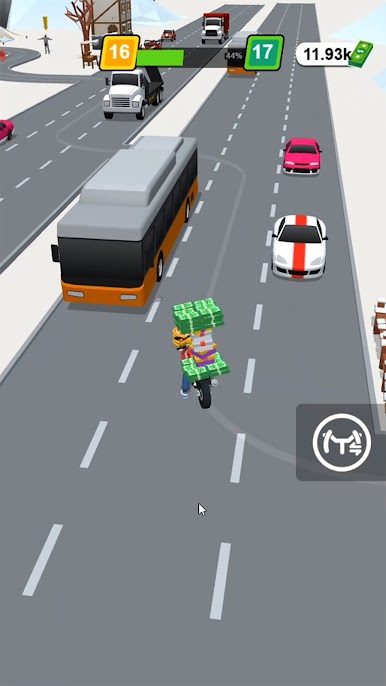
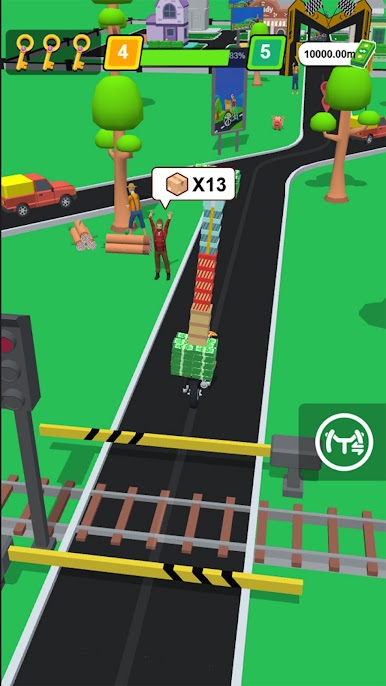
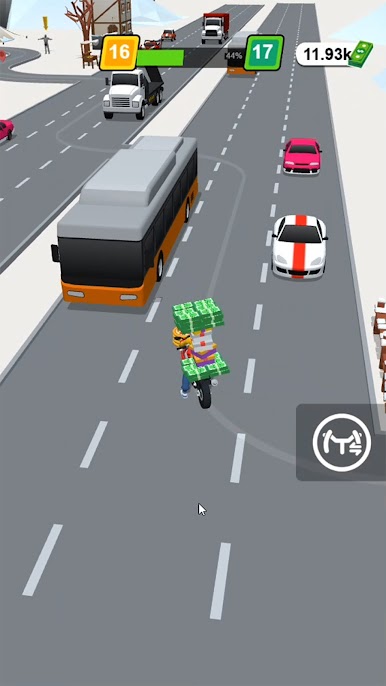
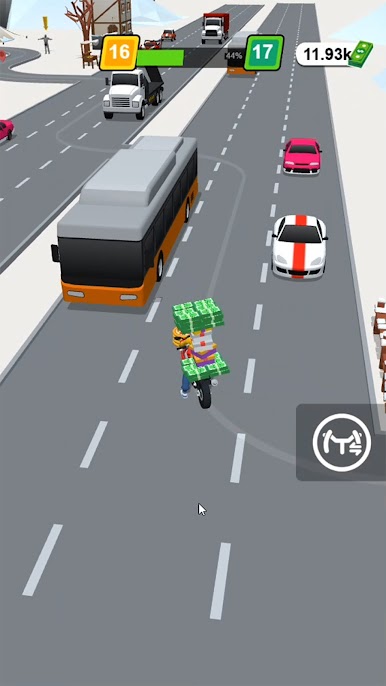
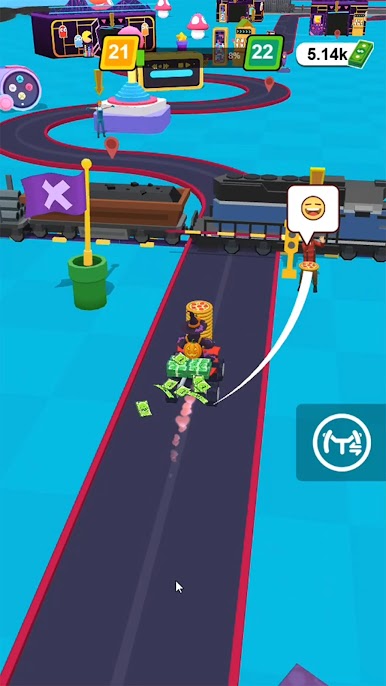
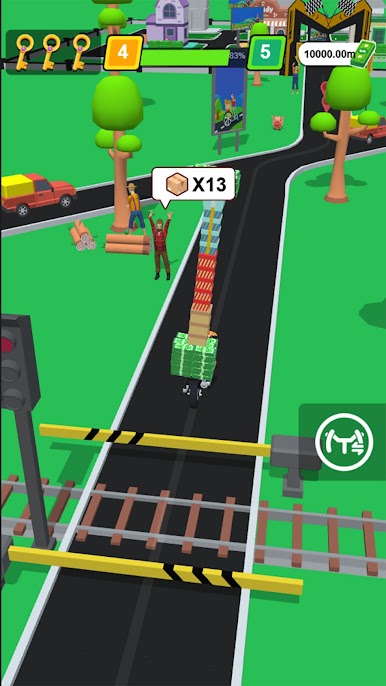
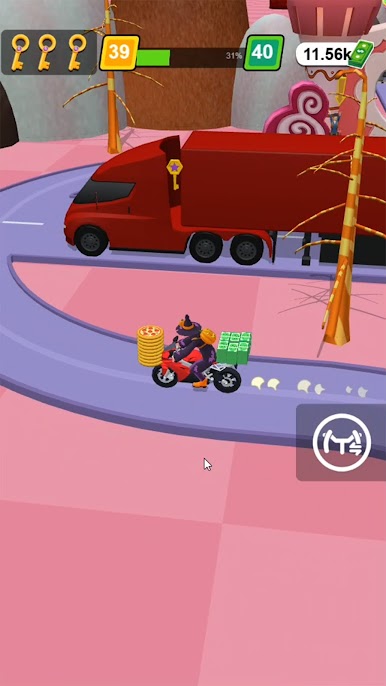
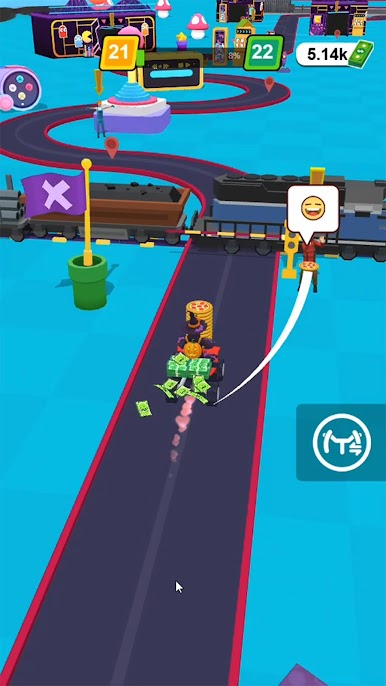
Become the fastest pizza courier in town! Deliver pizzas under pressure while dodging traffic, barriers, and crazy obstacles. Simple, thrilling gameplay perfect for quick sessions or long runs!
🍕 CORE FEATURES
• 🍔 Easy & Addictive Controls – Tap, swipe, and steer your way through busy streets with one-hand play.
• 🚗 Dynamic Obstacles – Cars, cones, trains, and more await on the road. Stay alert!
• 🔧 Upgrade Your Ride – Boost speed, handling & pizza storage capacity.
• 🎁 Daily Missions & Rewards – Complete challenges to unlock skins, scooters, and boosters.
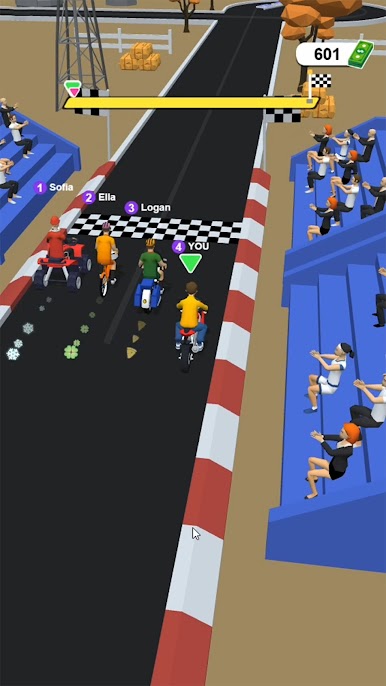
• 🏆 LOCAL & FRIEND LEADERBOARDS – Compare your best with friends and rivals.
• 🎨 CUSTOMIZATION – Unlock cool outfits, helmet styles, and pizza box skins.
• 🔁 Endless Replay – New routes, exciting hazards, and increasing difficulty keep gameplay fresh.
🕹 HOW TO PLAY
• Fast, one-hand controls — perfect for quick sessions.
• Earn coins from successful deliveries.
• Avoid collisions to keep your streak alive.
• Collect stars to unlock new levels and bikes.
• Simple for beginners, fun for pros.
• Play offline anytime, anywhere.
Join millions of players — upgrade your ride, deliver more, and climb the leaderboards in Crazy Pizza: Moto Delivery!
Play Crazy Pizza: Moto Delivery on PC. It’s easy to get started.
-
Download and install BlueStacks on your PC
-
Complete Google sign-in to access the Play Store, or do it later
-
Look for Crazy Pizza: Moto Delivery in the search bar at the top right corner
-
Click to install Crazy Pizza: Moto Delivery from the search results
-
Complete Google sign-in (if you skipped step 2) to install Crazy Pizza: Moto Delivery
-
Click the Crazy Pizza: Moto Delivery icon on the home screen to start playing

