


Pizza Dash: Moto Delivery
Play on PC with BlueStacks – the Android Gaming Platform, trusted by 500M+ gamers.

Page Modified on: Oct 10, 2026
Main Pizza Dash: Moto Delivery on PC
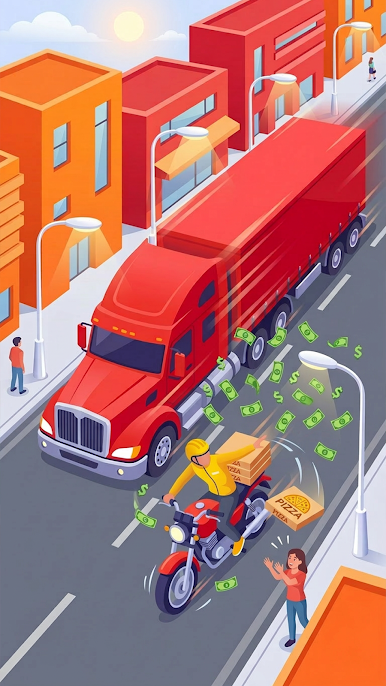
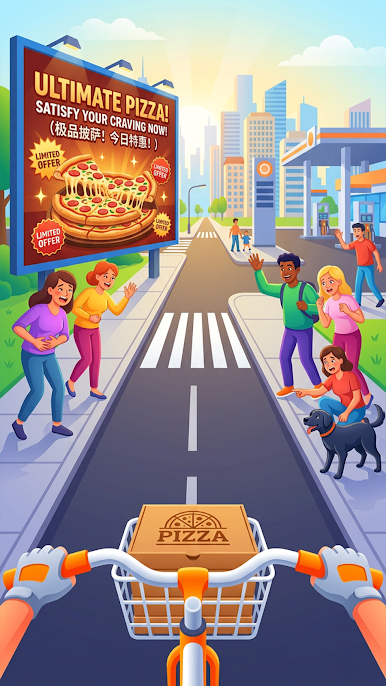
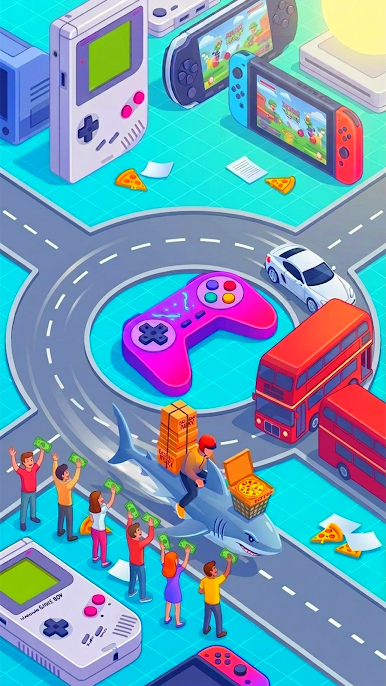
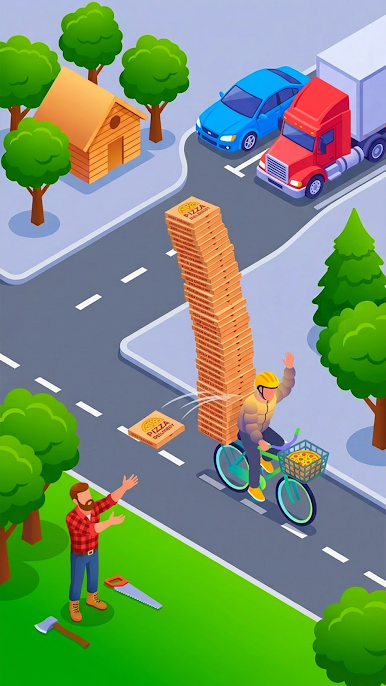
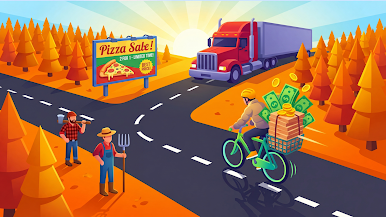
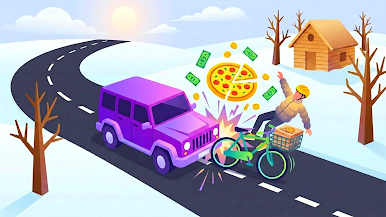
Ride your moto, follow the arrow route, dodge cars and trucks, grab cash on the road, and pull up to customers to deliver. Quick runs. Instant feedback. One more delivery.
WHAT YOU DO
• Follow the arrow path and make clean turns
• Slip through traffic with tight, readable dodges
• Collect cash stacks as you ride
• Pull up to the customer to deliver and keep going
WHY IT HOOKS YOU
• Fast, satisfying runs made for short breaks
• Clear route guidance—no guessing where to go
• Close calls that feel tense, not frustrating
• Smooth isometric follow camera for nonstop action
Start the dash. Deliver the pizza. Repeat.

Play Pizza Dash: Moto Delivery on PC. It’s easy to get started.
-
Download and install BlueStacks on your PC
-
Complete Google sign-in to access the Play Store, or do it later
-
Look for Pizza Dash: Moto Delivery in the search bar at the top right corner
-
Click to install Pizza Dash: Moto Delivery from the search results
-
Complete Google sign-in (if you skipped step 2) to install Pizza Dash: Moto Delivery
-
Click the Pizza Dash: Moto Delivery icon on the home screen to start playing

