


Last Extract
Play on PC with BlueStacks – the Android Gaming Platform, trusted by 500M+ gamers.

Page Modified on: Sep 7, 2026
Main Last Extract on PC
Scavenge:
Venture into perilous city ruins, abandoned hospitals, or underground fortresses to search for weapons, ammo, medkits, and valuable supplies. Every expedition is fraught with unknowns and risks.
Fight:
When ambushed by zombie swarms, use the weapons you’ve found to strike back with precision.
Extract:
Carry your loot to the designated extraction point. This is the ultimate test of your strategy and judgment—do you greedily scavenge a little longer, or know when to cut your losses?
Are you ready to push your survival limits?

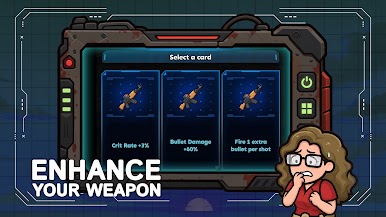
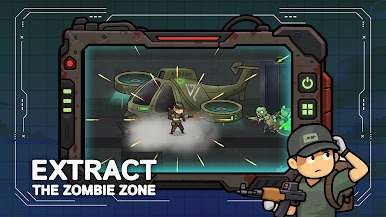
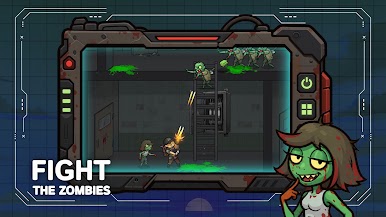
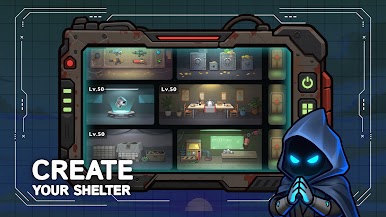
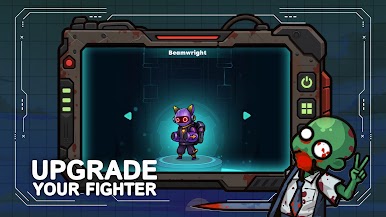
Play Last Extract on PC. It’s easy to get started.
-
Download and install BlueStacks on your PC
-
Complete Google sign-in to access the Play Store, or do it later
-
Look for Last Extract in the search bar at the top right corner
-
Click to install Last Extract from the search results
-
Complete Google sign-in (if you skipped step 2) to install Last Extract
-
Click the Last Extract icon on the home screen to start playing

