


rednote
Play on PC with BlueStacks – the Android Gaming Platform, trusted by 500M+ gamers.

Page Modified on: Oct 9, 2026
Main rednote on PC
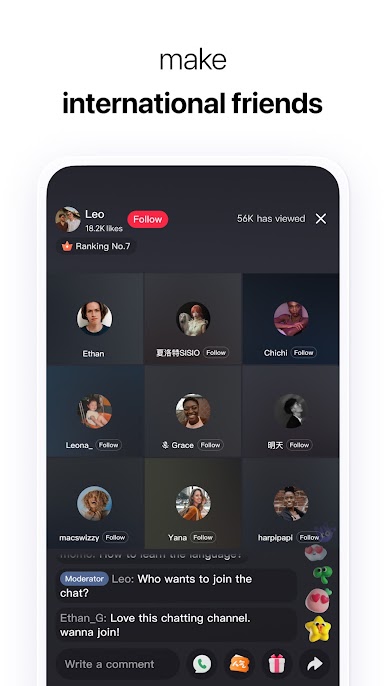
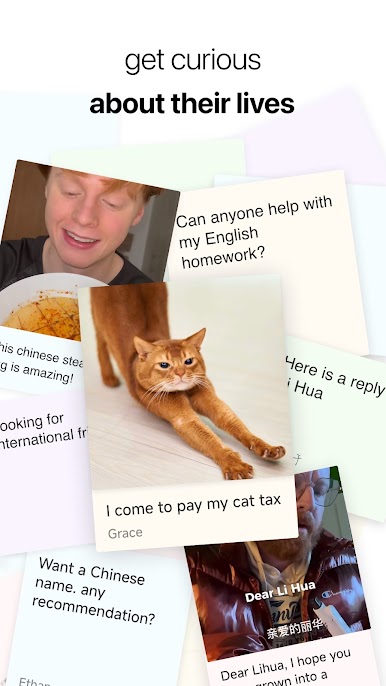
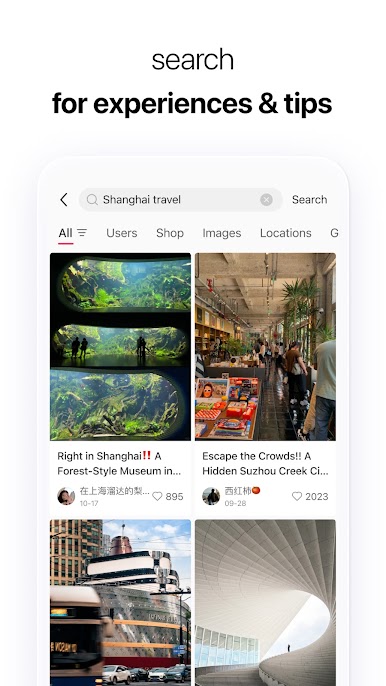
Welcome to the community. this is a place where people share their life and connect with each other. Millions of users share their daily life here, from favorite music to fashion looks, from cooking recipe to home decor, from travel tips to their beloved cats and dogs. We welcome you to share everything about your life and connect with the villagers around the global.
To better navigate here, we'd like to share some CORE VALUES of rednote with you:
Authenticity: Everyone is unique and has their own life story, so just be yourself here. You can think of us as friends and feel free to share your daily life or special moments. We believe authenticity builds trust, what you share may also help or inspire others, so we encourage you to be genuine and friendly in your posts.
Helpfulness: For years, rednote villagers have been sharing billions of life experience and tips and helped countless people they've never met. The world is big, but we believe people share more similarities in their life than they thought. We encourage you to share your unique experiences here and inspire another "you" somewhere on this planet.
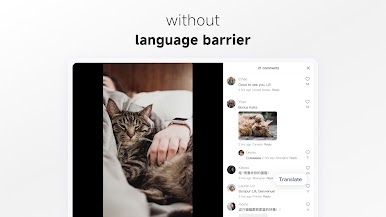
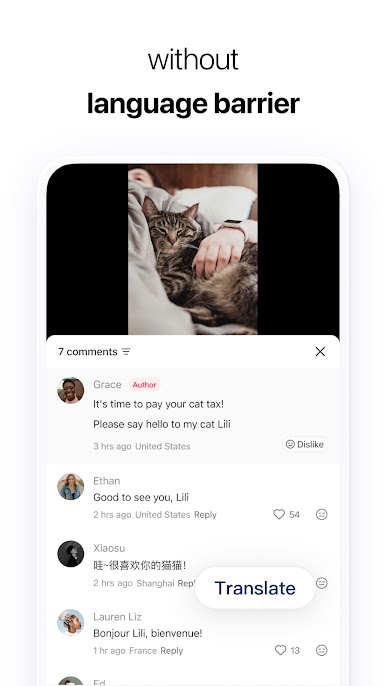
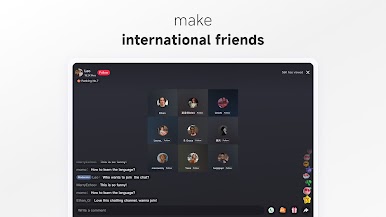
Inclusivity: We believe the world is a "global village", where people from different regions and cultures can connect and communicate.
In this welcoming community. We hope everyone respects each other and embraces differences in values, cultures, and perspectives.
We encourage you to show your likes and appreciation for other villagers. We believe that kindness will always be returned, and you'll feel the warmth and love from others.
Have fun and happy sharing!
Lots of love from the rednote team




Play rednote on PC. It’s easy to get started.
-
Download and install BlueStacks on your PC
-
Complete Google sign-in to access the Play Store, or do it later
-
Look for rednote in the search bar at the top right corner
-
Click to install rednote from the search results
-
Complete Google sign-in (if you skipped step 2) to install rednote
-
Click the rednote icon on the home screen to start playing

