


candybongz
Play on PC with BlueStacks – the Android Gaming Platform, trusted by 500M+ gamers.

Page Modified on: Oct 27, 2024
Play candybongz on PC
It supports connection of Candy Bong and Twice Band.
*Main function guide
1. Product connection (using support tool)
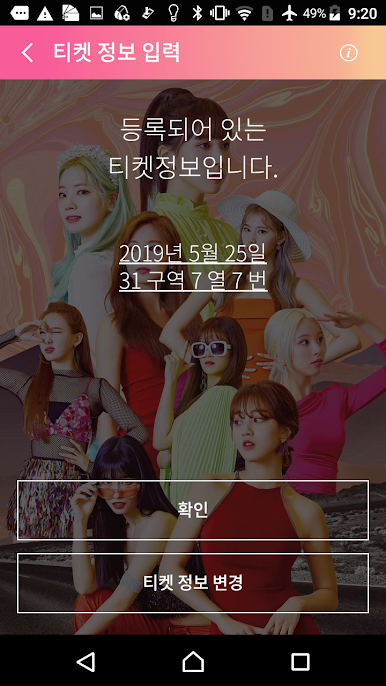
If you enter your seat number on the official cheering stick during the performance, the color will automatically change according to the stage direction, so you can enjoy the performance more enjoyably. (Excluding some performances depending on the situation)
2. Lighting control
You can link your own smart device with the TWICE official cheering stick through Bluetooth connection,
You can create various atmospheres by controlling the brightness, color, and mode of the light.
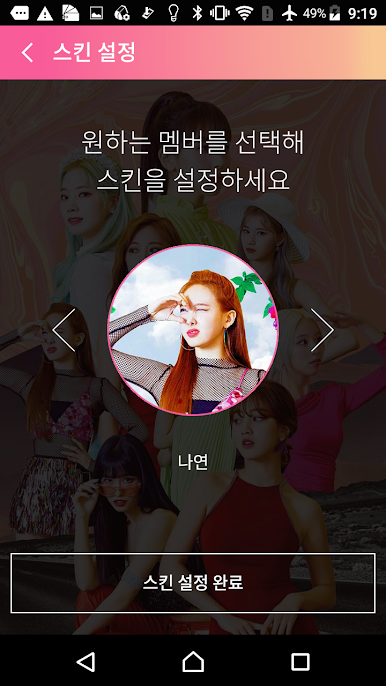
3. Apply skin for each member
You can decorate your own application by setting the member's image as the wallpaper of the app.
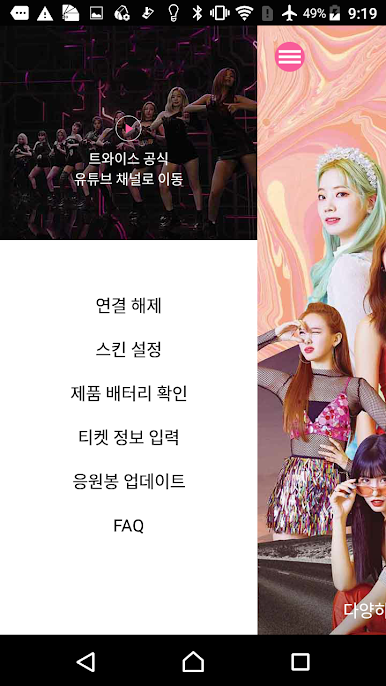
4. YouTube channel connection
You can enjoy a variety of videos through the TWICE YouTube channel.
5. Check the remaining battery capacity of the candy sewing machine
You can check the battery level of the candy plush connected to the app.
* App access permission information
Article 22-2, Paragraph 1 of the Information and Communication Network Act (Information stored in mobile communication terminal devices and installed functions
Notify the reason and implement the access permission consent procedure) and provide the necessary access rights when using the app.
We will guide you as follows.
1) Required access rights
-No required access rights
2) Optional access rights
-Storage space: Used to record information for various productions during performances
-Camera: Used to read QR codes to check information for various productions on the ticket during the performance
-Location: Search for a cheer stick (BLE) is used because it only works when the location service is activated.
Optional access permission can be changed in Settings-Application Manager-Candybongz LightStick App-Permissions.

Play candybongz on PC. It’s easy to get started.
-
Download and install BlueStacks on your PC
-
Complete Google sign-in to access the Play Store, or do it later
-
Look for candybongz in the search bar at the top right corner
-
Click to install candybongz from the search results
-
Complete Google sign-in (if you skipped step 2) to install candybongz
-
Click the candybongz icon on the home screen to start playing

