


SEVENTEEN LIGHT STICK VER2
Play on PC with BlueStacks – the Android Gaming Platform, trusted by 500M+ gamers.

Page Modified on: Oct 24, 2024
Play SEVENTEEN LIGHT STICK VER2 on PC
* Feature Guide
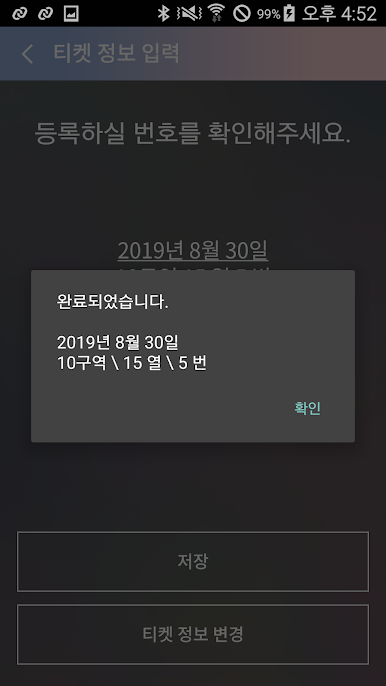
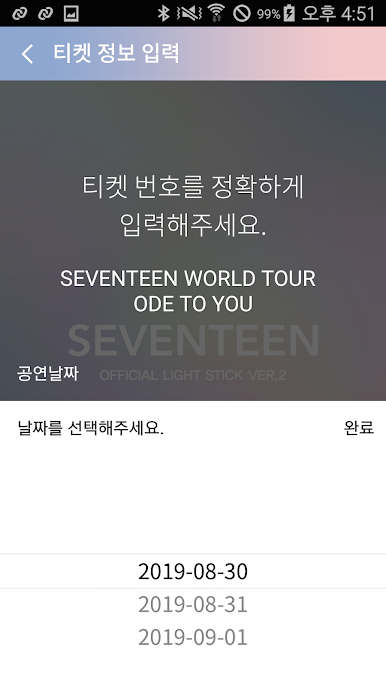
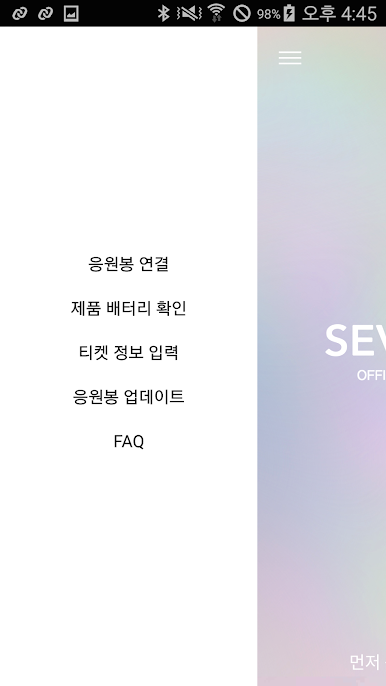
1. Register your ticket number
If you register your seat number on the official cheerleader during the performance, the color will automatically change to match the stage production, allowing you to enjoy your performance more enjoyably.
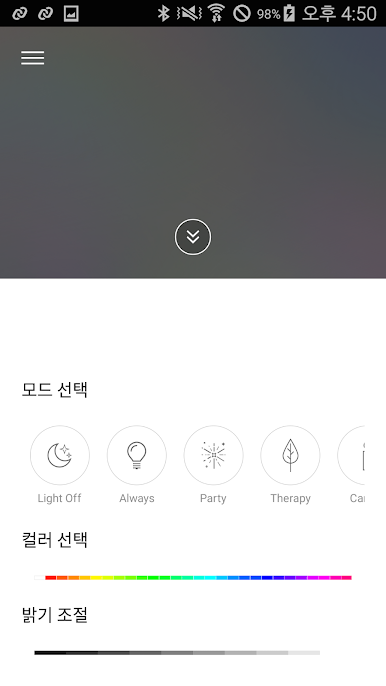
2. Check the battery level of the seventeen light stick
Check the battery level of the cheerleading connected to the app.
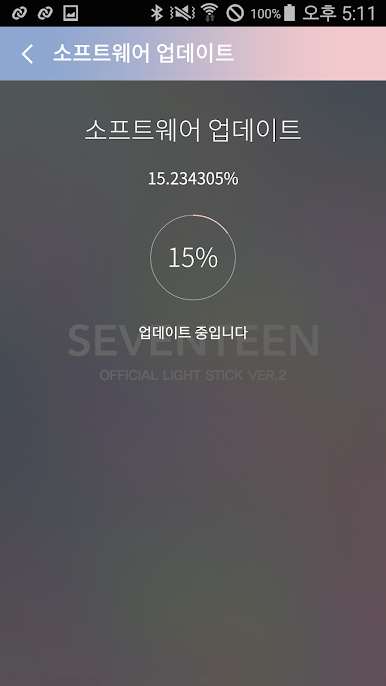
3. Seventeen light stick update
* App access permission guide
Article 22-2 (1) of the Information and Communication Network Act (information stored in the mobile communication terminal device and installed functions)
Notice the reason and implement the access right consent procedure).
We guide as follows.
1) Required Access Rights
-No required access
2) selective access
-Storage space: used to record information for various productions during the performance
-Camera: Use when reading QR code to check information on various tickets for performance
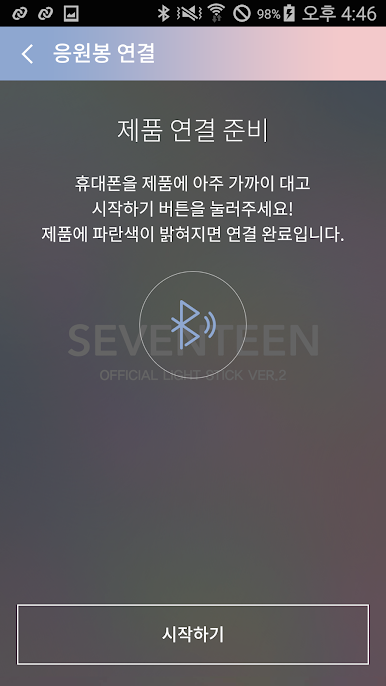
-Location: Use Cheer Pole Search (BLE) because it only works if location services are enabled.
Optional access permissions can be changed in Settings-Application Manager-SVT VER.2 App-Permissions.
Play SEVENTEEN LIGHT STICK VER2 on PC. It’s easy to get started.
-
Download and install BlueStacks on your PC
-
Complete Google sign-in to access the Play Store, or do it later
-
Look for SEVENTEEN LIGHT STICK VER2 in the search bar at the top right corner
-
Click to install SEVENTEEN LIGHT STICK VER2 from the search results
-
Complete Google sign-in (if you skipped step 2) to install SEVENTEEN LIGHT STICK VER2
-
Click the SEVENTEEN LIGHT STICK VER2 icon on the home screen to start playing

