


Gartner Conference Navigator
Play on PC with BlueStacks – the Android Gaming Platform, trusted by 500M+ gamers.

Page Modified on: Nov 23, 2025
Play Gartner Conference Navigator on PC
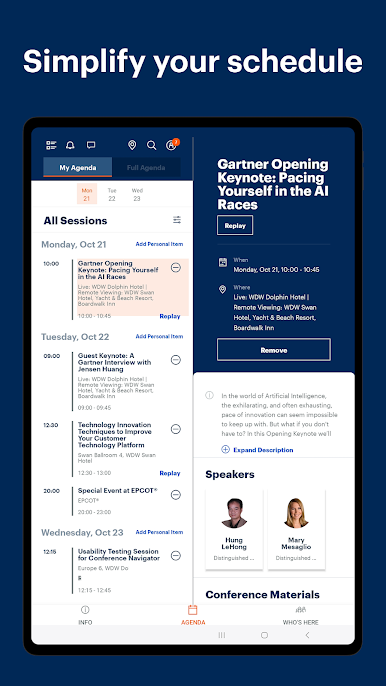
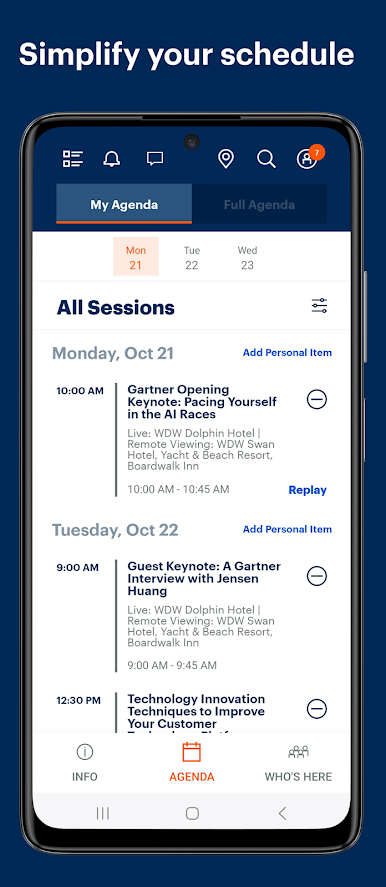
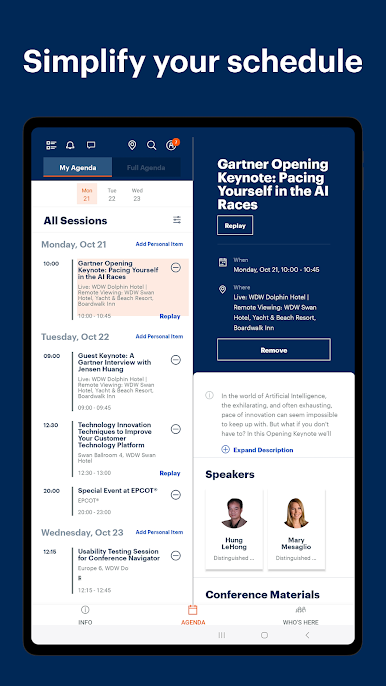
• Simplify your schedule: Easily access, explore, and personalize your conference agenda—anytime, anywhere. Sync effortlessly with your personal or professional calendar to stay organized and on track.
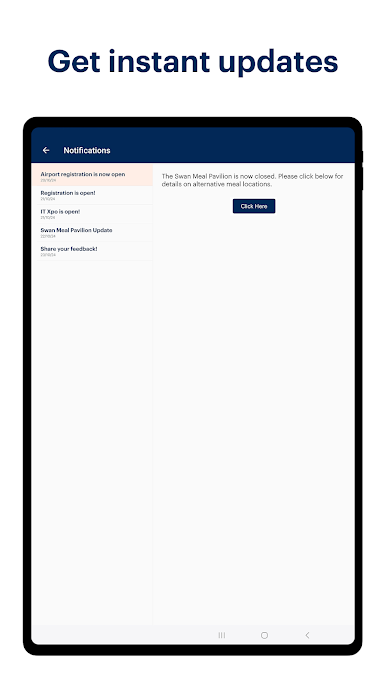
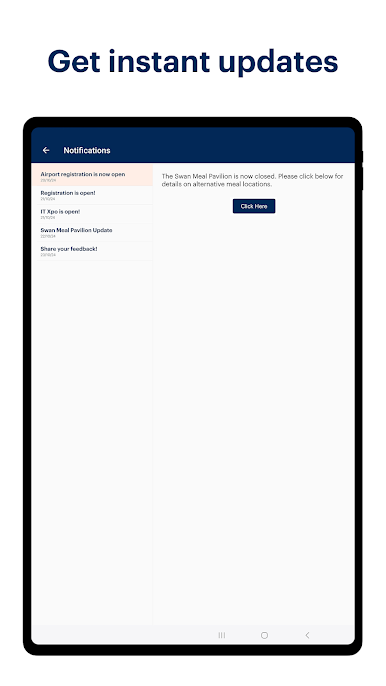
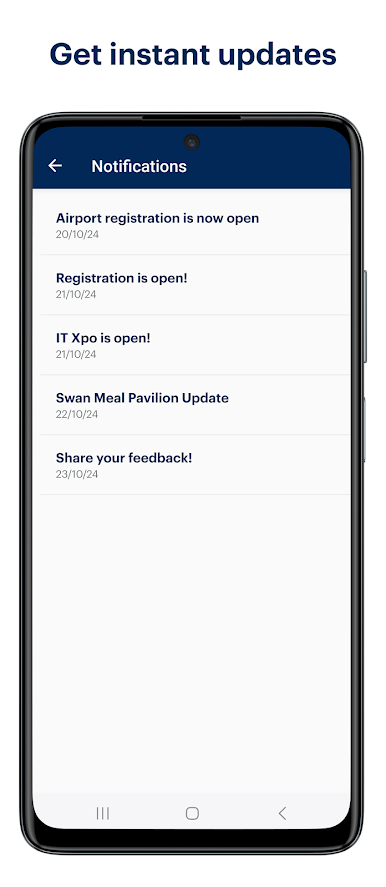
• Get instant updates: Stay informed with real-time alerts on session changes, room updates, and essential announcements.
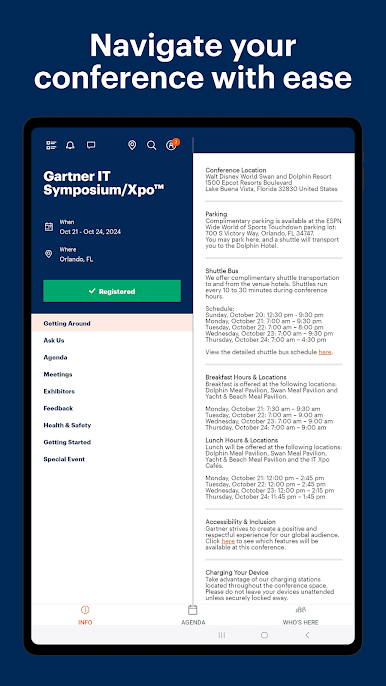
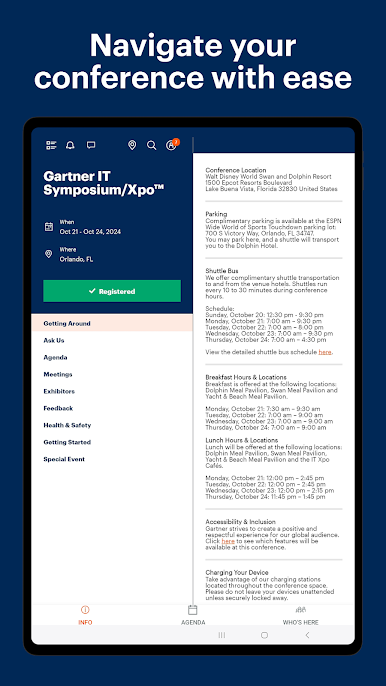
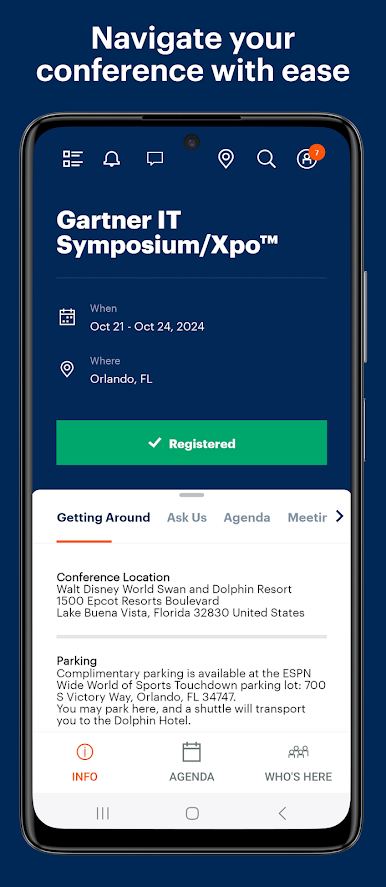
• Navigate with your conference with ease: Find venue details, explore maps, and receive quick assistance through our “Ask Us” chat. Access attendee, speaker, and exhibitor information – all in one place.
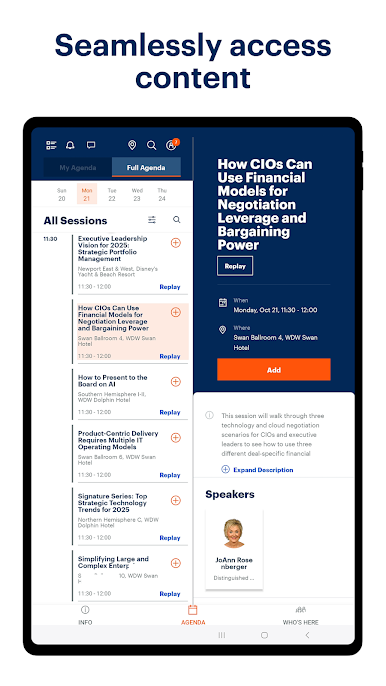
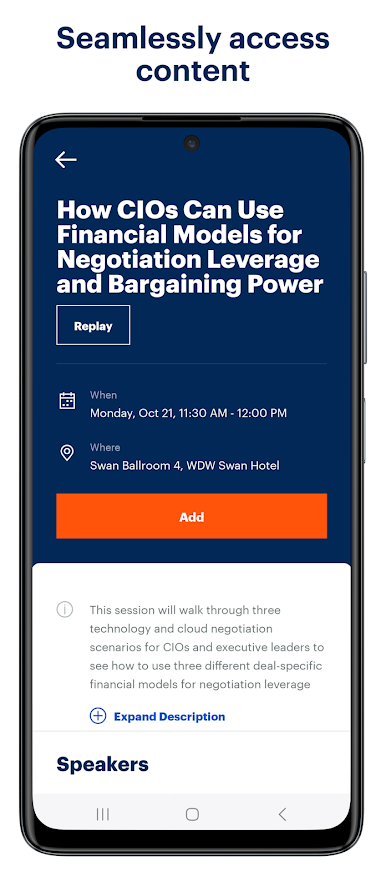
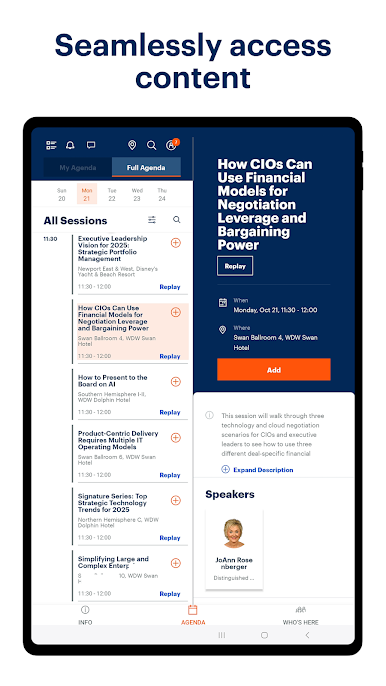
• Access content: Stream session videos, save your session notes, catch replays, and view or download conference presentations.
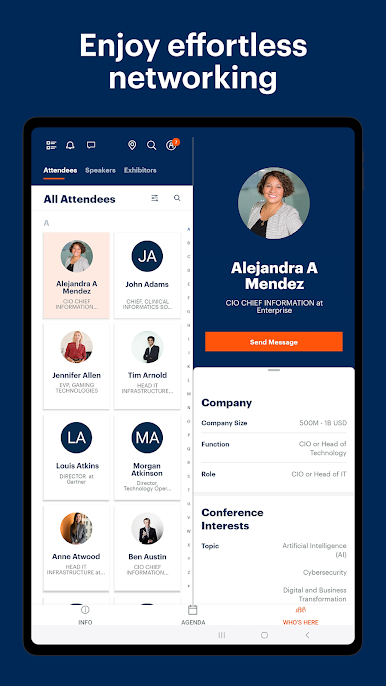
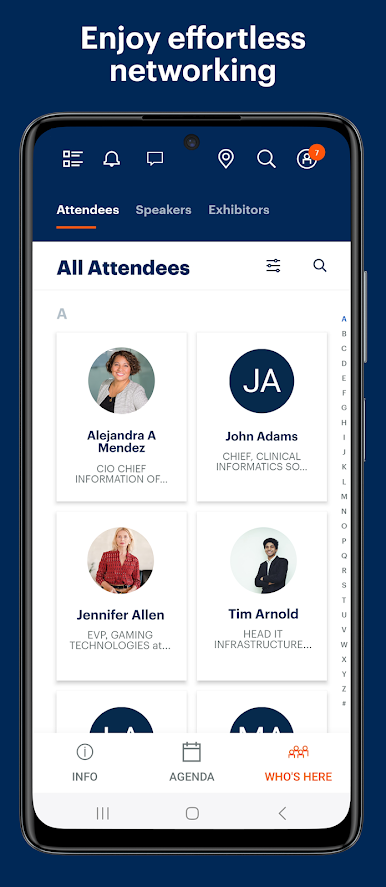
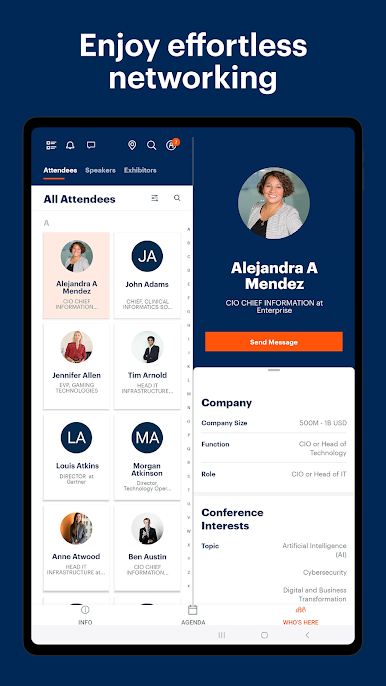
• Enjoy effortless networking: Connect with fellow attendees and exhibitors using the “Who’s Here” feature and engage with integrated chat features.
Gartner Conference Navigator is available to all conference attendees and registered users.
Play Gartner Conference Navigator on PC. It’s easy to get started.
-
Download and install BlueStacks on your PC
-
Complete Google sign-in to access the Play Store, or do it later
-
Look for Gartner Conference Navigator in the search bar at the top right corner
-
Click to install Gartner Conference Navigator from the search results
-
Complete Google sign-in (if you skipped step 2) to install Gartner Conference Navigator
-
Click the Gartner Conference Navigator icon on the home screen to start playing

