


ChatBot - AI Chat
Play on PC with BlueStacks – the Android Gaming Platform, trusted by 500M+ gamers.

Page Modified on: Oct 24, 2025
Play ChatBot - AI Chat on PC
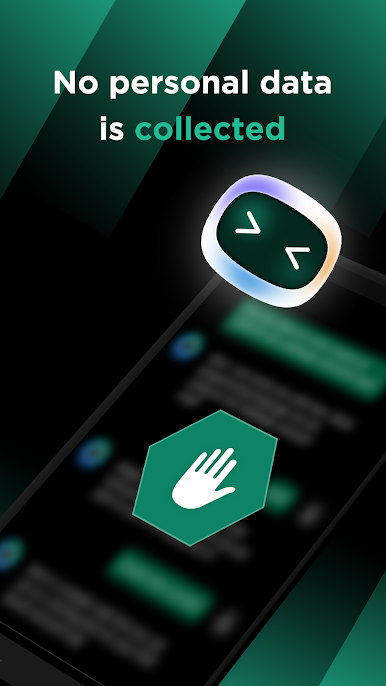
We do not store, disseminate, or use any of our users' private information, ensuring maximum privacy protection. ChatBot provides a secure and convenient way for you to chat with Chatgpt anytime, anywhere.
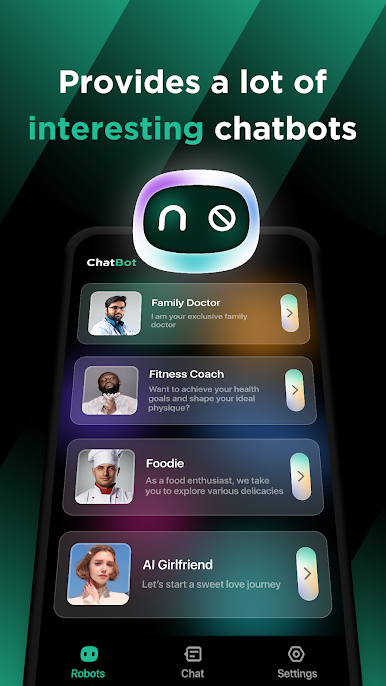
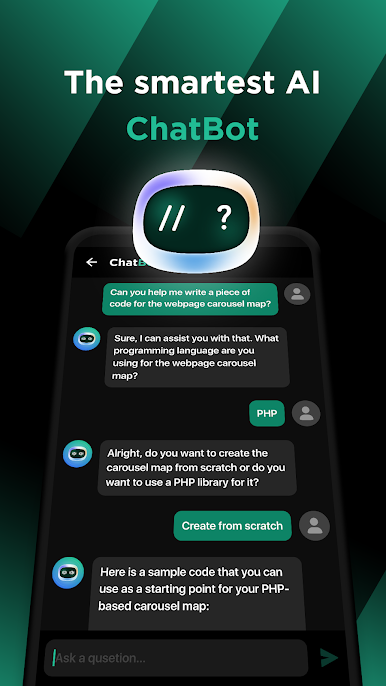
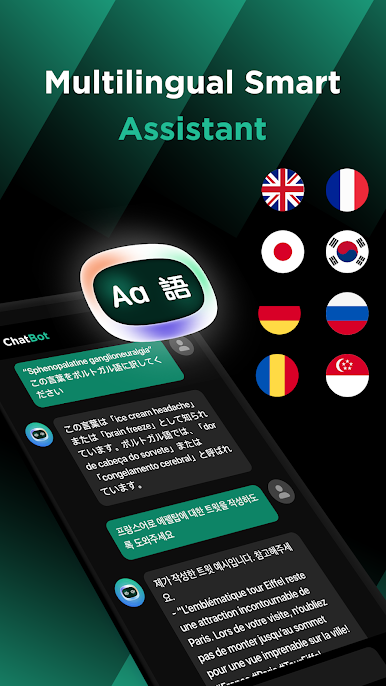
Whether you want to know the latest news, weather, entertainment, sports, health, food, or any other topics, ChatBot will provide you with the most comprehensive answers and thoughtful suggestions. Chatgpt technology is at the forefront globally and can quickly identify and answer your questions, helping you gain more knowledge and fun in your leisure time.
ChatBot [Powered by ChatGPT] - chat easily and enjoy life! Download and experience it now!


Play ChatBot - AI Chat on PC. It’s easy to get started.
-
Download and install BlueStacks on your PC
-
Complete Google sign-in to access the Play Store, or do it later
-
Look for ChatBot - AI Chat in the search bar at the top right corner
-
Click to install ChatBot - AI Chat from the search results
-
Complete Google sign-in (if you skipped step 2) to install ChatBot - AI Chat
-
Click the ChatBot - AI Chat icon on the home screen to start playing

