


Yami: Shop All of Asia’s Best
Play on PC with BlueStacks – the Android Gaming Platform, trusted by 500M+ gamers.

Page Modified on: Mar 16, 2026
Play Yami: Shop All of Asia’s Best on PC
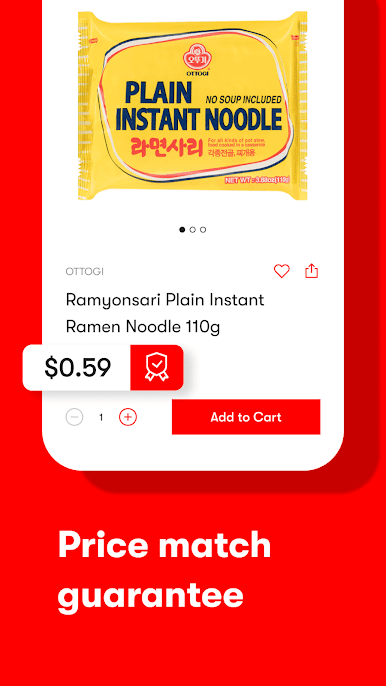
Our wide selection is curated from Japan, South Korea, Thailand, China, Singapore, Malaysia, and many other Asian countries. Discover delicious treats, latest beauty trends, unique electronic gadgets, and more through our app which is designed to let you conveniently shop anytime and anywhere.
Yami was named Inc. Magazine’s fastest growing start-up on the ”Inc. 500 List,” and has also been praised by Eater, TechCrunch, Yahoo, CNBC, Bloomberg Businessweek, as well as many others.
Download our app now to get a discount off your first order! Plus enjoy free shipping on every Yami fulfilled order over $49.
Permission disclosure
This app uses a foreground service to support real-time customer chat sessions. When a user contacts customer support, the app maintains a live connection with the support agent using a foreground service. A persistent notification is shown during the chat session. This service is only active during the conversation and stops automatically when the session ends.
Contact Us:
Phone: 1-800-407-9710
Email: help@yami.com
Website: http://www.yami.com






Play Yami: Shop All of Asia’s Best on PC. It’s easy to get started.
-
Download and install BlueStacks on your PC
-
Complete Google sign-in to access the Play Store, or do it later
-
Look for Yami: Shop All of Asia’s Best in the search bar at the top right corner
-
Click to install Yami: Shop All of Asia’s Best from the search results
-
Complete Google sign-in (if you skipped step 2) to install Yami: Shop All of Asia’s Best
-
Click the Yami: Shop All of Asia’s Best icon on the home screen to start playing

