

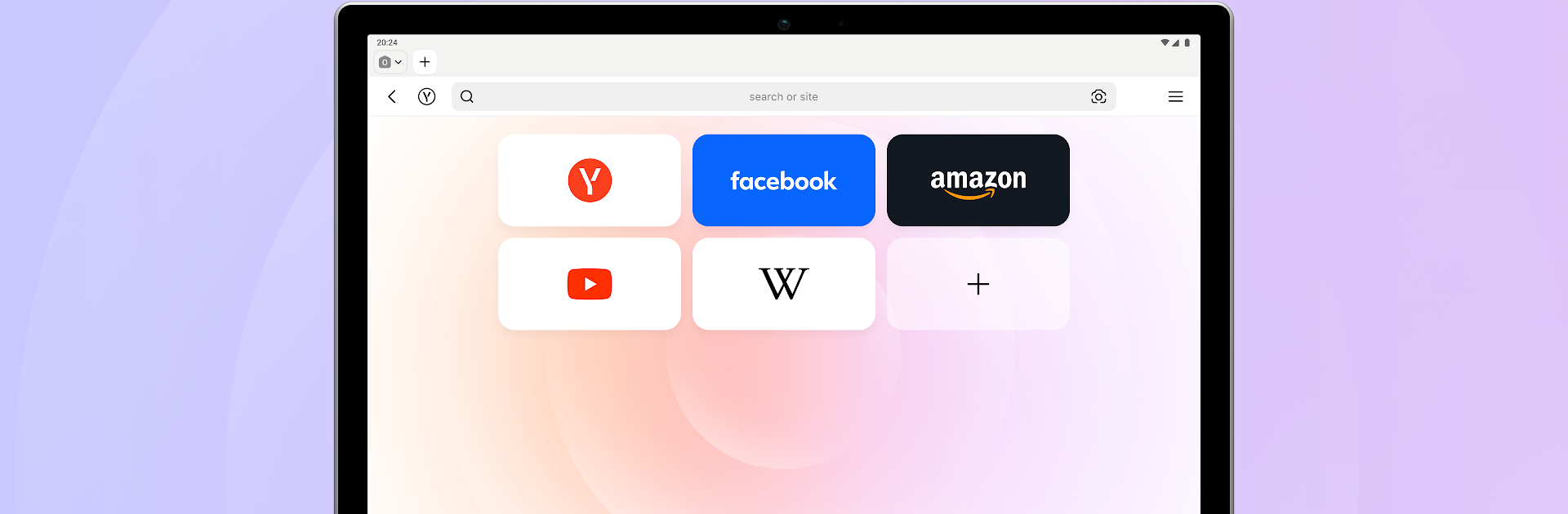
Yandex Browser (beta)
Play on PC with BlueStacks – the Android Gaming Platform, trusted by 500M+ gamers.

Page Modified on: Mar 20, 2026
Run Yandex Browser (beta) on PC or Mac
What’s better than using Yandex Browser (beta) by Direct Cursus Computer Systems Trading LLC? Well, try it on a big screen, on your PC or Mac, with BlueStacks to see the difference.
About the App
Yandex Browser (beta) gives you a sneak peek at what’s coming next from Direct Cursus Computer Systems Trading LLC. It’s a preview build of a Tools-class browser, made for curious users who like trying new things and don’t mind reporting the odd hiccup.
App Features
- Early access: Test upcoming tools and tweaks before they hit the stable release, so you can see what’s new and shape the final product.
- Testers welcome: This is a beta, so expect rough edges — crashes, glitches, or unfinished bits. It’s aimed at people comfortable poking around and sending feedback through the browser settings.
- Parallel installation: Want to keep your regular browser? No need to uninstall the stable release — the beta can run alongside it without overwriting your main setup.
- Send feedback: Found a bug or have an idea? There’s a built-in feedback path in settings to tell the team what’s working and what’s not.
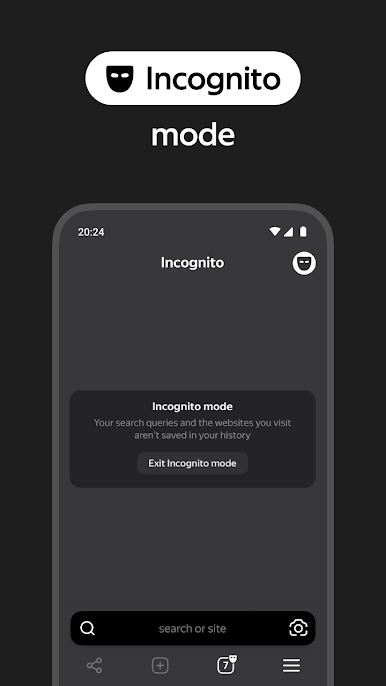
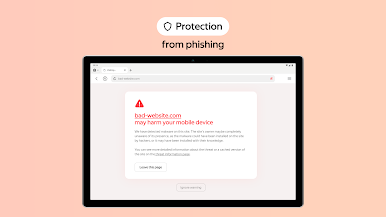
- Privacy and performance: The beta continues to focus on fast loading and safe browsing while the developers experiment with improvements under the hood.
- PC-friendly testing: If you prefer a bigger screen, you can run the beta on your computer — it works fine in environments like BlueStacks for a desktop-style test session.
BlueStacks brings your apps to life on a bigger screen—seamless and straightforward.
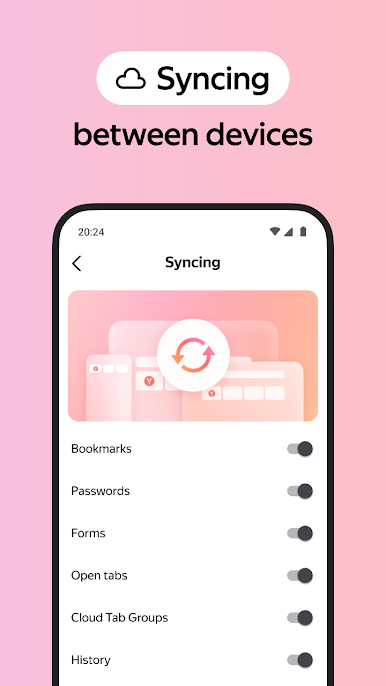

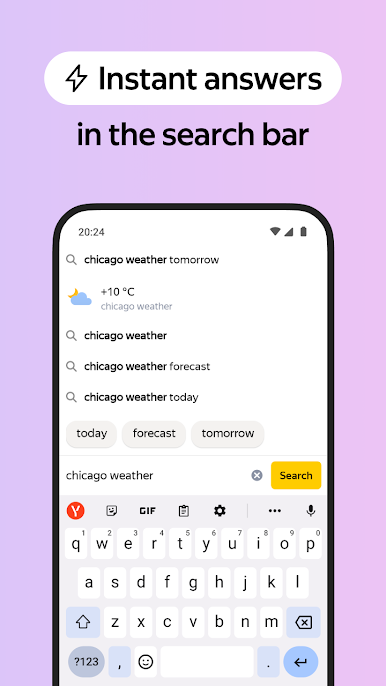

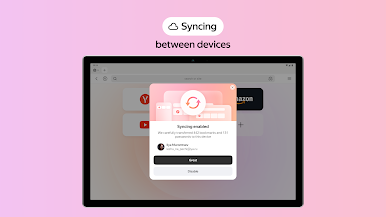
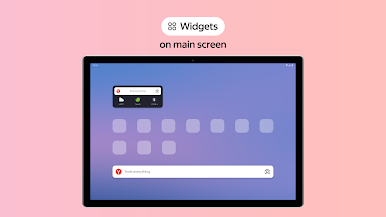
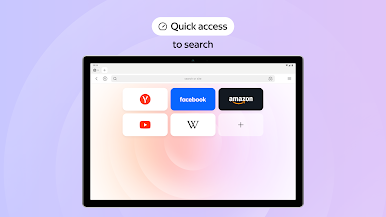
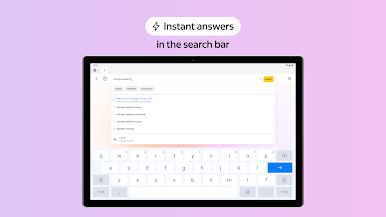
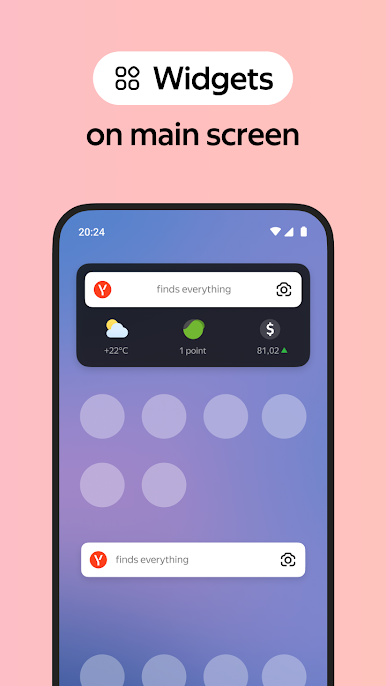
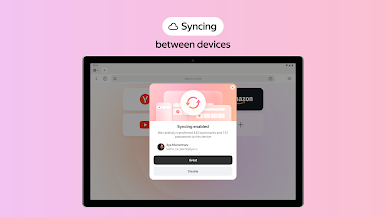
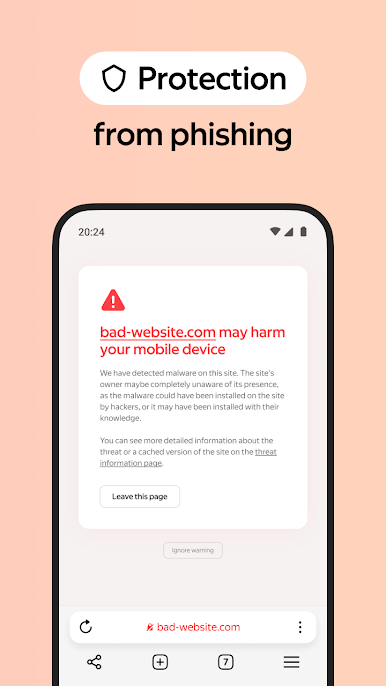
Play Yandex Browser (beta) on PC. It’s easy to get started.
-
Download and install BlueStacks on your PC
-
Complete Google sign-in to access the Play Store, or do it later
-
Look for Yandex Browser (beta) in the search bar at the top right corner
-
Click to install Yandex Browser (beta) from the search results
-
Complete Google sign-in (if you skipped step 2) to install Yandex Browser (beta)
-
Click the Yandex Browser (beta) icon on the home screen to start playing

