


Stranger Heroes
Play on PC with BlueStacks – the Android Gaming Platform, trusted by 500M+ gamers.

Page Modified on: Jun 13, 2026
Main Stranger Heroes on PC
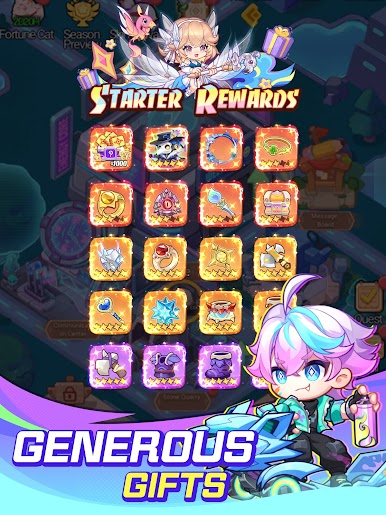
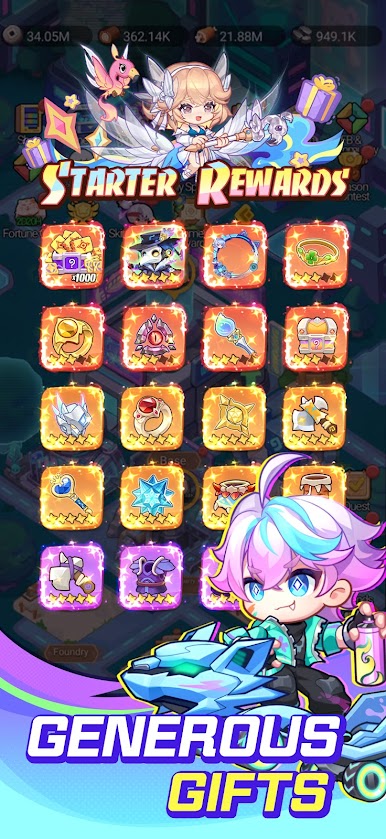
========== Launch Exclusive Rewards ==========
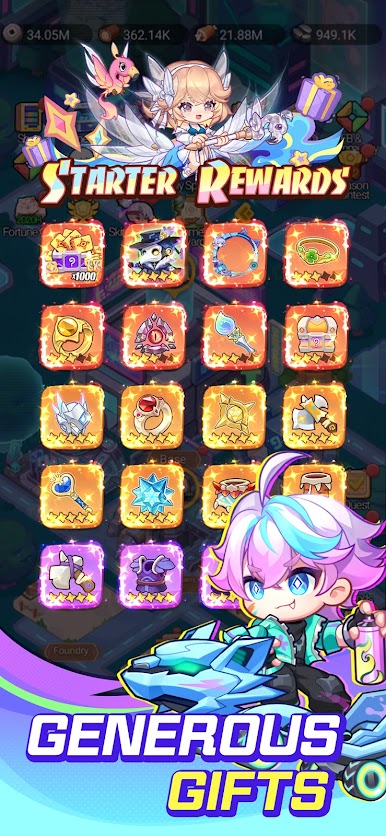
1000 Summons
Limited Avatar Frame
Limited Costume: Plague Doctor
Login 7 Days to get a Legendary+ Hero
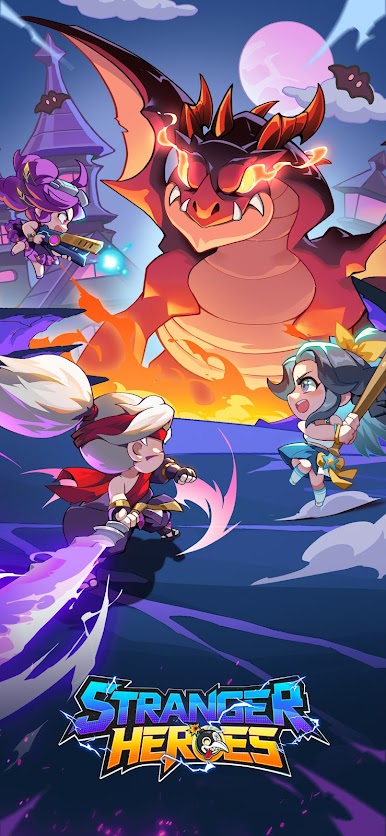
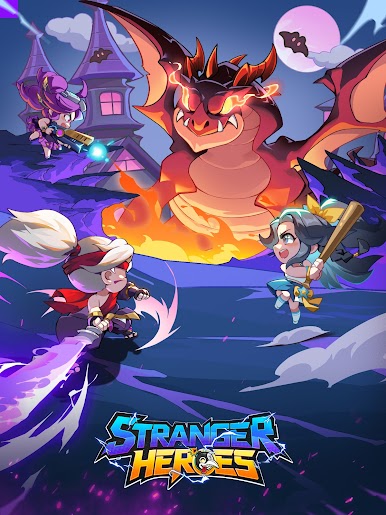
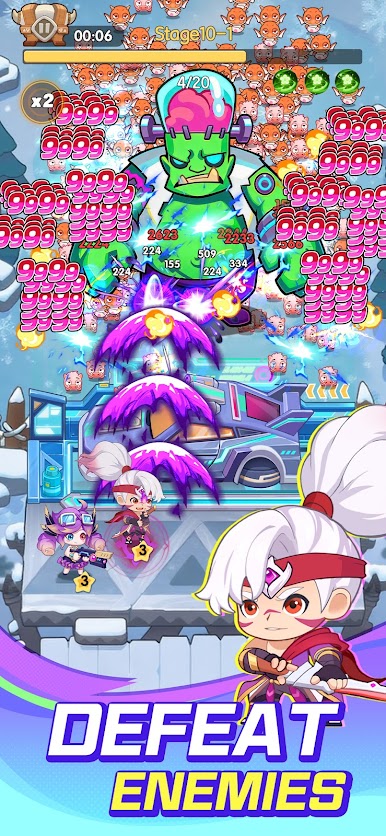
【Roguelike TD + SLG Strategy】
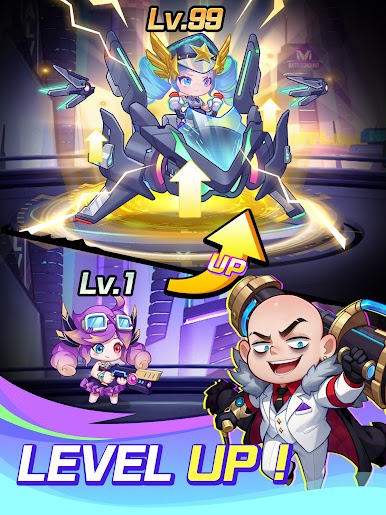
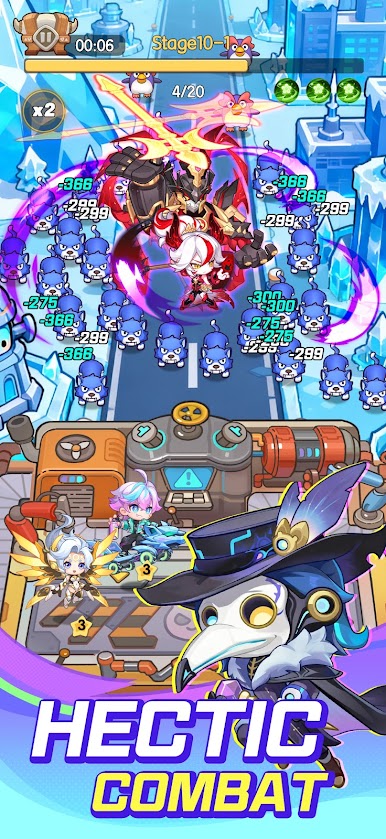
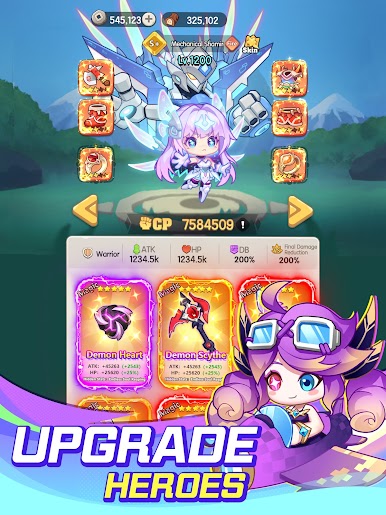
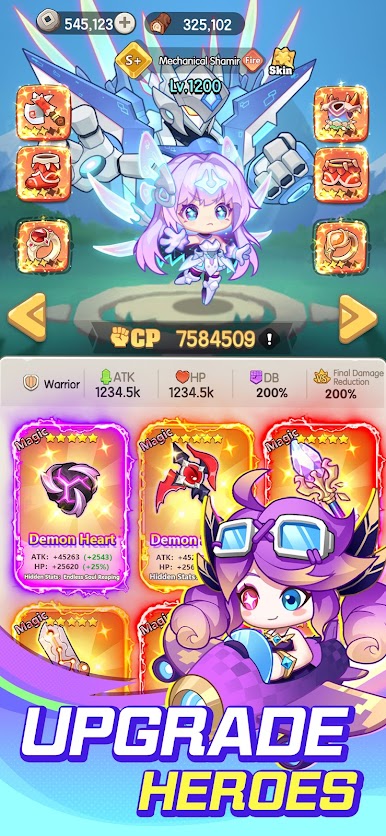
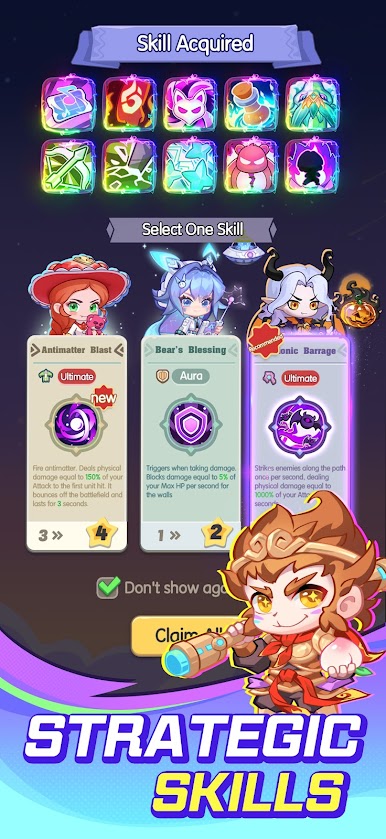
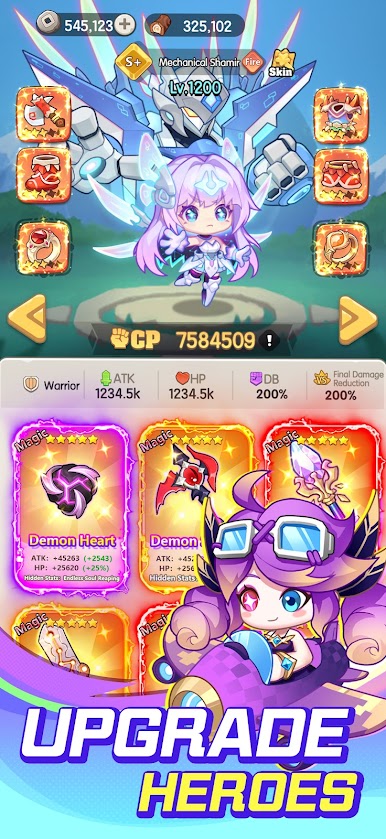
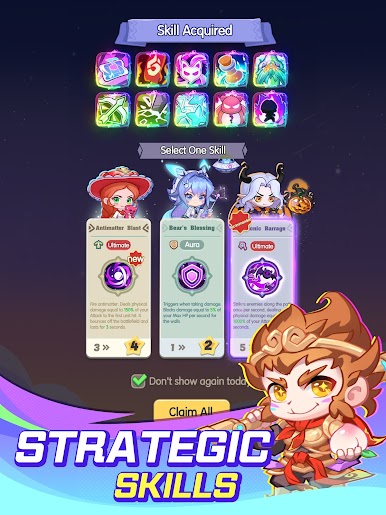
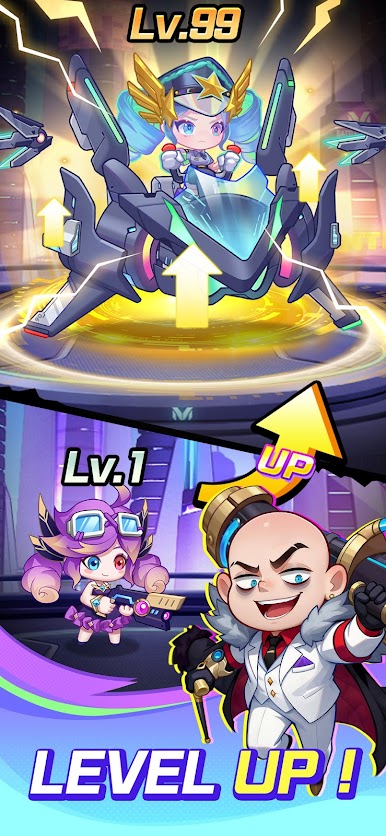
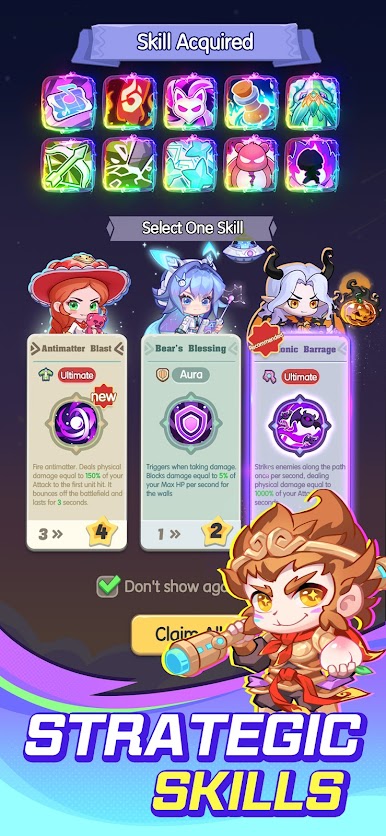
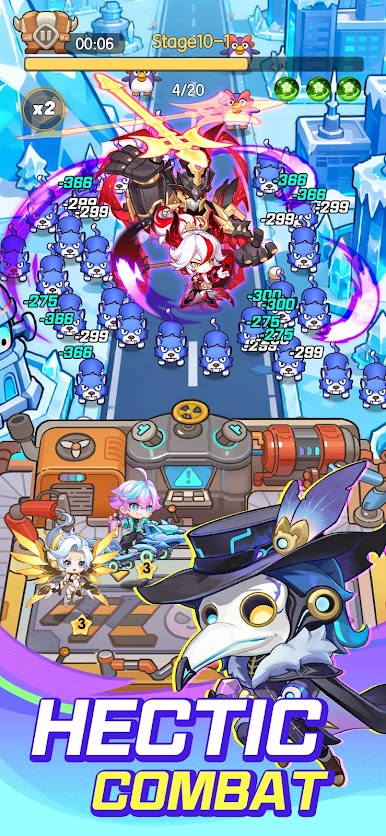
- Random Roguelike System: Random talents and skill affixes every match. Create your exclusive strongest hero lineup freely.
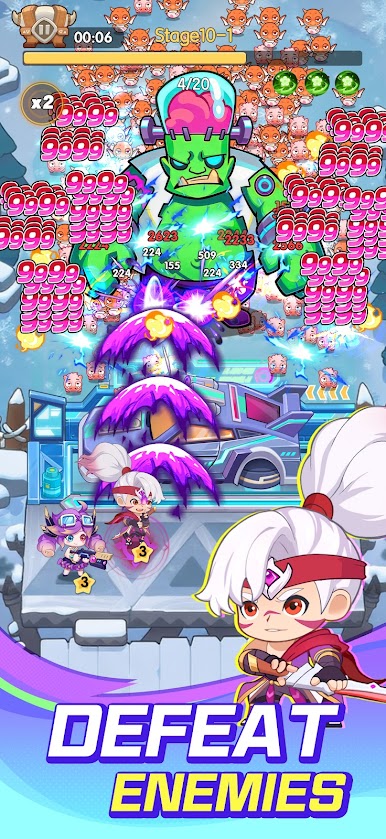
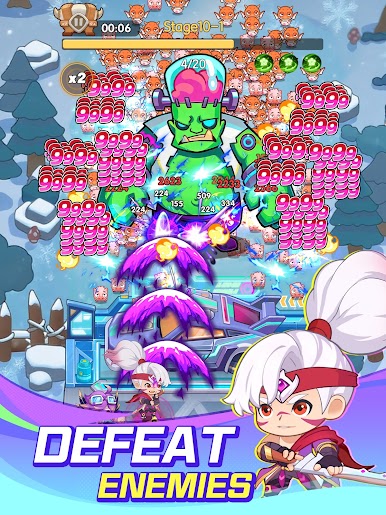
- Casual AFK Experience: Easy one-hand layout and skill control. Auto battle mode lets you gain rewards and grow effortlessly.
- Cyber SLG Base Building: Rebuild cyber strongholds, unlock mechanical factories, arrange defenses, and expand your territory in the futuristic world.
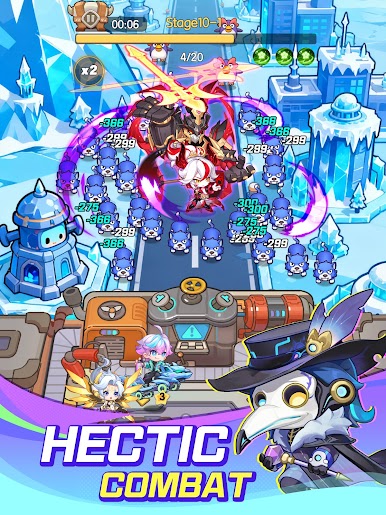
- Immersive Cyber Scenes: Neon streets as battlefields, floating buildings as outposts, and data cores protecting your main base. Feel the ultimate cyberpunk doomsday atmosphere.
【Contact Us】
Facebook Fanpage & Support: https://gl.gamehaza.com/fPAIQwp
Play Stranger Heroes on PC. It’s easy to get started.
-
Download and install BlueStacks on your PC
-
Complete Google sign-in to access the Play Store, or do it later
-
Look for Stranger Heroes in the search bar at the top right corner
-
Click to install Stranger Heroes from the search results
-
Complete Google sign-in (if you skipped step 2) to install Stranger Heroes
-
Click the Stranger Heroes icon on the home screen to start playing

