


Pick Two: Whot Card Game
Play on PC with BlueStacks – the Android Gaming Platform, trusted by 500M+ gamers.

Page Modified on: Jun 30, 2026
Main Pick Two: Whot Card Game on PC
🎴 PLAY WITH FRIENDS, ANYWHERE
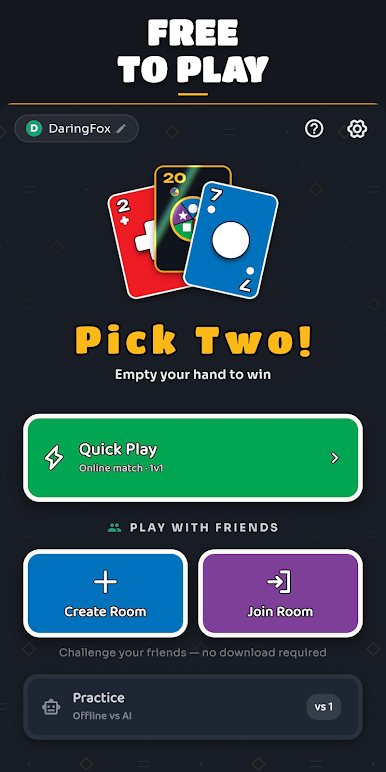
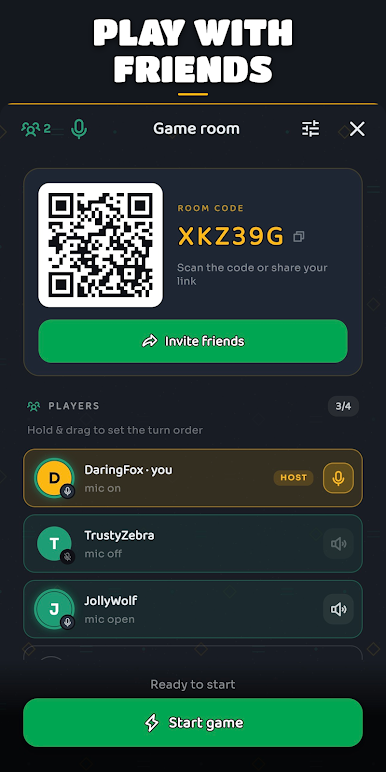
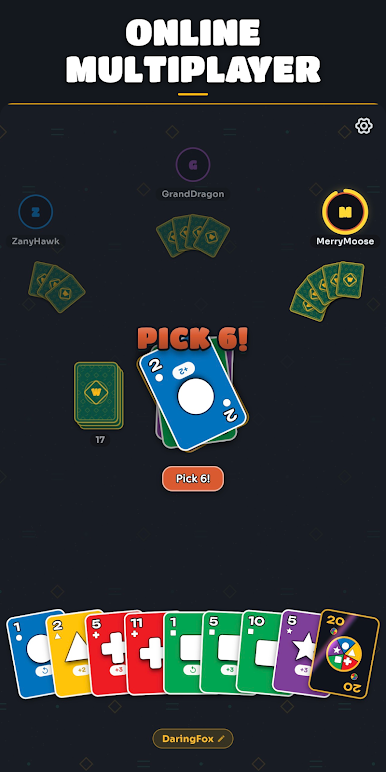
• Create a private room and share the link on WhatsApp — friends tap and join straight from their browser, no download needed
• Quick Play to instantly match with players around the world
• Live voice chat right at the table, just like a real card night
• No friends online? Practice offline against the computer anytime
⚡ FAST, SOCIAL & FREE
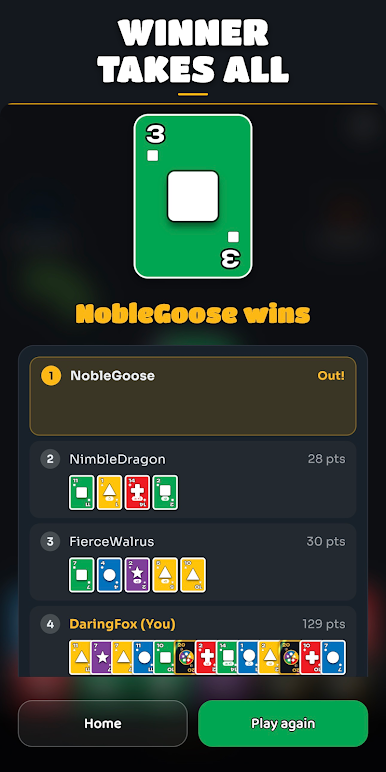
• Quick rounds — a full game in just a few minutes
• Free to play, no sign-up to start
• Smooth, polished gameplay built for phones
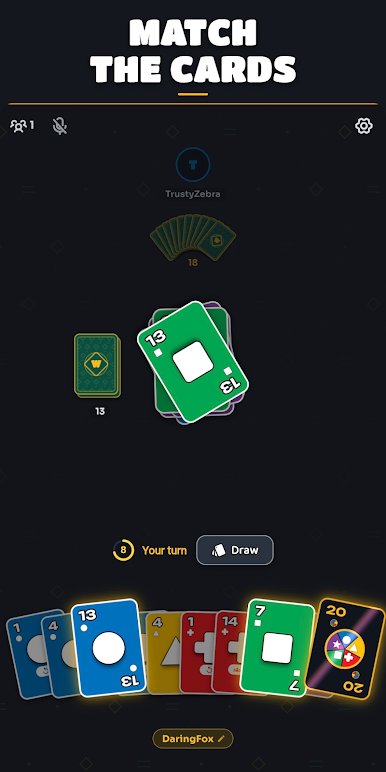
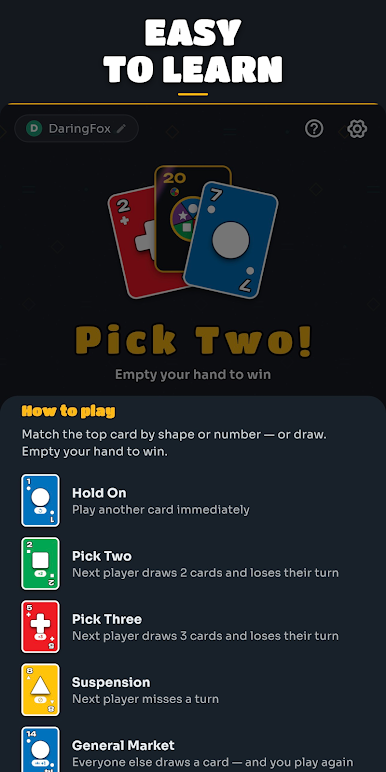
• Action cards: skip a turn, draw two, draw three, general market, and wild cards
• Now playable in 11 languages
🃏 FOR CARD LOVERS
If your phone is already full of card games — Solitaire, Rummy, Gin Rummy, Hearts, Spades, Go Fish — Pick Two brings that same gather-round-the-table feeling, but live and online with real people. Simple to learn, impossible to put down: the classic shedding card game that hooked generations, now multiplayer and in your pocket.
Call it a shedding game, a matching card game, UNO-style cards, Crazy Eights, Switch, or Last Card — Pick Two is the card game you play with friends. Download it free and bring everyone to the table! 🎉
Play Pick Two: Whot Card Game on PC. It’s easy to get started.
-
Download and install BlueStacks on your PC
-
Complete Google sign-in to access the Play Store, or do it later
-
Look for Pick Two: Whot Card Game in the search bar at the top right corner
-
Click to install Pick Two: Whot Card Game from the search results
-
Complete Google sign-in (if you skipped step 2) to install Pick Two: Whot Card Game
-
Click the Pick Two: Whot Card Game icon on the home screen to start playing

