


Basketball Royale
Play on PC with BlueStacks – the Android Gaming Platform, trusted by 500M+ gamers.

Page Modified on: Jan 12, 2026
Main Basketball Royale on PC
SHOOTOUTS
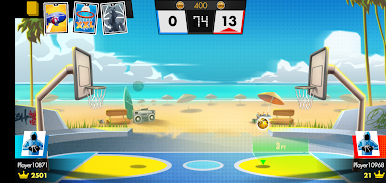
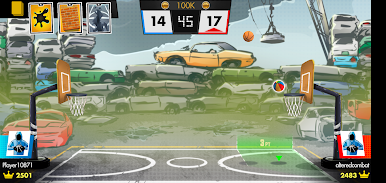
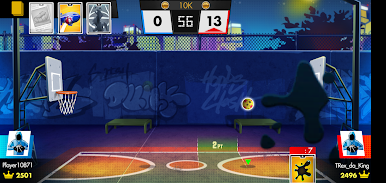
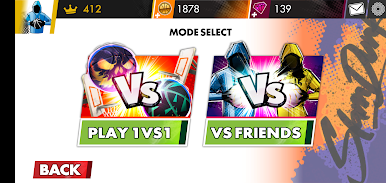
Fast paced arcade-style 1v1 basketball.
REALTIME PVP
Play head-to-head basketball in real time.
UNIQUE BASKETBALLS
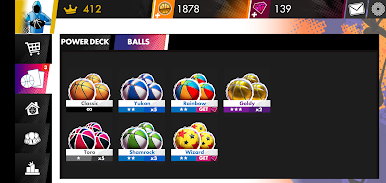
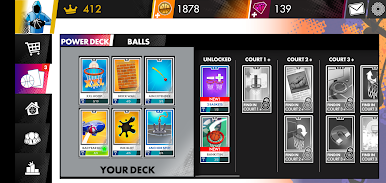
Collect unique basketballs with special affinities and stats that improve your shots.
ATTACK CARDS
Use Power Cards like Earthquake, Wind, and Gravity to troll your opponent and steal the win!
ABILITY CARDS
Play Power Cards like Extra Large Hoop, 2x Points, and Streak Multiplier to run up the score.
LEVEL UP CARDS
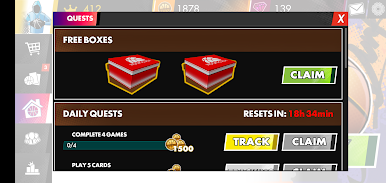
Earn shoeboxes that unlock powerful rewards, collect new cards and upgrade existing ones.
UNLOCK NEW COURTS
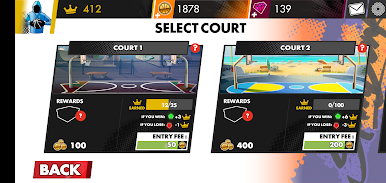
Unlock brand new basketball courts and play all around the world.
_______________________________
Terms of service: https://www.yesgnome.com/termsOfServices
Privacy Policy: https://www.yesgnome.com/privacyPolicy
PLEASE NOTE! Some game items can be purchased for real money. If you don't want to use this feature, please disable in-app purchases. Hoops Clash requires an internet connection to play.
©2019 YesGnome, LLC
Play Basketball Royale on PC. It’s easy to get started.
-
Download and install BlueStacks on your PC
-
Complete Google sign-in to access the Play Store, or do it later
-
Look for Basketball Royale in the search bar at the top right corner
-
Click to install Basketball Royale from the search results
-
Complete Google sign-in (if you skipped step 2) to install Basketball Royale
-
Click the Basketball Royale icon on the home screen to start playing

