


Kingdom of Desert
Play on PC with BlueStacks – the Android Gaming Platform, trusted by 500M+ gamers.

Page Modified on: Aug 6, 2026
Main Kingdom of Desert on PC
[CORE FEATURES]
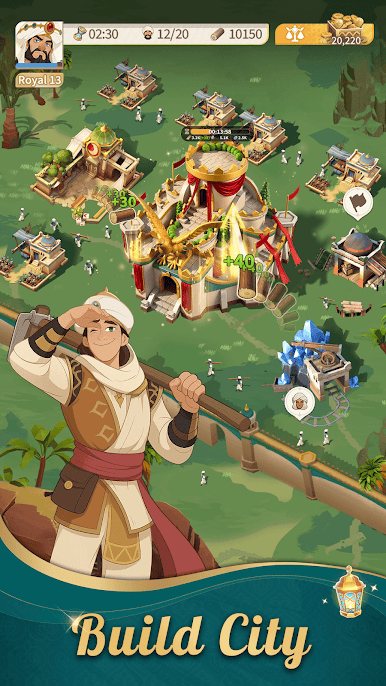
[Build Your Own Kingdom]
Create residents management system where residents' health and morale truly matter. Enact wise policies, balance resources and population, and guide your kingdom toward prosperity through meticulous development.
[Command the Battlefield]
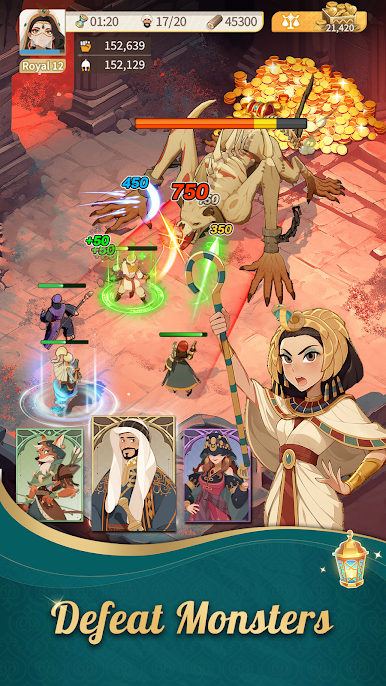
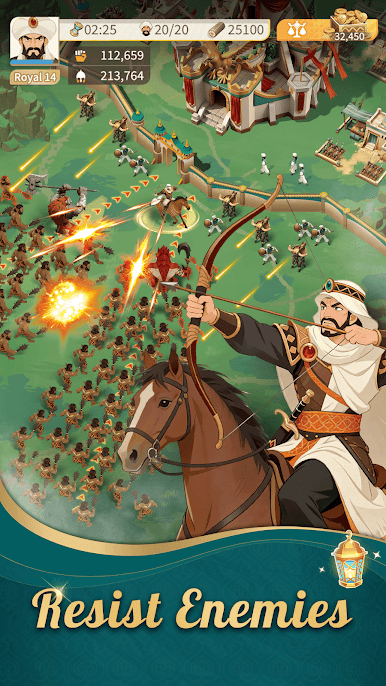
Fortify your defenses, train your troops, and form elite battle squads.
Challenge rival lords, seize precious resources, and strengthen your realm with every victory.
[Collect and Promote Heroes]
Summon legendary and mythic heroes from three unique factions.
Enhance their abilities and skills to forge an unstoppable legendary army.
[Deploy & Battle Anytime]
Tower defense has never been this easy and flexible. Simple controls with deep strategy—play in short breaks or enjoy long sessions. Your battlefield is always ready.
[Team Up with Allies]
Join an alliance and work with other players to become stronger. Cooperate with your allies to achieve mutual success!
[Majlis—Real-Time Voice Chat]
Talk with allies in real time via voice chat. Plan attacks, coordinate defense, and strengthen alliance bonds—no delay,real-time updates!
Set out now and step into the sea of sand.
Your rule begins here—your epic is written from this very moment.
Kingdom of Desert: Road to Conquest awaits its true king!




Play Kingdom of Desert on PC. It’s easy to get started.
-
Download and install BlueStacks on your PC
-
Complete Google sign-in to access the Play Store, or do it later
-
Look for Kingdom of Desert in the search bar at the top right corner
-
Click to install Kingdom of Desert from the search results
-
Complete Google sign-in (if you skipped step 2) to install Kingdom of Desert
-
Click the Kingdom of Desert icon on the home screen to start playing

