

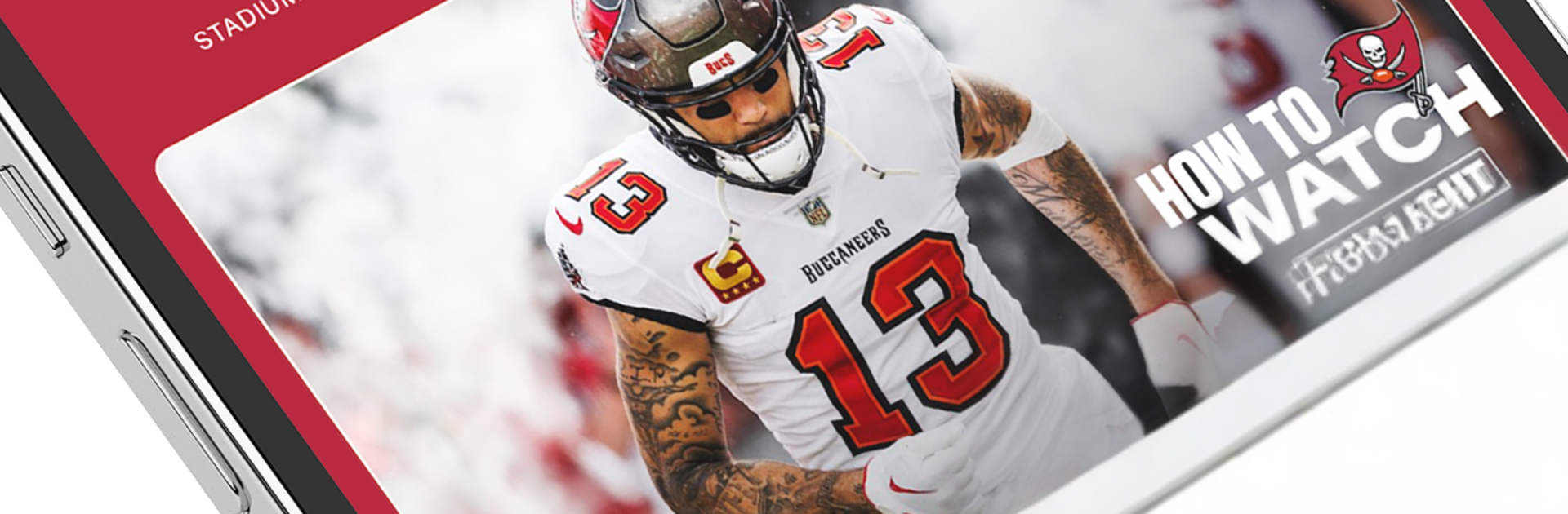
Tampa Bay Buccaneers Mobile
Play on PC with BlueStacks – the Android Gaming Platform, trusted by 500M+ gamers.

Page Modified on: Oct 10, 2025
Play Tampa Bay Buccaneers Mobile on PC or Mac
Explore a whole new adventure with Tampa Bay Buccaneers Mobile, a Sports game created by YinzCam, Inc.. Experience great gameplay with BlueStacks, the most popular gaming platform to play Android games on your PC or Mac.
About the Game
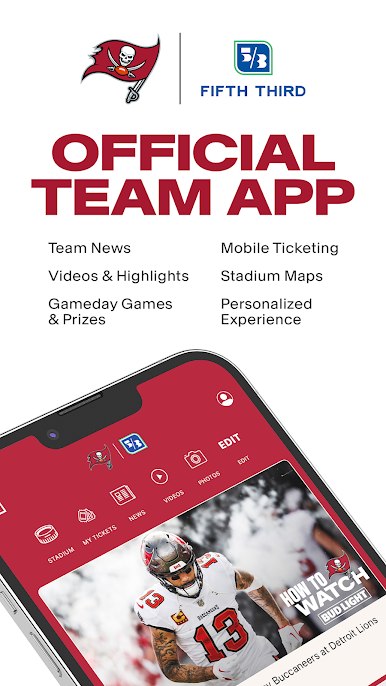
Tampa Bay Buccaneers Mobile is your all-in-one Sports hub for following the Bucs without missing a beat. Built by YinzCam, Inc., it blends real-time updates, rich media, and handy stadium tools so you’re always in the loop—on game day and every day in between. Prefer a bigger screen? You can also check it out with BlueStacks on your PC.
Game Features
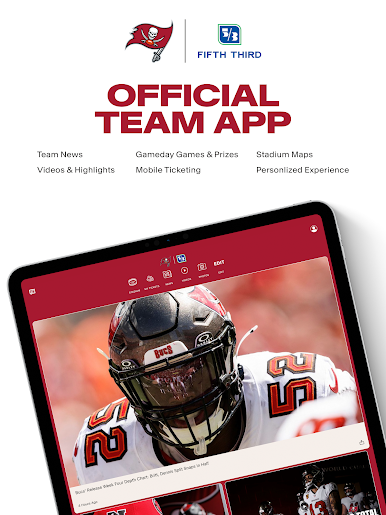
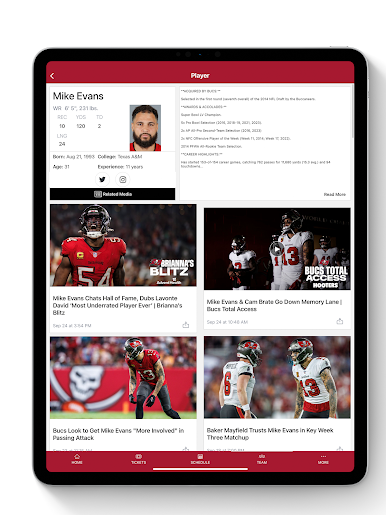
- Real-Time News: Get instant team updates, quick matchup previews, and postgame recaps so you’re always up to speed.
- On-Demand Video: Watch press conferences, coach insights, and player interviews whenever you’ve got a minute.
- Photo Galleries: Browse crisp, game-day shots—from big plays to behind-the-scenes moments.
- Podcasts & Radio: Stream team shows and audio content when you can’t sit and watch.
- Deep Stats Hub: Track live scoring, drive-by-drive breakdowns, player numbers, head-to-head history, box scores, and scores from around the league.
- Standings Snapshot: See where the Bucs stack up in the division and across the conference at a glance.
- Depth Chart View: Check offense, defense, and special teams to know who’s lining up where.
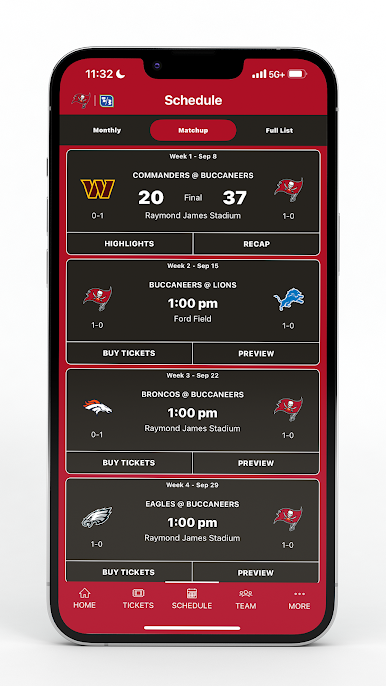
- Full Season Schedule: Look ahead to upcoming games and revisit past results with scores and key stats.
- Stadium Guide: Find concessions and amenities fast with an interactive map, plus report issues around the venue if something’s not right.
- Personalized Home: A fresh home screen and experiences tailored to your location and membership status.
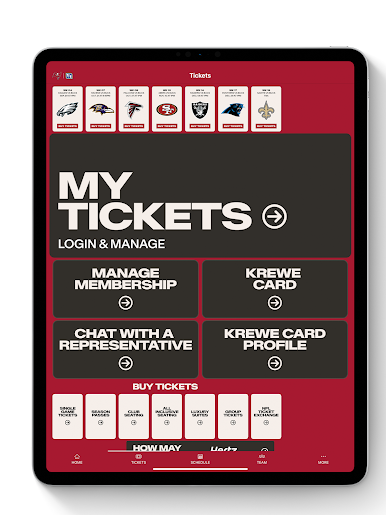
- Secure Digital Ticketing: Store and scan your tickets right on your phone—no paper needed.
- Deals That Travel With You: Access a Digital Discount and Value Card for select offers.
- In-Market Live Games: Watch live when you’re in the broadcast area, right from the app.
Ready to top the leaderboard? We bet you do. Let precise controls and sharp visuals optimized on BlueStacks lead you to victory.

Play Tampa Bay Buccaneers Mobile on PC. It’s easy to get started.
-
Download and install BlueStacks on your PC
-
Complete Google sign-in to access the Play Store, or do it later
-
Look for Tampa Bay Buccaneers Mobile in the search bar at the top right corner
-
Click to install Tampa Bay Buccaneers Mobile from the search results
-
Complete Google sign-in (if you skipped step 2) to install Tampa Bay Buccaneers Mobile
-
Click the Tampa Bay Buccaneers Mobile icon on the home screen to start playing

