


Gooey Virtual Pet & Mini Games
Play on PC with BlueStacks – the Android Gaming Platform, trusted by 500M+ gamers.

Page Modified on: Jun 21, 2026
Main Gooey Virtual Pet & Mini Games on PC
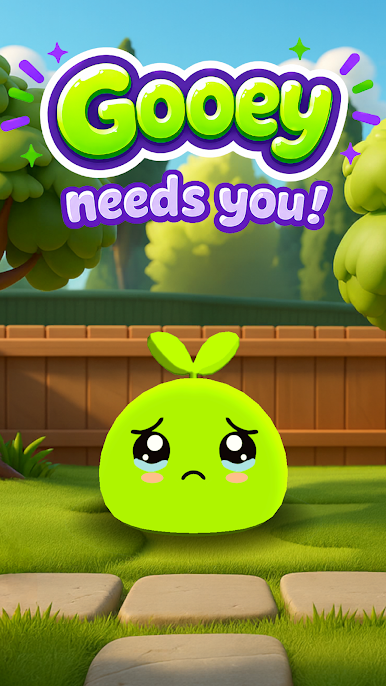
If you grew up loving pocket pets, Gooey is that feeling, reborn.
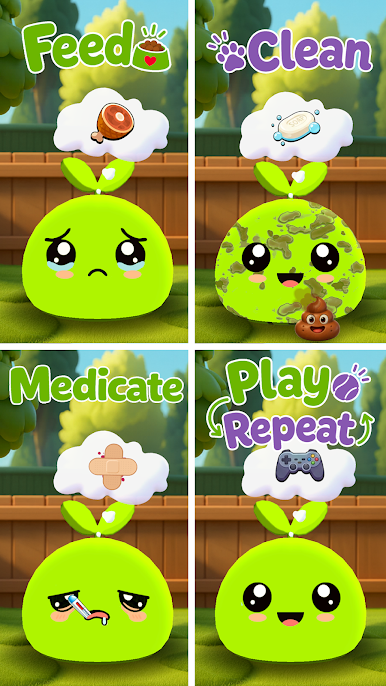
Take care of Gooey
🍎 Feed it snacks and meals before it gets too hungry
🧼 Clean up after it when it makes a mess
🌙 Turn off the lights so it can sleep and recharge
🤲 Pet it to hear it purr and watch its face light up
💊 Keep it healthy with the right medicine when something's wrong
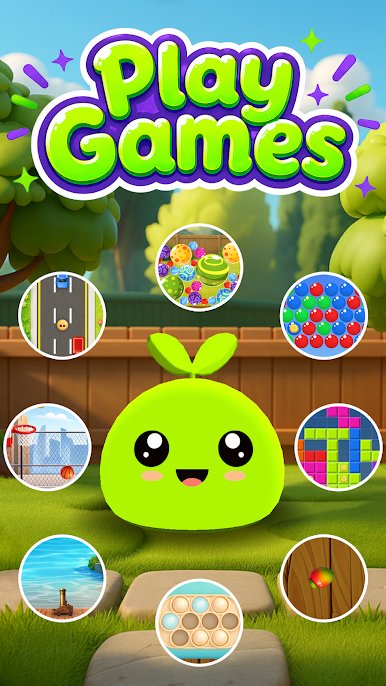
11 mini-games to play and earn coins
Every game you play earns coins to spend in the shop:
🚗 Traffic Dodge · 🫧 Pop It Rush · ⚡ Quick Switch · 💥 Cannon Blitz · 🎈 Bubble Popper · 🔴 Marble Match · 🍉 Fruit Slasher · 🧱 Block Bonanza · 🏀 Tap Tap Basketball · 🐍 Snake Rush · 🏎️ Drifty Road
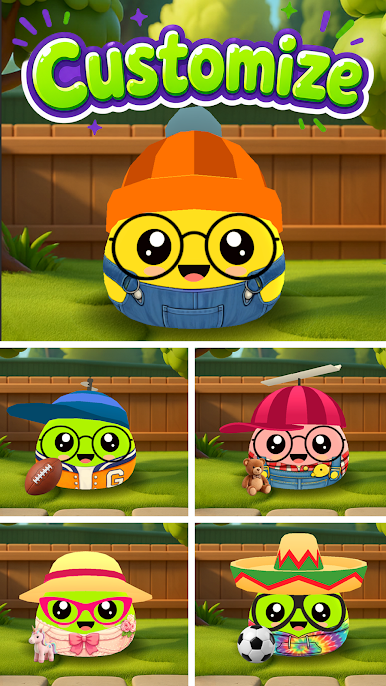
Dress Gooey your way Unlock hats, outfits, accessories, toys, and body colors. Mix and match until your Gooey looks like no one else's.
Grow together Gooey levels up as you play. Higher levels unlock new shop items and new mini-games, so there's always something new to reach for.
Why you'll love it
✨ No internet required play anywhere, anytime
✨ No accounts, no sign-ups just open and play
✨ Pick it up for five minutes or an hour
✨ Gentle, cozy, and perfect for all ages
✨ No intrusive ads
Adopt your Gooey today. It's already waiting for you. 💙
Play Gooey Virtual Pet & Mini Games on PC. It’s easy to get started.
-
Download and install BlueStacks on your PC
-
Complete Google sign-in to access the Play Store, or do it later
-
Look for Gooey Virtual Pet & Mini Games in the search bar at the top right corner
-
Click to install Gooey Virtual Pet & Mini Games from the search results
-
Complete Google sign-in (if you skipped step 2) to install Gooey Virtual Pet & Mini Games
-
Click the Gooey Virtual Pet & Mini Games icon on the home screen to start playing

