


Mint To-Do · Simple Tasks
Play on PC with BlueStacks – the Android Gaming Platform, trusted by 500M+ gamers.

Page Modified on: Nov 4, 2025
Play To-Do! (quick notes, todo list, schedule) on PC
You do not need the same functionality
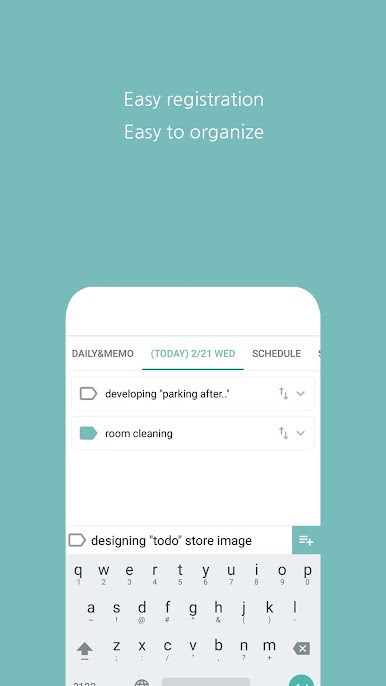
Simple and fast to use.
You can use it when you want to save a simple note, not necessarily.
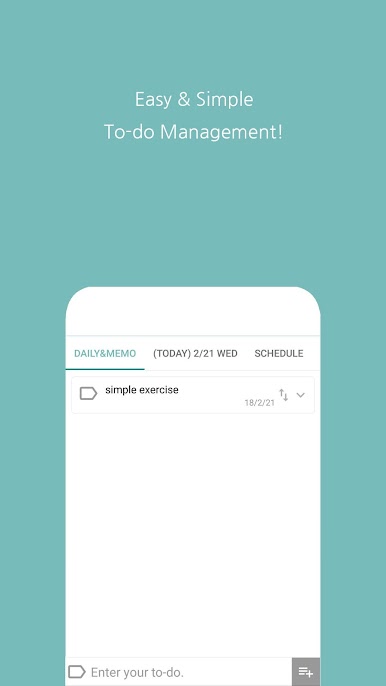
- Daily & Memo
Simply enter when you need to check every day or need a note during your daily life.
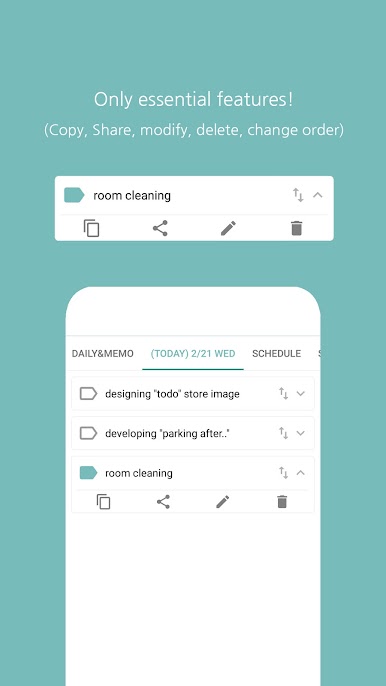
- Things to do today
You can add and confirm what you need to do today.
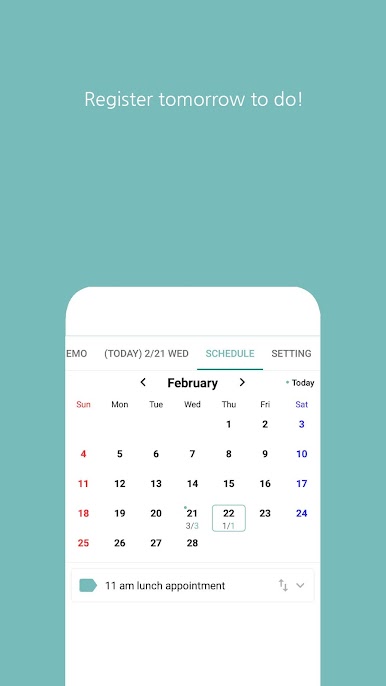
- Schedule Management
You can add and verify what you need to do on a particular day.
- Set
Adjust font size for parents
Uncheck everything to do every day
Automatic re-registration of last completed work
List one day at the bottom of the list
Set password
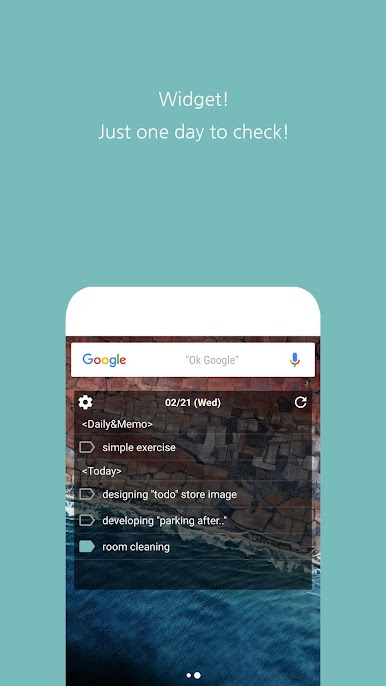
- Widget
You can see what you want to do with the widget on your desktop.
For all those who download and use
Thank you. ^^
Play Mint To-Do · Simple Tasks on PC. It’s easy to get started.
-
Download and install BlueStacks on your PC
-
Complete Google sign-in to access the Play Store, or do it later
-
Look for Mint To-Do · Simple Tasks in the search bar at the top right corner
-
Click to install Mint To-Do · Simple Tasks from the search results
-
Complete Google sign-in (if you skipped step 2) to install Mint To-Do · Simple Tasks
-
Click the Mint To-Do · Simple Tasks icon on the home screen to start playing

