


Yoosee
Play on PC with BlueStacks – the Android Gaming Platform, trusted by 500M+ gamers.

Page Modified on: Feb 26, 2026
Run Yoosee on PC or Mac
Yoosee is a Video Players & Editors app developed by Gwell. BlueStacks app player is the best platform to play Android games on your PC or Mac for an immersive gaming experience.
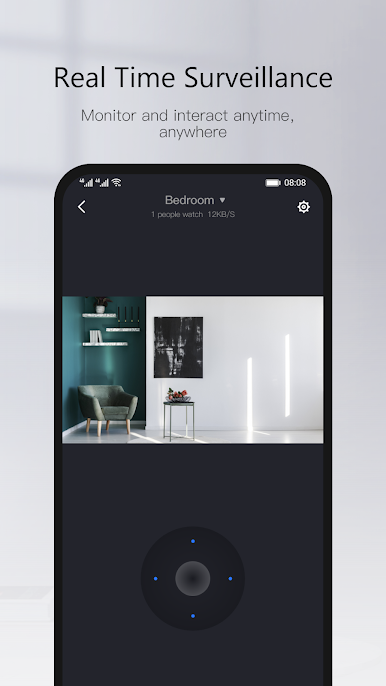
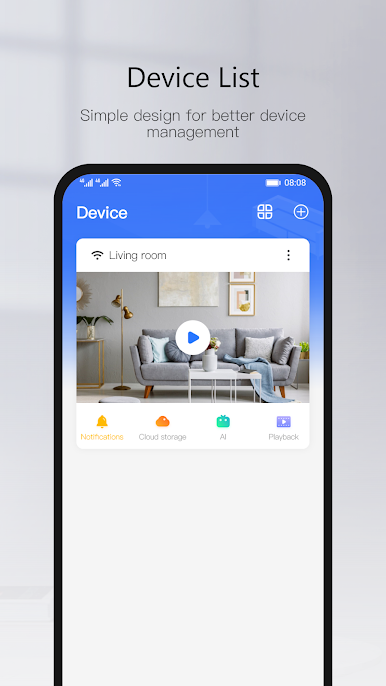
Yoosee is a free app designed specifically for the latest generation of smart home appliances. Modern Cloudlink P2P network transmission technology is used. The ability to keep an eye on your loved ones from afar is easier to implement than you might think.
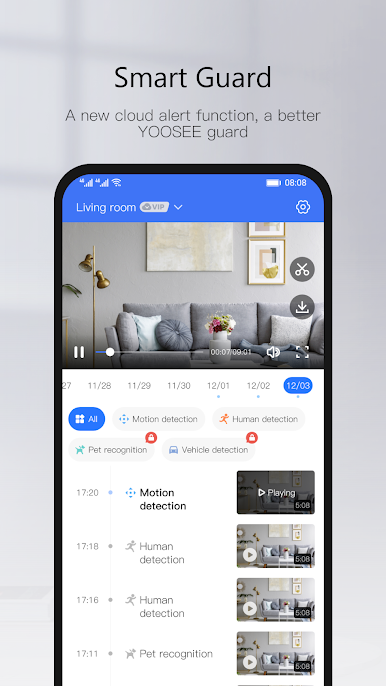
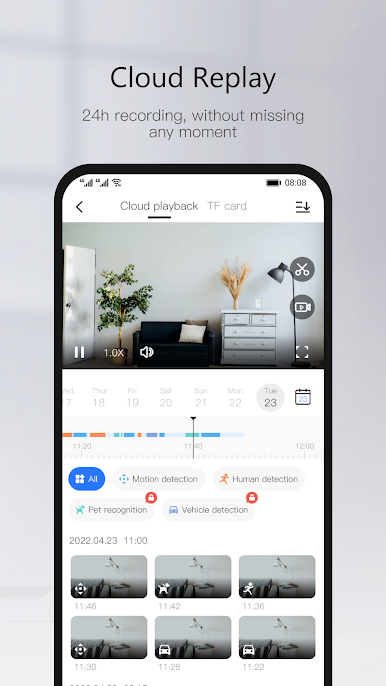
This app syncs to your Yoosee CCTVs, so you’ll always know what’s going on at home or wherever you installed them. Yoosee lets you record and stream video in 720p or 1080p through a secure P2P connection.
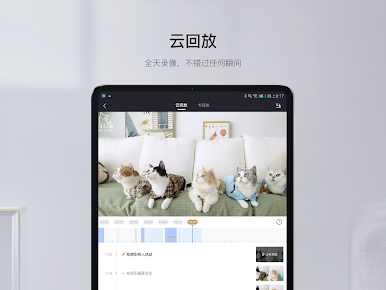
After setting up your Yoosee camera, all you need to do is connect your device with the Yoosee APK to the same connection as the camera, and you’re pretty much done. You can record footage with the app, as well as customize smart alerts to notify you whenever something is awry.
Play Yoosee on PC. It’s easy to get started.
-
Download and install BlueStacks on your PC
-
Complete Google sign-in to access the Play Store, or do it later
-
Look for Yoosee in the search bar at the top right corner
-
Click to install Yoosee from the search results
-
Complete Google sign-in (if you skipped step 2) to install Yoosee
-
Click the Yoosee icon on the home screen to start playing

