


Hero Avengers
Play on PC with BlueStacks – the Android Gaming Platform, trusted by 500M+ gamers.

Page Modified on: Feb 22, 2026
Overview
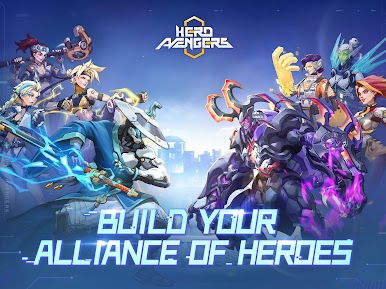
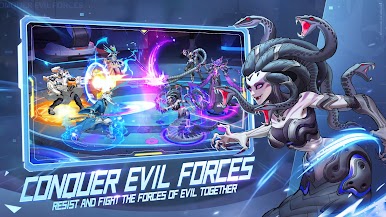
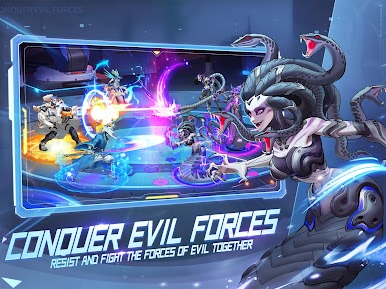
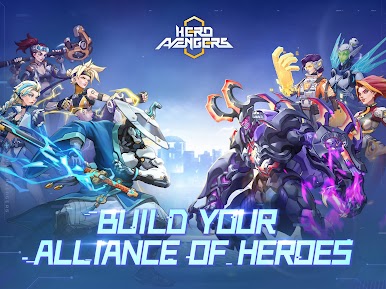
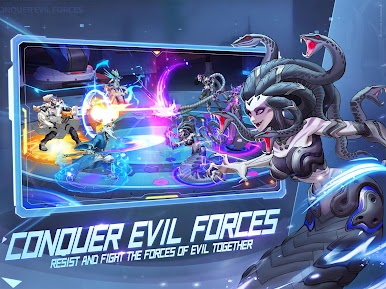
Recruit a coalition of heroes through various adventures and tests! Then, together with players from around the world, defeat all the forces of evil. The land of Passimia is waiting for you to bring peace!
★Casual gameplay★
Straight forward actions, strategically place forces, automatically unleash hero skills, harvest resources from bots, level up your combat power!
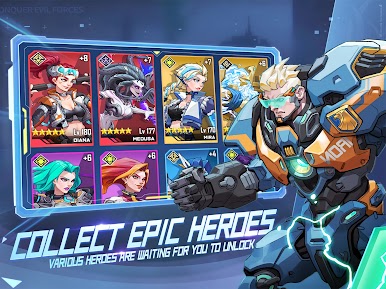
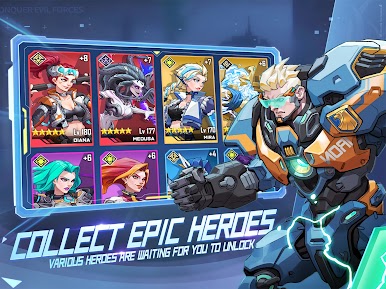
★Epic Hero Cards★
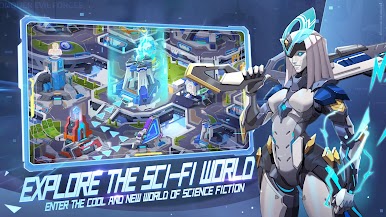
The land of Passimia is full of heroes! Each of them with a futuristic look and exclusive customizations; you'll want to get them all!
★Challenge the best in the arena★
Come and try your hand at conquering Legion Bosses, Legion expedition tournaments, and 5v5 arenas!
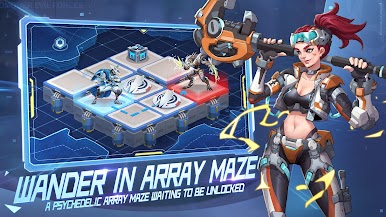
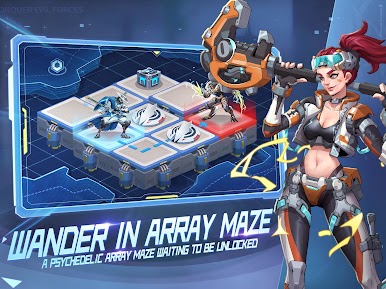
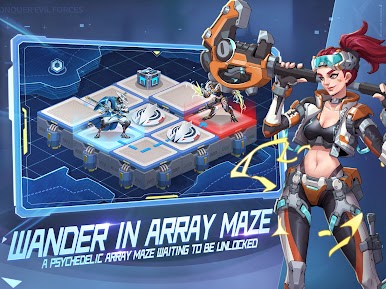
★The Matrix Maze★
Stand out in the mysterious Matrix Maze with flexible formations, wisdom, and strength!
★Hero Expedition★
The perfect fusion of placement and strategy games! You can relax and lead an army to fight the world at the same time!
★Global Battle★
Explore and fight with players from all over the world on the roads of Passimia. Show the world your strength!
Join The Conversation
Facebook: https://www.facebook.com/Hero-Avengers-106194671614010
Discord: https://discord.gg/NwbtVpfmzA
Youtube: https://www.youtube.com/channel/UCaHKt1r5t8ZW_XrkHQZIb2w
Twitter: https://twitter.com/HeroAvengers2
Instagram: https://www.instagram.com/invites/contact/?i=1s8b5g2zhcgsh&utm_content=madmecv






Play Hero Avengers on PC. It’s easy to get started.
-
Download and install BlueStacks on your PC
-
Complete Google sign-in to access the Play Store, or do it later
-
Look for Hero Avengers in the search bar at the top right corner
-
Click to install Hero Avengers from the search results
-
Complete Google sign-in (if you skipped step 2) to install Hero Avengers
-
Click the Hero Avengers icon on the home screen to start playing

