


YouMail: Block Spam on Android
Play on PC with BlueStacks – the Android Gaming Platform, trusted by 500M+ gamers.

Page Modified on: Dec 16, 2025
Run YouMail: Block Spam on Android on PC or Mac
Why limit yourself to your small screen on the phone? Run YouMail: Block Spam on Android, an app by YouMail, Inc, best experienced on your PC or Mac with BlueStacks, the world’s #1 Android emulator.
About the App
Ever wish you could stop those endless robocalls and annoying scam texts for good? With YouMail: Block Spam on Android, staying in control of who can reach you just got a whole lot easier. Whether you’re tired of answering unknown numbers or fed up with your info being tossed around by data brokers, YouMail, Inc has your back with an app that keeps communication simple and safe.
App Features
-
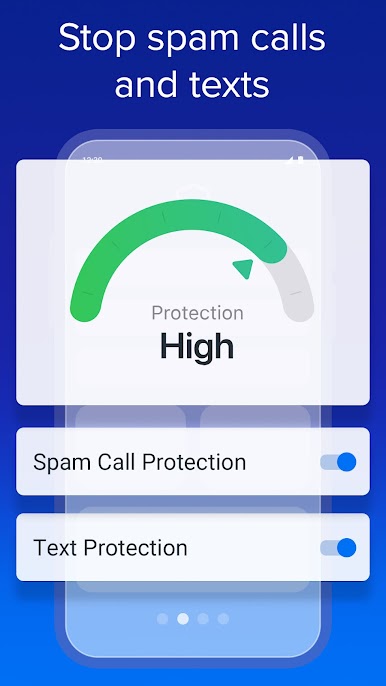
Automatic Spam Blocking
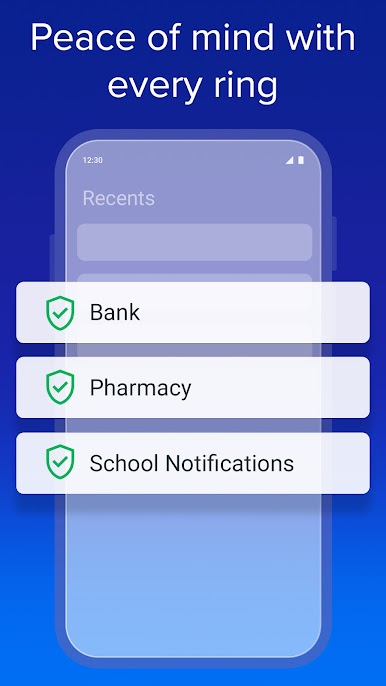
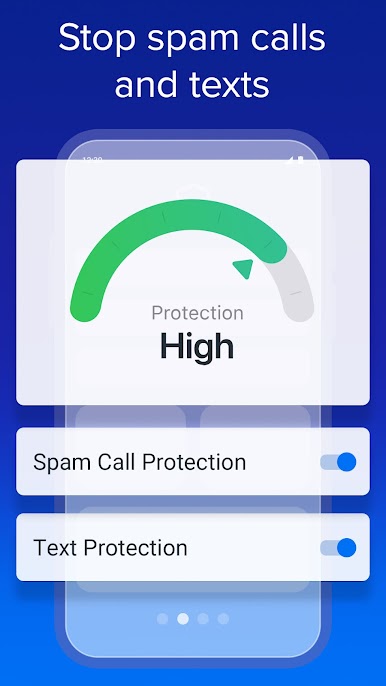
Breathe easy! YouMail jumps into action the moment you turn it on, blocking known spam calls and scammy texts before they reach you. No more interruptions from numbers identified by millions as bad news. -
Safe Visual Voicemail
Forget about risky voicemails. With optional in-app voicemail, your messages are protected with smart greetings, so no one can hijack your greeting for impersonation schemes. -
Privacy Scan Tool
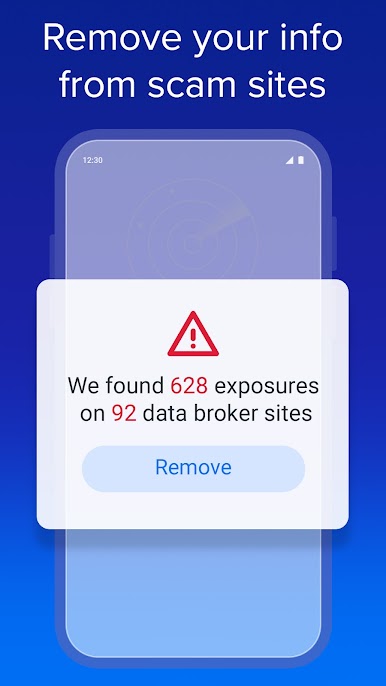
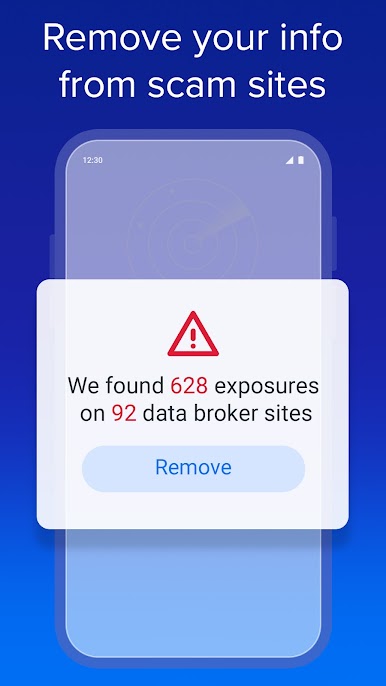
Curious where your info might be floating around online? YouMail’s privacy scan can clue you in about data brokers selling your contact details. -
Text Scam Protection
Spammy texts are filtered out using some smart AI moves, keeping your inbox clear of shady messages and links. -
Call Screening (Plus Upgrade)
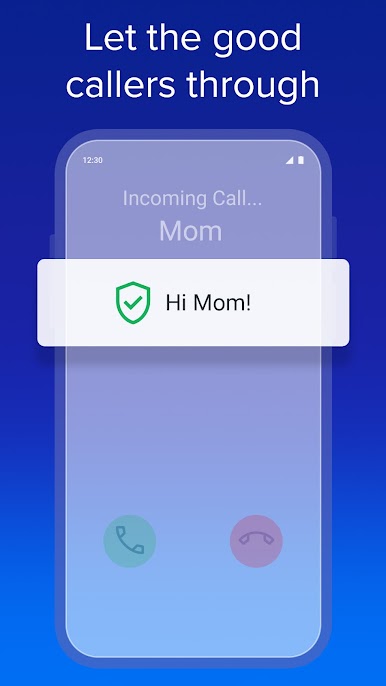
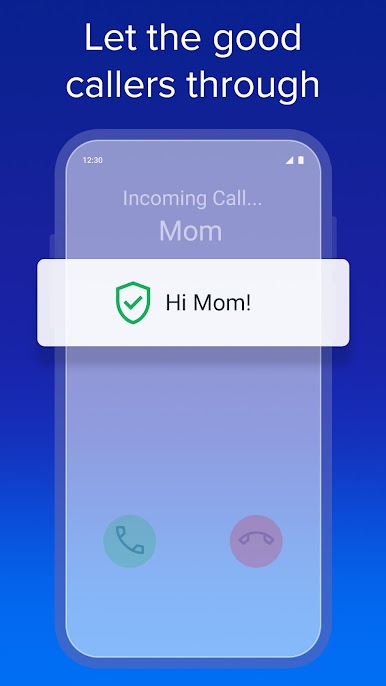
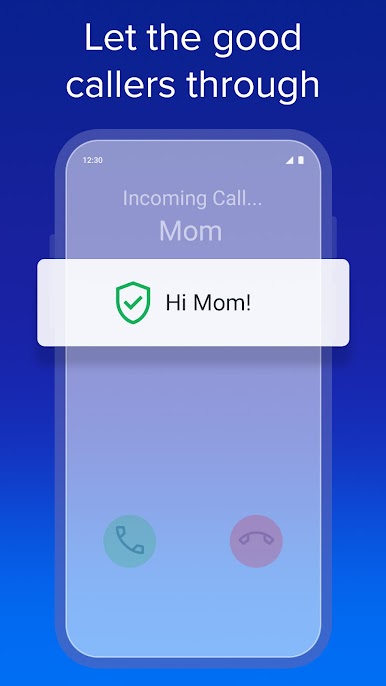
Want even tighter control? Upgrade to Plus and unknown callers are put to the test with call screening. Only real people (not bots or scammers) get through. -
Data Broker Removal (Plus Upgrade)
With Plus, YouMail will even work on scrubbing your info from those creepy data broker sites, making it much harder for spammers to track you down. -
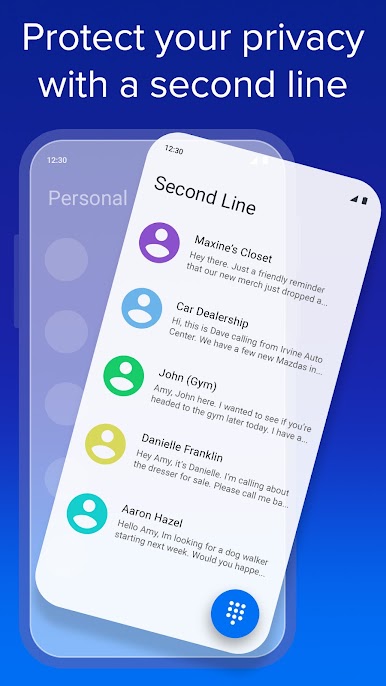
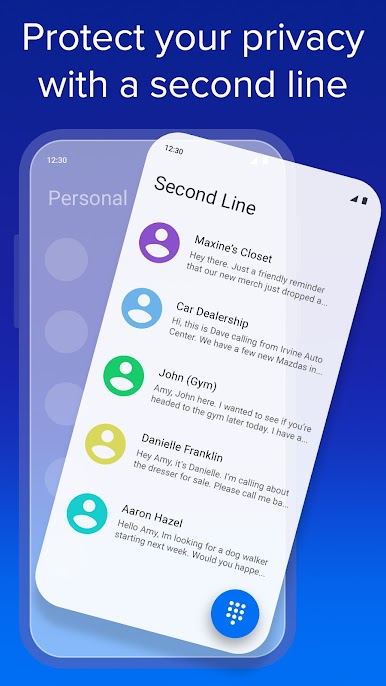
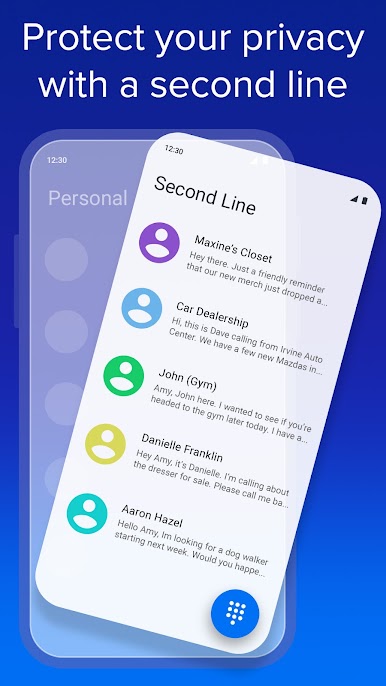
Second Phone Number (Essentials Upgrade)
Need to separate work from personal—without a whole extra phone? Essentials lets you create a new line right in the app. Perfect for business, online shopping, or just keeping your main number private. -
Enhanced Productivity & Safety Tools
Entrepreneurs get access to professional features designed to boost productivity and keep communications secure, whether you’re working from your couch or your computer (and yes, YouMail works smoothly on BlueStacks too).
Ready to experience YouMail: Block Spam on Android on a bigger screen, in all its glory? Download BlueStacks now.



Play YouMail: Block Spam on Android on PC. It’s easy to get started.
-
Download and install BlueStacks on your PC
-
Complete Google sign-in to access the Play Store, or do it later
-
Look for YouMail: Block Spam on Android in the search bar at the top right corner
-
Click to install YouMail: Block Spam on Android from the search results
-
Complete Google sign-in (if you skipped step 2) to install YouMail: Block Spam on Android
-
Click the YouMail: Block Spam on Android icon on the home screen to start playing

