


YoYa Star: On Air
Play on PC with BlueStacks – the Android Gaming Platform, trusted by 500M+ gamers.

Page Modified on: Aug 4, 2026
Play YoYa Star: On Air on PC
👗 Create Your Style
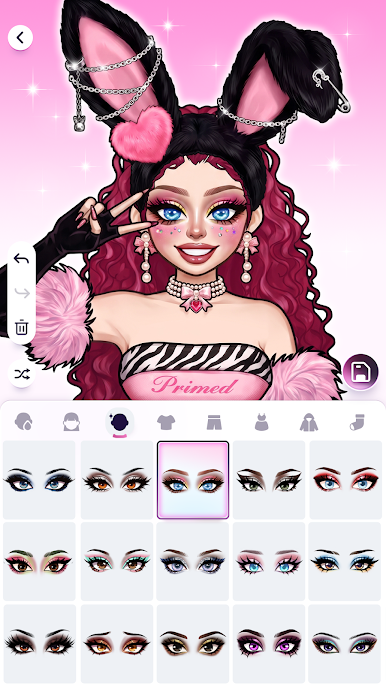
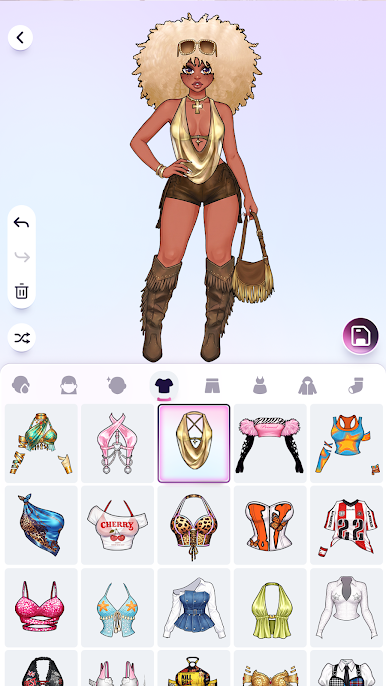
Explore hundreds of trendy outfits, hairstyles, and makeup looks. From cute to glam, express your creativity and own the spotlight.
🎥 Go Live & Build Your Show
Host your fashion livestream, interact with fans, and grow your popularity while unlocking new rooms, gifts, and effects.
⚔️ Real-Time PK Battles
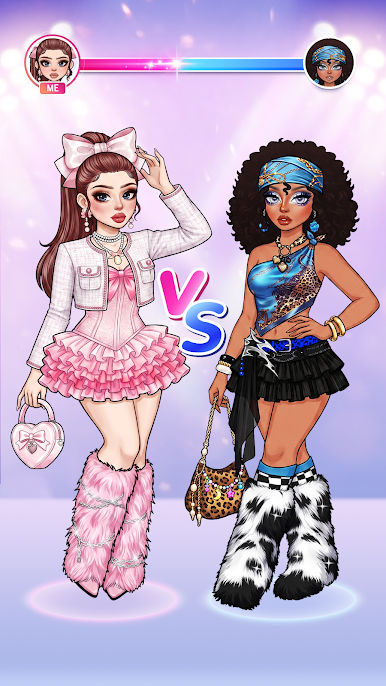
Compete with fashionistas worldwide, vote for the best looks, and climb the global rankings.
🌈 Story & Social Fun
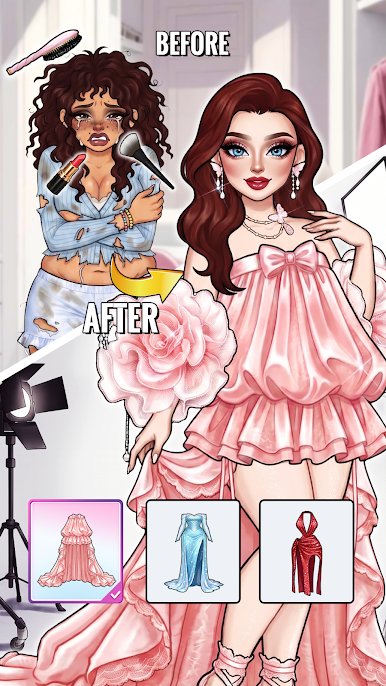
Follow your journey from rookie streamer to top idol. Make friends, join events, and share your shining moments.
💎 Rise to Fame
Level up, unlock premium outfits and dazzling stages — your dream of stardom begins here.
✨ Be the YoYa Star. Be on air.

Play YoYa Star: On Air on PC. It’s easy to get started.
-
Download and install BlueStacks on your PC
-
Complete Google sign-in to access the Play Store, or do it later
-
Look for YoYa Star: On Air in the search bar at the top right corner
-
Click to install YoYa Star: On Air from the search results
-
Complete Google sign-in (if you skipped step 2) to install YoYa Star: On Air
-
Click the YoYa Star: On Air icon on the home screen to start playing

