


Caffè Nero
Play on PC with BlueStacks – the Android Gaming Platform, trusted by 500M+ gamers.

Page Modified on: Oct 16, 2026
Play Caffè Nero on PC
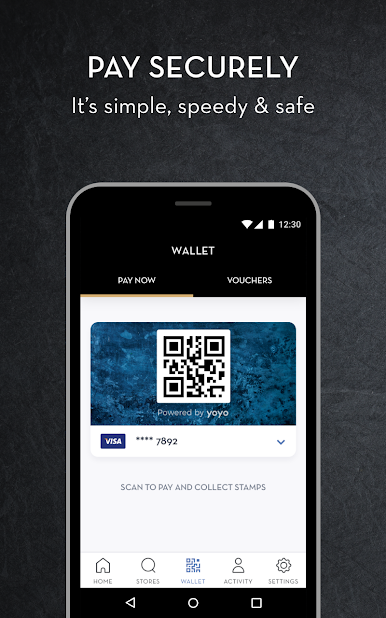
Scan the QR code in the app and the rest happens automatically… apart from your coffee, which our Baristas will handcraft just the way you like it, as usual.
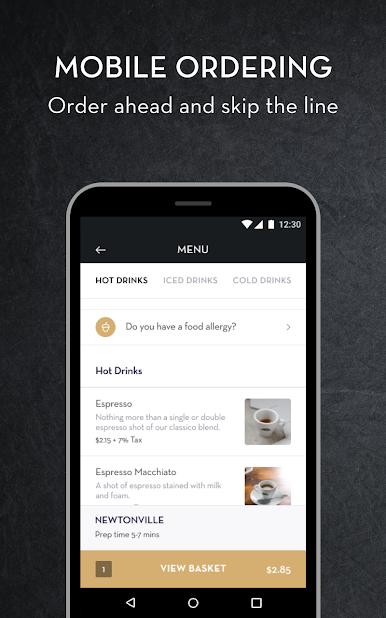
You can also find your nearest store with our in-app location finder.

Play Caffè Nero on PC. It’s easy to get started.
-
Download and install BlueStacks on your PC
-
Complete Google sign-in to access the Play Store, or do it later
-
Look for Caffè Nero in the search bar at the top right corner
-
Click to install Caffè Nero from the search results
-
Complete Google sign-in (if you skipped step 2) to install Caffè Nero
-
Click the Caffè Nero icon on the home screen to start playing

