


Yi iot
Play on PC with BlueStacks – the Android Gaming Platform, trusted by 500M+ gamers.

Page Modified on: Sep 14, 2026
Main Yi iot on PC
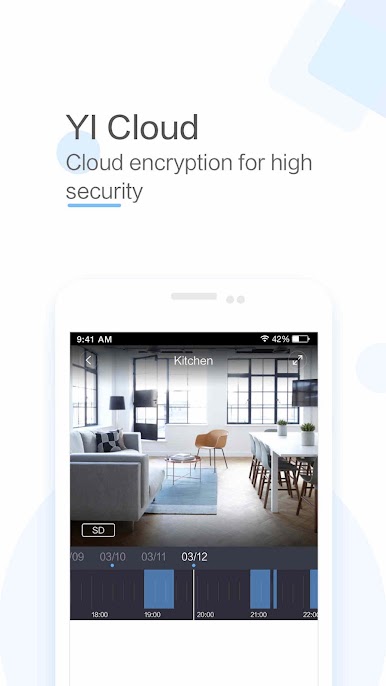
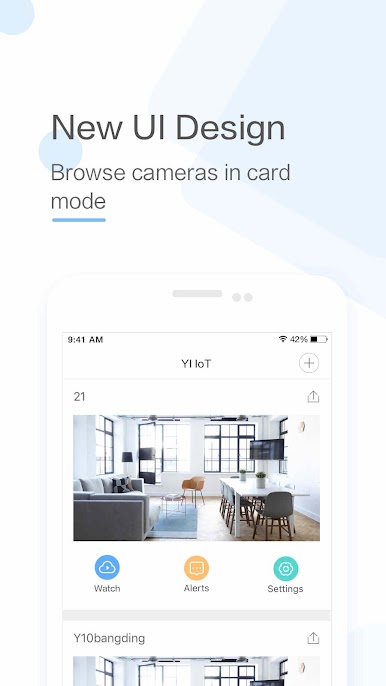
-YI IoT Camera connects you with your family through real-time video and audio anytime and anywhere just a fingertip away
-Equipped with a 111° wide-angle lens, you can extend the area of coverage to enable a clear view of specific areas and objects. Simply double click to activate 4x digital zoom to focus on details
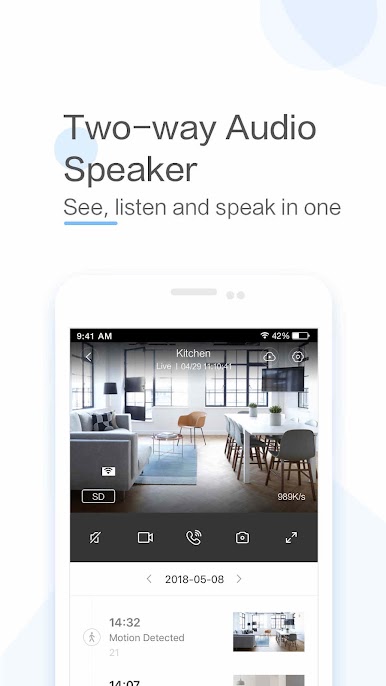
-With a simple tap on your mobile phone, you can initiate a 2-way conversation with your family remotely. Its specially designed microphone and speaker ensures loud and clean voice quality
-By simply panning your mobile phone left and right, a complete panoramic view will be displayed to provide a better viewing experience. The gyroscope support, integrated in the Yi Smart App, is able to follow the mobile phone orientation, making it easier to see every corner being monitored
Functions:
-The Yi iot camera uses all glass lenses with f/2.0 aperture to produce bright and crystal images. With HD resolution (1280x720), it still delivers excellent image quality even if your enlarged to view small details
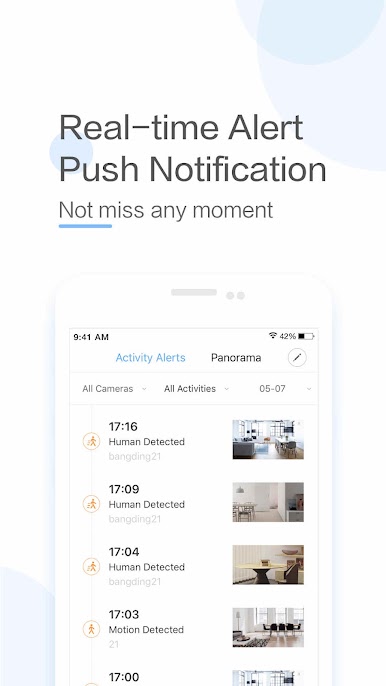
-Yi iot camera always keeps an eye on things that is important to you.With built-in high accuracy motion detection technology, the camera sends notification to your mobile phone detailing when, where, and what movement was detected so you always stay on top of things that you care about, instantly!
-Support up to 32GB SD card, it stores video and audio of special moments, fully indexed, for you to cherish at the touch of your fingertip. Best yet, a built-in mode triggers store action only when image change is detected to achieve best storage capacity optimization
-Our adaptive streaming technology automatically adjust to the optimal viewing quality based on your network conditions
-Support turning your old phone into a security camera in seconds.
Play Yi iot on PC. It’s easy to get started.
-
Download and install BlueStacks on your PC
-
Complete Google sign-in to access the Play Store, or do it later
-
Look for Yi iot in the search bar at the top right corner
-
Click to install Yi iot from the search results
-
Complete Google sign-in (if you skipped step 2) to install Yi iot
-
Click the Yi iot icon on the home screen to start playing

