


Hago- Party, Chat & Games
Play on PC with BlueStacks – the Android Gaming Platform, trusted by 500M+ gamers.

Page Modified on: Sep 10, 2026
Run HAGO - Play with New Friends on PC or Mac
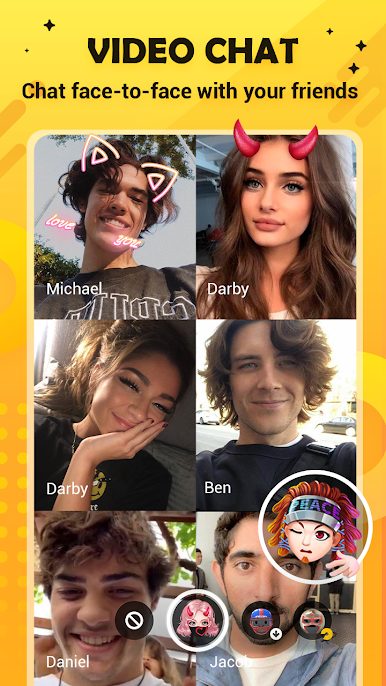
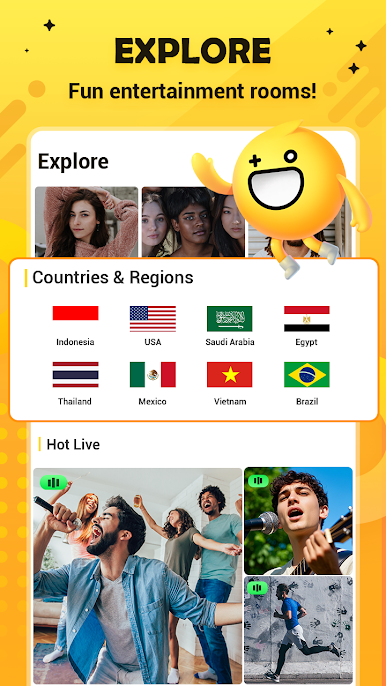
HAGO – Play with New Friends is the hit social gaming platform that is taking over the world! More than 100 million downloads in countries all around the globe and a thriving community of dedicated players. Make new friends, play awesome mini-games, text and voice chat support for endless entertainment. Play HAGO – Play with New Friends on PC and take your pick of over 80 fun mini-games. Whether you prefer to play solo or against other players in real-time PvP battles, HAGO has the title for you. Win to earn cool rewards and make your way up the global HAGO leaderboards! Build a fanbase with Channels. You’re in charge — invite your friends and family for a casual chat or challenge them to HAGO battles! Now supports voice chat so you can talk game while you’re laying the smack down. Enjoy tons of cool social features, like private messages, emoticons, stickers, and much more! Found a cutie that you click with? Send them a message through the intuitive chat system. Is that love in the air?





Play Hago- Party, Chat & Games on PC. It’s easy to get started.
-
Download and install BlueStacks on your PC
-
Complete Google sign-in to access the Play Store, or do it later
-
Look for Hago- Party, Chat & Games in the search bar at the top right corner
-
Click to install Hago- Party, Chat & Games from the search results
-
Complete Google sign-in (if you skipped step 2) to install Hago- Party, Chat & Games
-
Click the Hago- Party, Chat & Games icon on the home screen to start playing

