

Toki Mahjong Champion
Play on PC with BlueStacks – the Android Gaming Platform, trusted by 500M+ gamers.

Page Modified on: Sep 27, 2026
Play Toki Mahjong Champion on PC or Mac
Toki Mahjong Champion brings the Board genre to life, and throws up exciting challenges for gamers. Developed by Card Games, Inc, this Android game is best experienced on BlueStacks, the World’s #1 app player for PC and Mac users.
About the Game
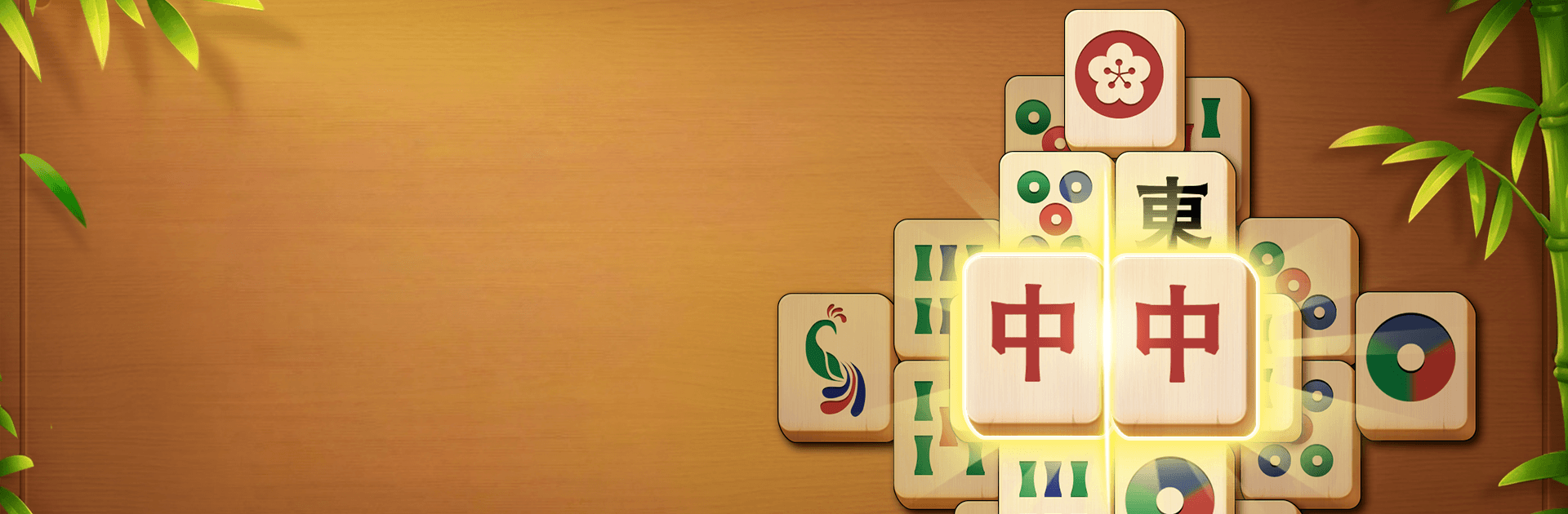
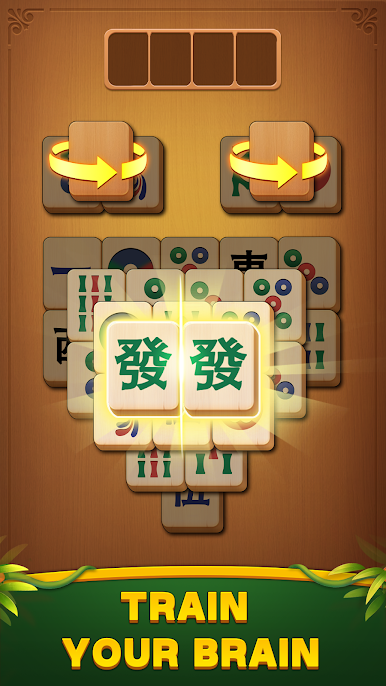
Toki Mahjong Champion is a calm-and-clever Board take on classic Mahjong Solitaire, built for people who like to think without feeling rushed. It keeps the easy tap-to-match flow, then adds a smart twist: four temporary holding slots that open up the board and your options. It’s relaxed, brain-pleasing, and super readable—great on tablets or even on a big screen with BlueStacks.
Game Features
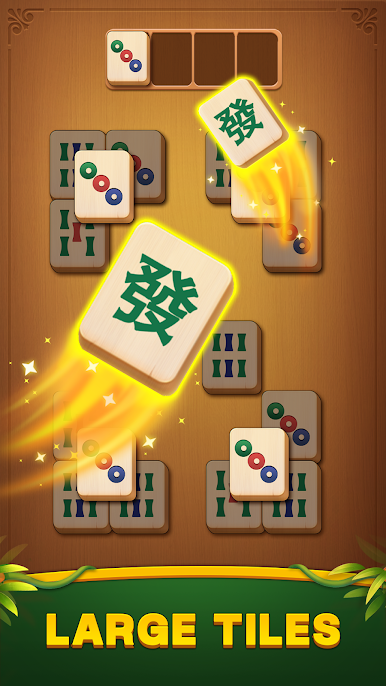
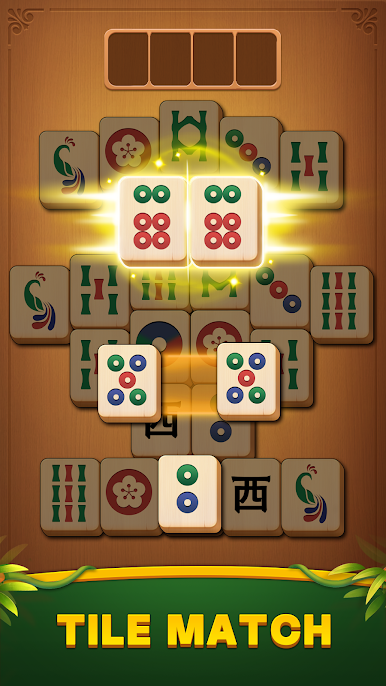
- Four-slot strategy: Park up to four blocking tiles in special slots so you can uncover layers, plan ahead, and avoid getting stuck.
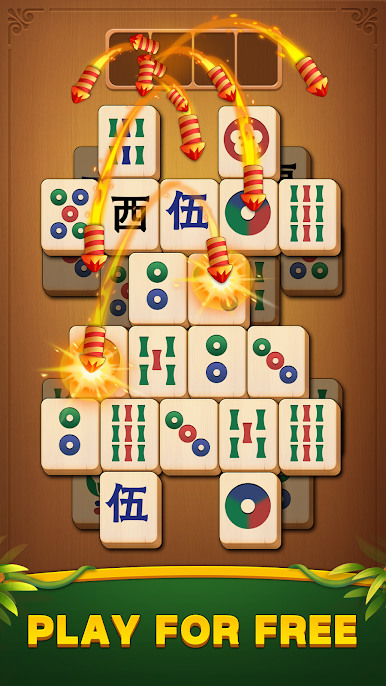
- Easy-to-learn rules: Match identical, unblocked tiles with a tap; you can even pair a tile on the board with its twin sitting in a slot.
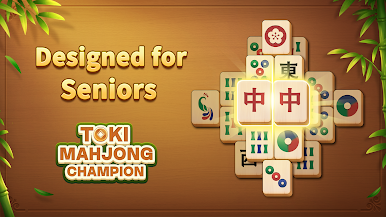
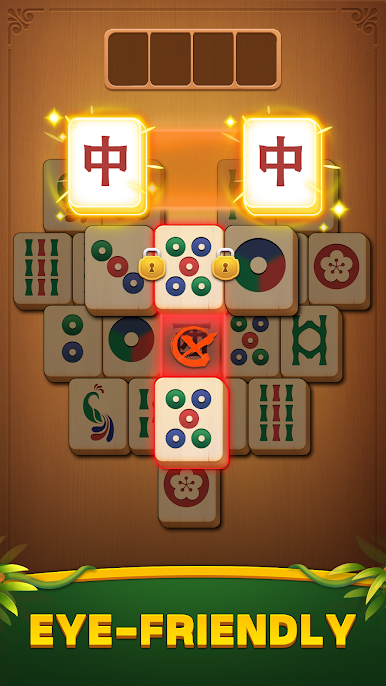
- Big, clear tiles: High-contrast symbols and bold designs make every tile easy to see, comfortable for long sessions and older eyes.
- No timer, no pressure: Play at your own pace with gentle audio and zero countdown stress—perfect for a quiet break or nightly unwind.
- Play offline anywhere: No internet needed, so your puzzle time goes wherever you do.
- Tons of layouts: Tackle a huge variety of boards, from quick one-minute clears to more thoughtful, layered challenges.
- Helpful assists: Use smart hints, undo missteps, or shuffle the layout when a board gets tricky—tools that help without taking over.
- Grouped leaderboards: Compete in rotating brackets, track your progress, and see how your streak stacks up against other fans.
- Clean themes and calm vibes: Switch between readable themes and soft backgrounds that keep the focus on relaxing logic.
- Smooth on any setup: Snappy performance, generous tap targets, and a comfy layout—also plays nicely on BlueStacks if you want the big-screen feel.
Start your journey now. Download the game on BlueStacks, invite your friends, and march on a new adventure.


Play Toki Mahjong Champion on PC. It’s easy to get started.
-
Download and install BlueStacks on your PC
-
Complete Google sign-in to access the Play Store, or do it later
-
Look for Toki Mahjong Champion in the search bar at the top right corner
-
Click to install Toki Mahjong Champion from the search results
-
Complete Google sign-in (if you skipped step 2) to install Toki Mahjong Champion
-
Click the Toki Mahjong Champion icon on the home screen to start playing

