


Bamboo Space: Zen Launcher
Play on PC with BlueStacks – the Android Gaming Platform, trusted by 500M+ gamers.

Page Modified on: Jun 3, 2026
Play Bamboo Space: Zen Launcher on PC
MAIN FEATURES 🛠️
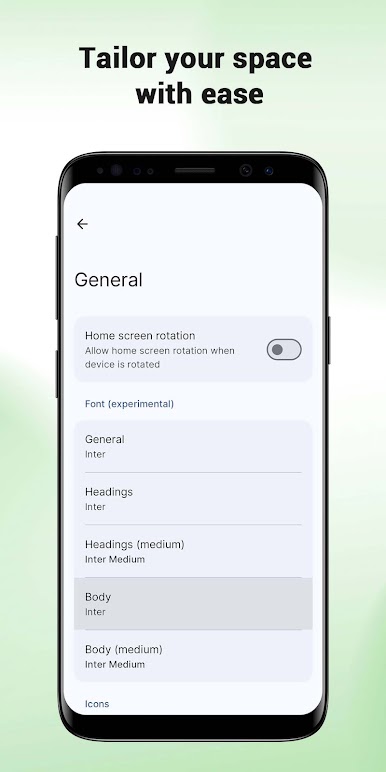
Desktop Customization
Easily change how your phone looks:
Wallpapers: Choose from a collection of peaceful nature backgrounds. 🖼️
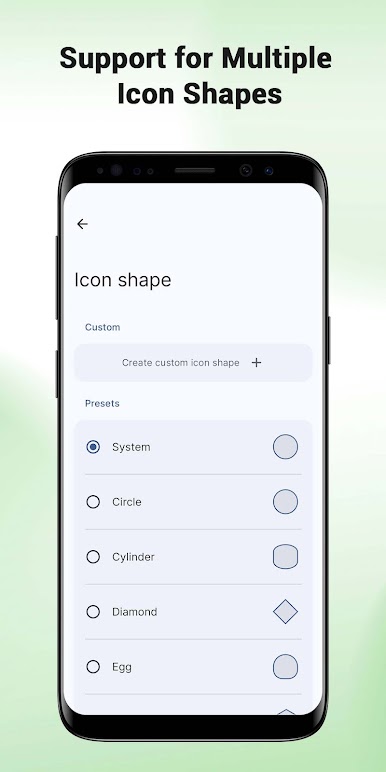
Icon Shapes: Change your app icons into different shapes like circles or squares. 📐
Theme Colors: Pick a color that fits your style for the launcher interface. 🎨
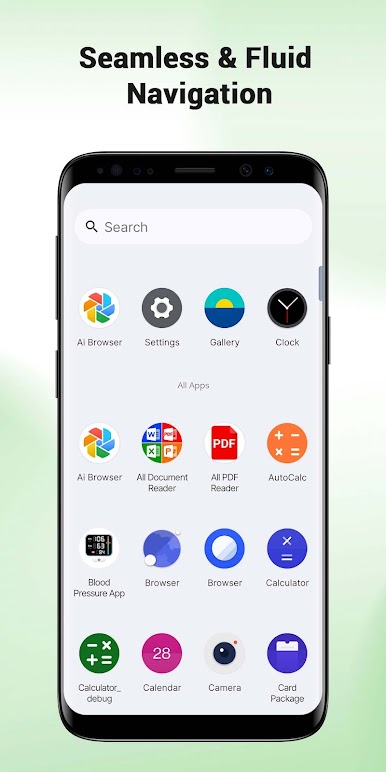
App Search & Drawer
Quickly find what you need:
Smart Drawer: All your apps are neatly organized in one place. 📂
Quick Search: Use the search bar in the drawer to find any app instantly. 🔍
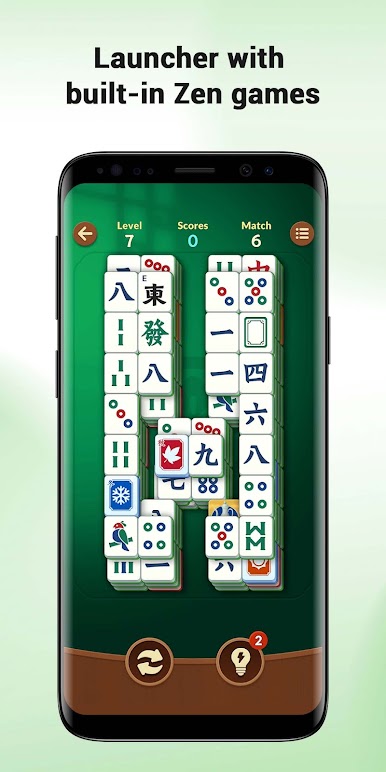
Zen Interaction (Mahjong Tool)
Take a short break! This built-in tile-matching tool is designed for relaxation. By matching Mahjong tiles, you can clear your mind and reduce stress during a busy day. 🀄✨
HOW IT WORKS ⚙️
Set as Default: To use the icon and search features, you need to set Bamboo Space as your default home screen. 🏠
Easy to Switch: You can switch back to your old system launcher at any time through the app settings or your phone's system menu. 🔄
Safe to Use: This app only changes the look of your home screen. It will not change your personal files or other apps. ✅
SUPPORT 📧
For help and more information, please check our FAQ page:
Link: https://vistacosmos.com/faq.html
Play Bamboo Space: Zen Launcher on PC. It’s easy to get started.
-
Download and install BlueStacks on your PC
-
Complete Google sign-in to access the Play Store, or do it later
-
Look for Bamboo Space: Zen Launcher in the search bar at the top right corner
-
Click to install Bamboo Space: Zen Launcher from the search results
-
Complete Google sign-in (if you skipped step 2) to install Bamboo Space: Zen Launcher
-
Click the Bamboo Space: Zen Launcher icon on the home screen to start playing

