


Sweet Smash!
Play on PC with BlueStacks – the Android Gaming Platform, trusted by 500M+ gamers.

Page Modified on: Jul 29, 2026
Play Sweet Smash! on PC or Mac
Step into the World of Sweet Smash!, a thrilling Casual game from the house of Zenergy Game. Play this Android game on BlueStacks App Player and experience immersive gaming on PC or Mac.
About the Game
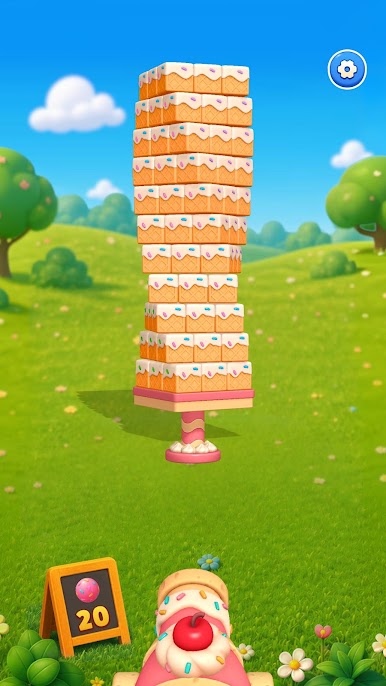
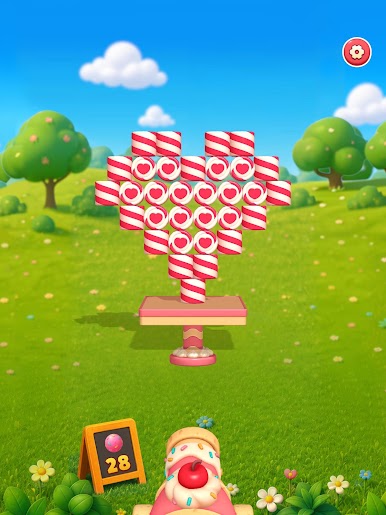
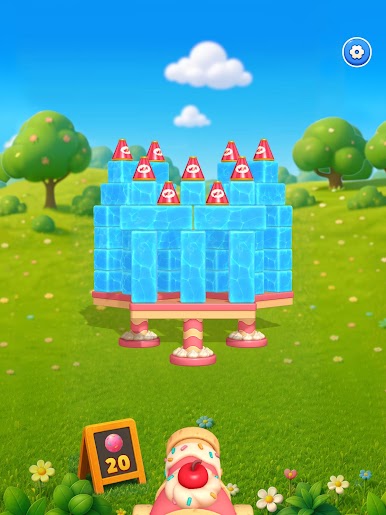
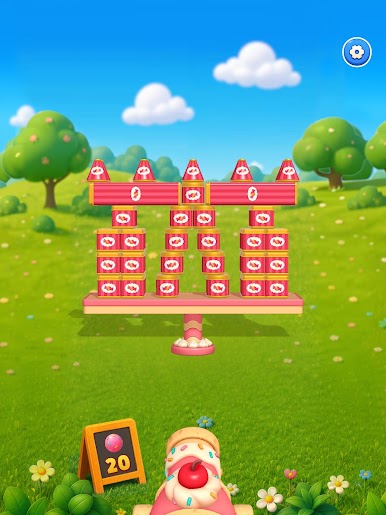
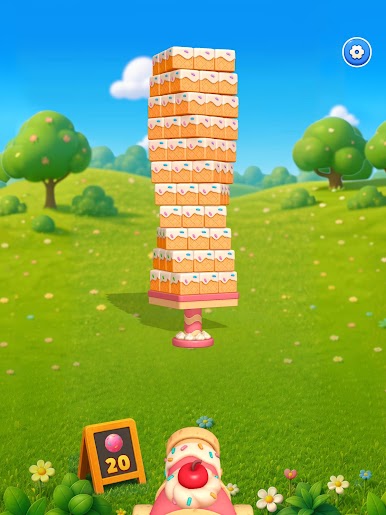
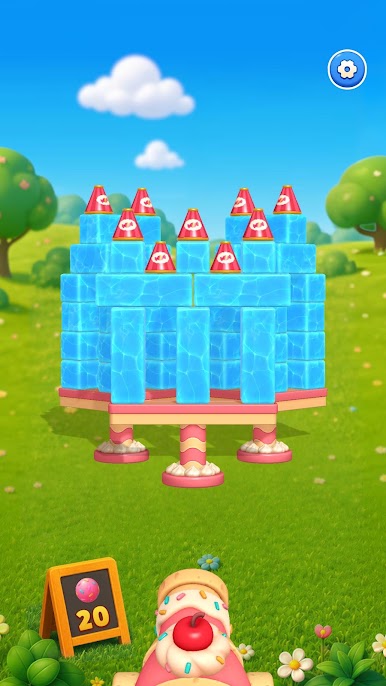
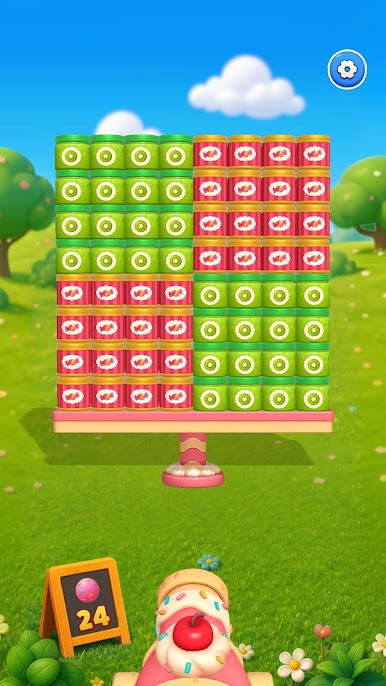
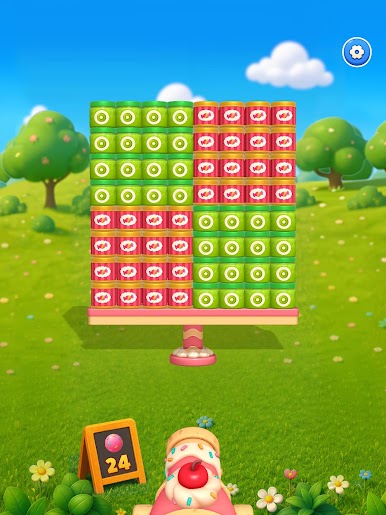
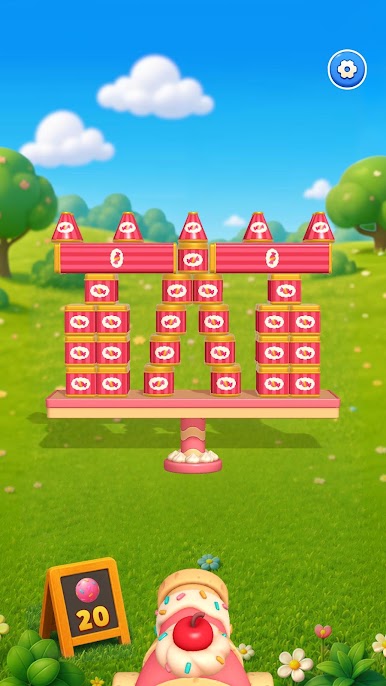
Sweet Smash! is a Casual puzzler that’s all about knocking down delicious-looking towers with pure, crunchy physics. You slide a cannon, line up the shot, and watch candy structures wobble, tip, and crumble in the most satisfying way. It’s quick to pick up, great for short breaks, and surprisingly soothing when you just want to clear your head.
Game Features
- One-finger controls: Move the cannon, aim, and fire with a single thumb. No busy HUDs, no learning curve—just shoot and watch the sweets tumble.
- Satisfying physics: Every hit triggers chain reactions, topples stacks, and sends candies flying. The feedback feels punchy and rewarding, shot after shot.
- Candy-coated 3D world: Cupcakes, macarons, and sugary blocks come to life with clean, colorful visuals that pop with each blast.
- Smash smart, not hard: Towers are built with weak points. Spot them, aim precisely, and trigger full-on collapses that clear the board in seconds.
- Tons of handcrafted stages: Work through a steady stream of levels that ramp up thoughtfully, introducing fresh obstacles and clever layouts.
- Handy power items: Unlock playful tools that add new twists to your shots and open up different ways to cause glorious mayhem.
- Stress-friendly pacing: Perfect for quick sessions—on the train, in line, or winding down at night—without pressure or fiddly timers.
- Play your way: Tap through levels on your phone, or enjoy those candy explosions on a bigger screen using BlueStacks if that’s more your style.
Ready to top the leaderboard? We bet you do. Let precise controls and sharp visuals optimized on BlueStacks lead you to victory.

Play Sweet Smash! on PC. It’s easy to get started.
-
Download and install BlueStacks on your PC
-
Complete Google sign-in to access the Play Store, or do it later
-
Look for Sweet Smash! in the search bar at the top right corner
-
Click to install Sweet Smash! from the search results
-
Complete Google sign-in (if you skipped step 2) to install Sweet Smash!
-
Click the Sweet Smash! icon on the home screen to start playing

