


Gin Rummy
Play on PC with BlueStacks – the Android Gaming Platform, trusted by 500M+ gamers.

Page Modified on: Oct 24, 2024
Play Gin Rummy on PC
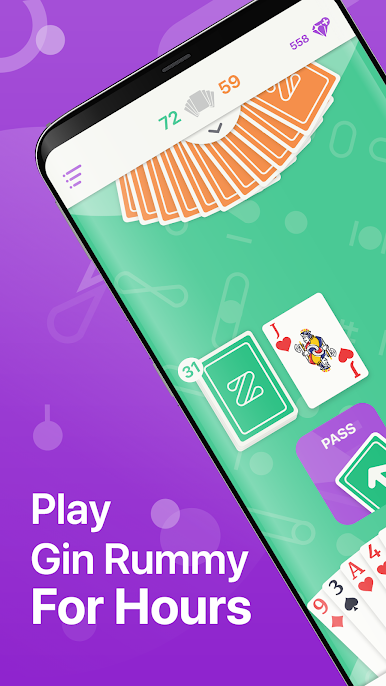
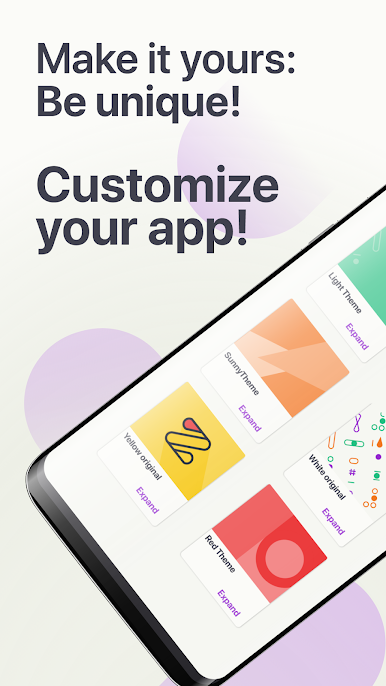
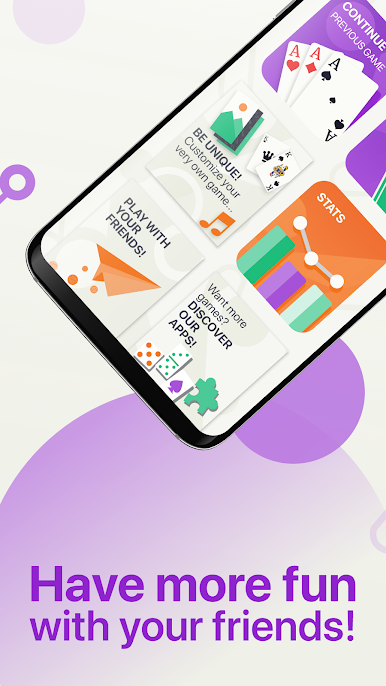
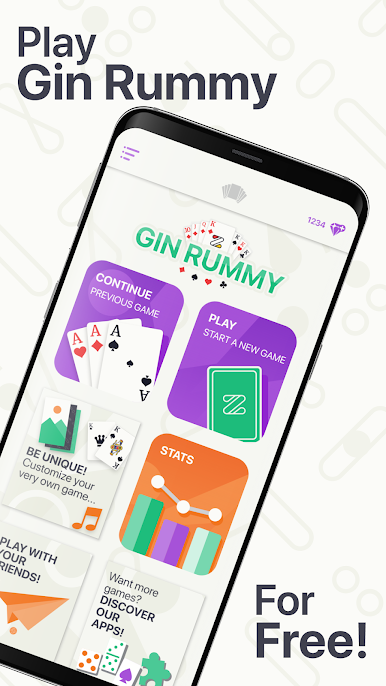
Gin Rummy offers a beautiful, intuitive and efficient interface with many features to give you the best gaming experience. Create your own and unique game with many customization options.
Download it now and play for free wherever and whenever you want!
SPECIAL FEATURES
• FREE: Play all your games for free anytime
• GREAT INTERFACE: Efficient, fast, intuitive, beautiful and dynamic interface optimized for various screen sizes
• SMART OPPONENT: Opponent simulated by a challenging but still friendly artificial intelligence, that will automatically select the best mode
• HAND AUTOSORT: Your cards are ordered in melds automatically for your best comfort
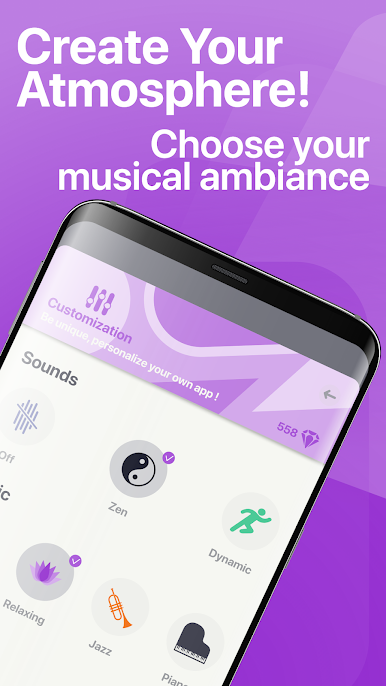
• CUSTOMIZATION: chose your backgrounds, cards skins, sounds effects and music tracks
• GAME AUTOSAVE: Freely stop the game at anytime and continue later
• STATISTICS: Track your performance with the statistics from your matches
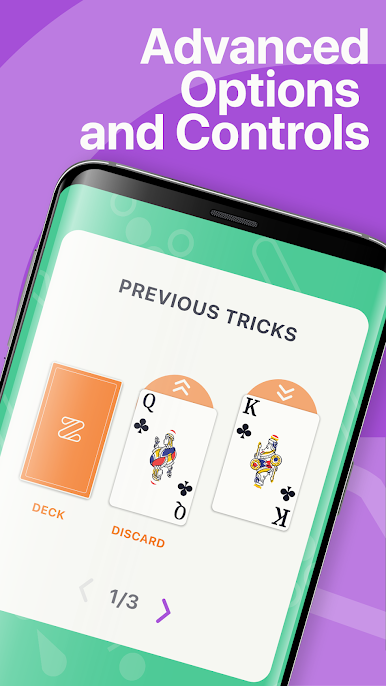
• SPECIAL HINTS: Undo and other many hints
• BONUS: Earn free gems everyday
• FLIGHT MODE: works also without any internet connection
We believe that quality and simplicity improve the gaming experience, and that's why we created it for you!
Playing Gin Rummy is not only exciting, it trains your brain 🧠and improve your strategic skills. It is also a very good way to take a break and relax. Join our Gin Rummy experience to relax and stay sharp with a very complete, easy and smooth app!
Are you ready to win the game? Install the app and Enjoy your game!
Play Gin Rummy on PC. It’s easy to get started.
-
Download and install BlueStacks on your PC
-
Complete Google sign-in to access the Play Store, or do it later
-
Look for Gin Rummy in the search bar at the top right corner
-
Click to install Gin Rummy from the search results
-
Complete Google sign-in (if you skipped step 2) to install Gin Rummy
-
Click the Gin Rummy icon on the home screen to start playing

