


Zen Tile Slide
Play on PC with BlueStacks – the Android Gaming Platform, trusted by 500M+ gamers.

Page Modified on: May 14, 2026
Play Zen Tile Slide on PC
🀄 Slide & Match
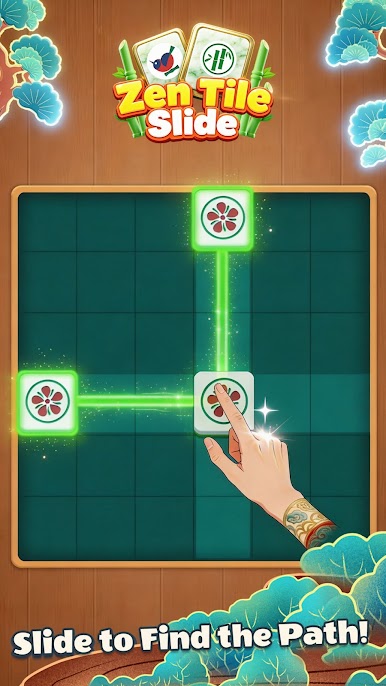
Say goodbye to tedious clicking! Gently push the mahjong pieces to make matching suits disappear upon collision. Experience the smooth controls and enjoy the crisp sound effects and explosive visual feedback from physical collisions.
🧩 Dynamic Gameplay, Strategic Mastery
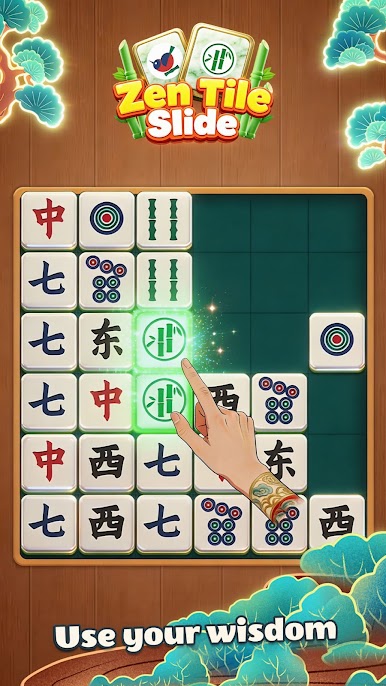
The layout of each level changes with your actions. You need to anticipate the chain reaction after a slide and achieve combo eliminations in the fewest moves. From simple pairings to complex "domino-like" dismantling, constantly challenge your logical limits.
🌿 Immersive Zen Experience
Zero-stress gameplay: No forced countdowns, allowing you to observe calmly, slide precisely, and gain a pure sense of accomplishment from controlling the entire game.
Visual Feast: Ultra-large, high-definition tiles optimized for large screens and mobile devices, with delicate and refined textures, ensuring eye comfort even during extended gameplay.
Limited-time items: Hints and shuffling functions ensure your logical deductions never get stuck.
✨ Stunning Slide Effects
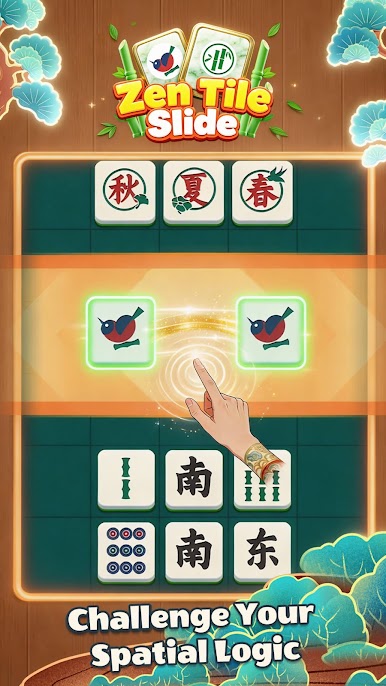
Every round is visually stunning. Exquisite high-definition textures combined with gorgeous elimination animations and delicate vibration feedback give puzzle games the satisfying impact of action games, making it an excellent stress reliever.


Play Zen Tile Slide on PC. It’s easy to get started.
-
Download and install BlueStacks on your PC
-
Complete Google sign-in to access the Play Store, or do it later
-
Look for Zen Tile Slide in the search bar at the top right corner
-
Click to install Zen Tile Slide from the search results
-
Complete Google sign-in (if you skipped step 2) to install Zen Tile Slide
-
Click the Zen Tile Slide icon on the home screen to start playing

