


Om Nom: Run
Play on PC with BlueStacks – the Android Gaming Platform, trusted by 500M+ gamers.

Page Modified on: Oct 17, 2025
Play Om Nom: Run on PC or Mac
Om Nom: Run is an Action game developed by ZeptoLab. BlueStacks app player is the best platform to play this Android game on your PC or Mac for an immersive gaming experience.
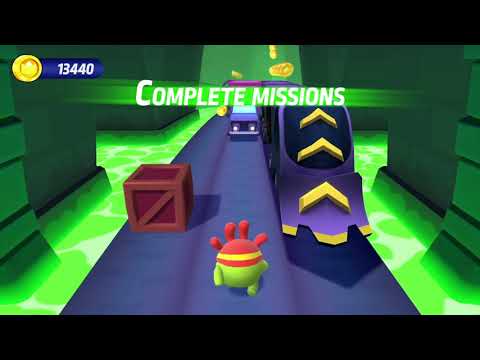
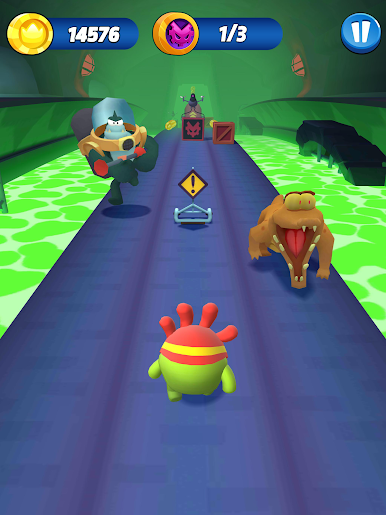
Explore an exciting platformer world with Om Nom and Om Nelle. Overcome deadly obstacles and run your way to the top of the leaderboard. Showcase your skills as you complete challenging missions and claim exclusive rewards. Are you ready to run? Play this game to get started.
About the Game
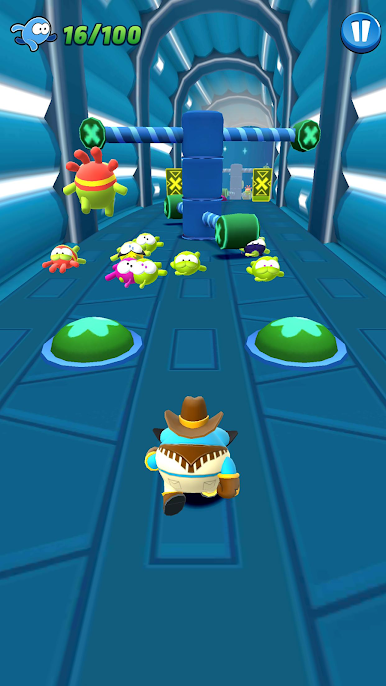
Om Nom: Run immerses you in the dangerous streets of Nomville. It features multiple missions where you have to perform stunts, cover distances, etc., to win. Aside from Om Nom and Om Nelle, you can unlock other characters like Robo Kid, Super Nom, Hero Cape, and more.
Gameplay Overview
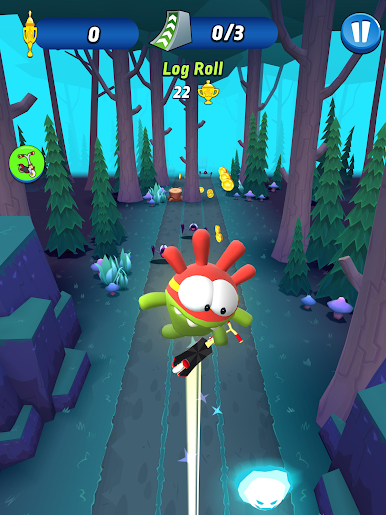
Whether you’re running through busy streets, messy rooftops, or any other location, you have to evade any obstacle in your way. You can earn extra points by claiming rockets, jumping boots, magnets, and other special boosters. Use your keyboard or gamepad controller to control your character’s moves while running.
Game Features
- Multiple customization options
- Special in-game events
- Smooth 3D graphics
How to Play?
Download Om Nom: Run for free from the Google Play Store using the BlueStacks app player.










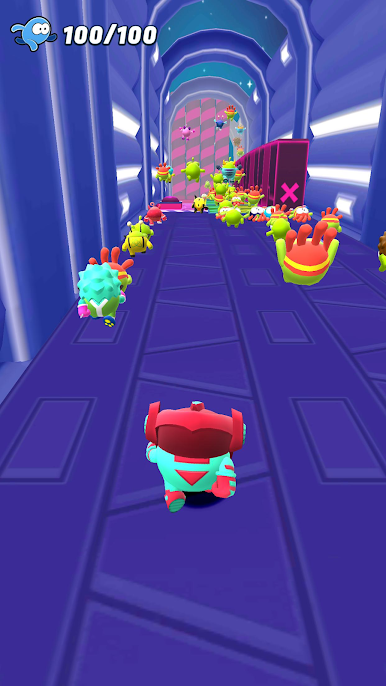



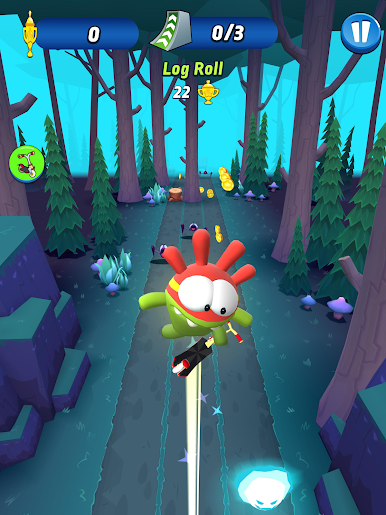

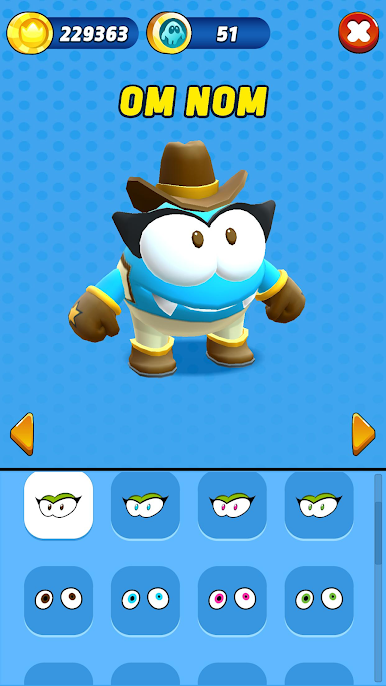


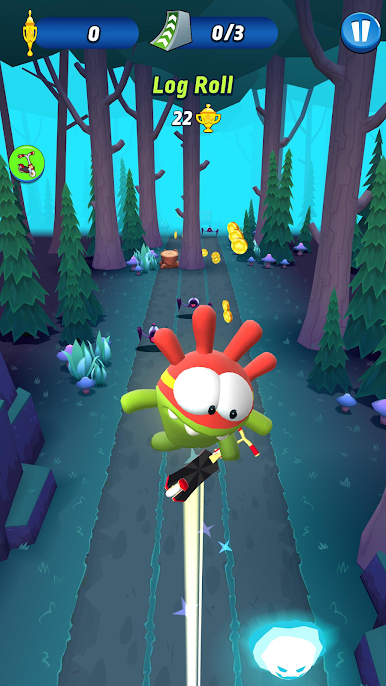

Play Om Nom: Run on PC. It’s easy to get started.
-
Download and install BlueStacks on your PC
-
Complete Google sign-in to access the Play Store, or do it later
-
Look for Om Nom: Run in the search bar at the top right corner
-
Click to install Om Nom: Run from the search results
-
Complete Google sign-in (if you skipped step 2) to install Om Nom: Run
-
Click the Om Nom: Run icon on the home screen to start playing

