


Icing On The Dress
Play on PC with BlueStacks – the Android Gaming Platform, trusted by 500M+ gamers.

Page Modified on: Jun 19, 2026
Main Icing On The Dress on PC
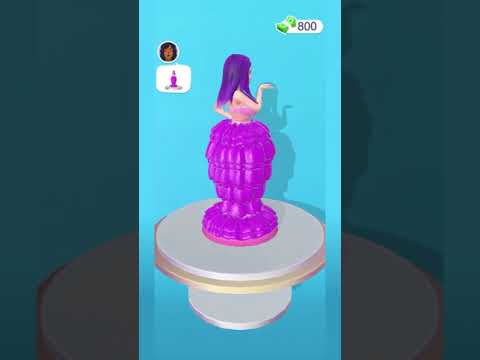
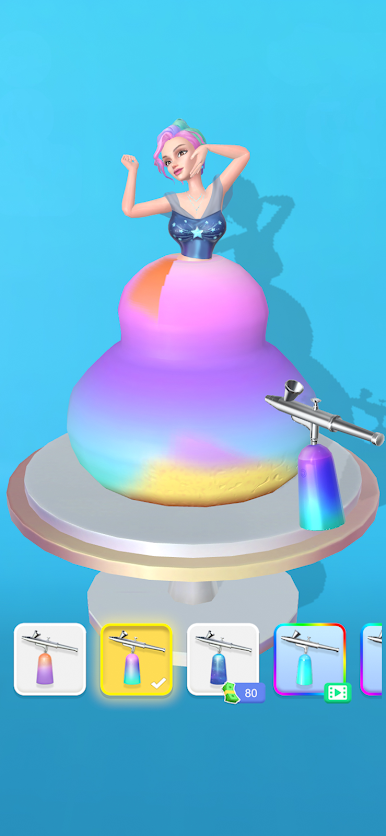
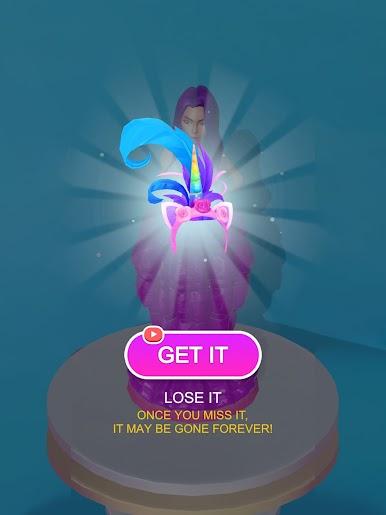
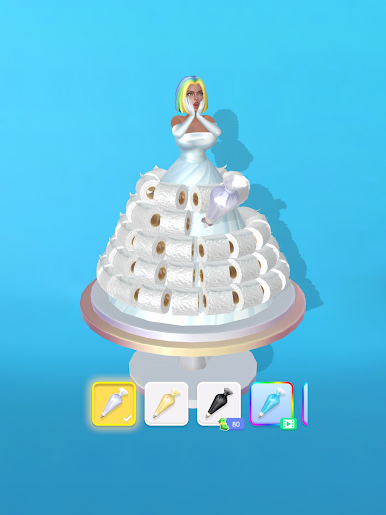
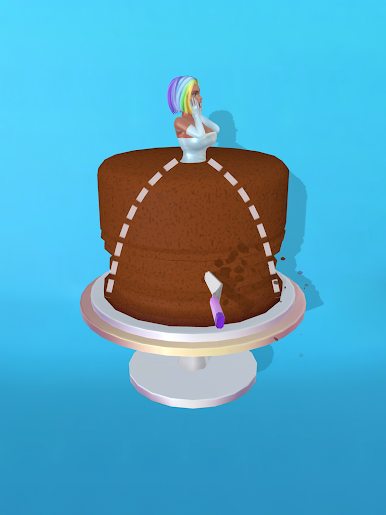
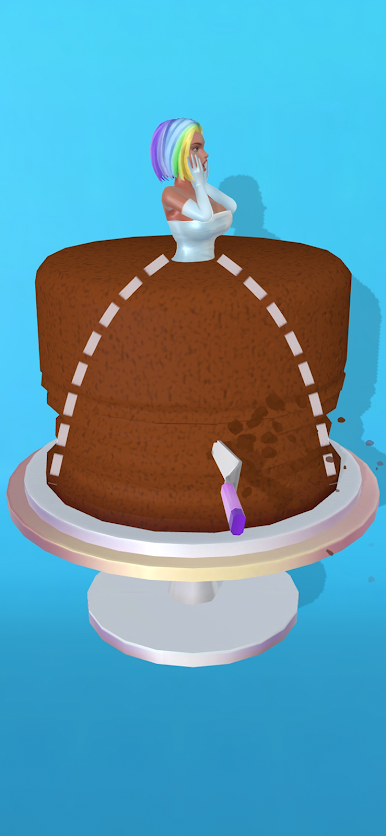
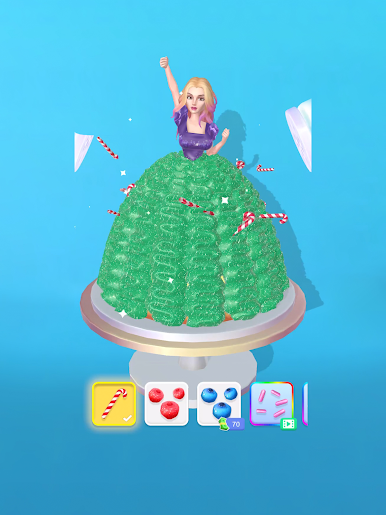
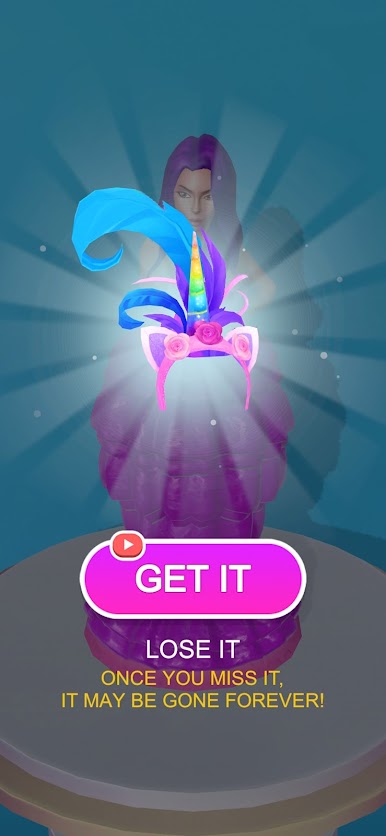
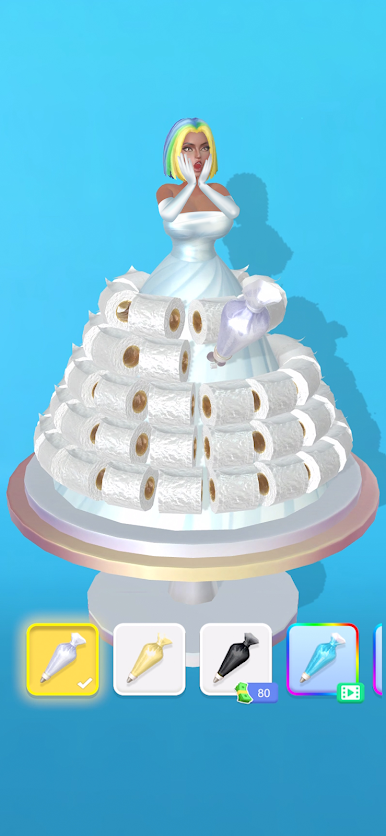
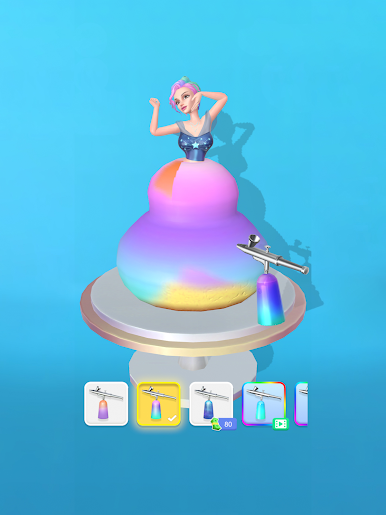
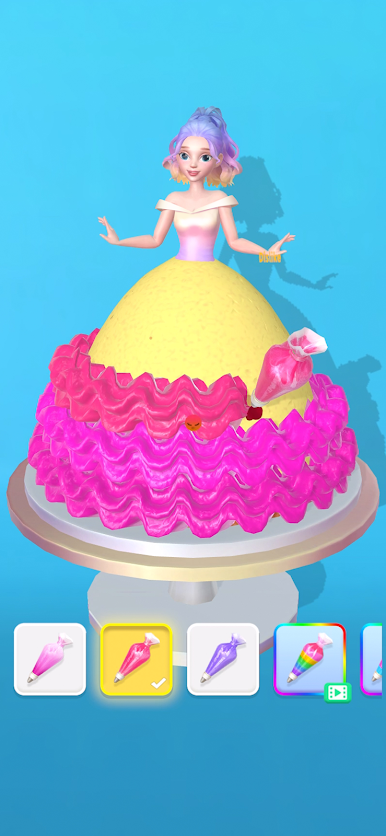
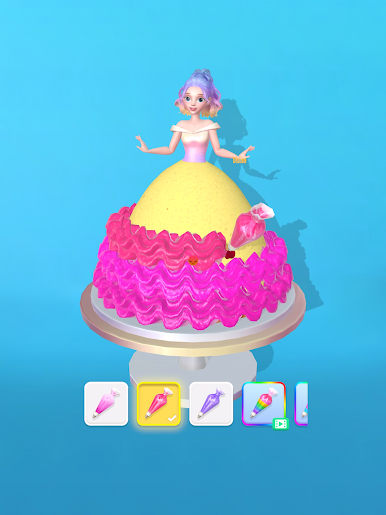
Color and decorate the perfect wedding dress. A dress so good looking you will want to eat it.
Game Features:
1. Simple but addicting mechanics
The dress will spin around and you need to pipe icing around. It’s that simple and relaxing!
2. Keep on upgrading!
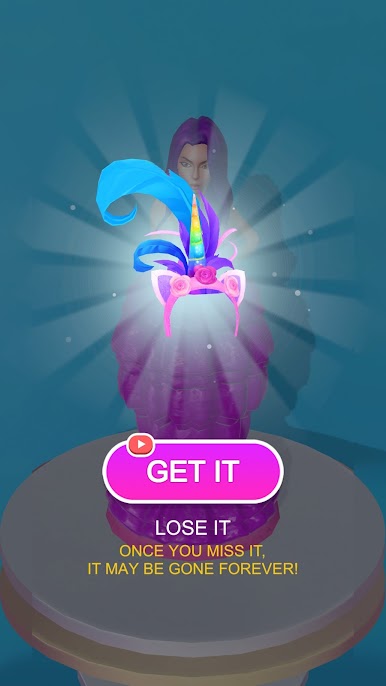
So many dresses for you to design and frost. How many can you make?
3. Great visuals and graphics
Realistic physics and graphics will make you want these dresses all for yourself.
4. Relax and play
Simple yet fun mechanics will keep you entertained for hours!
Visit https://lionstudios.cc/contact-us/ if have any feedback, need help on beating a level or have any awesome ideas you would like to see in the game!
From the Studio that brought you Mr. Bullet, Happy Glass, Ink Inc and Love Balls!
Follow us to get news and updates on our other Award Winning titles;
https://lionstudios.cc/
Facebook.com/LionStudios.cc
Instagram.com/LionStudioscc
Twitter.com/LionStudiosCC
Youtube.com/c/LionStudiosCC






Play Icing On The Dress on PC. It’s easy to get started.
-
Download and install BlueStacks on your PC
-
Complete Google sign-in to access the Play Store, or do it later
-
Look for Icing On The Dress in the search bar at the top right corner
-
Click to install Icing On The Dress from the search results
-
Complete Google sign-in (if you skipped step 2) to install Icing On The Dress
-
Click the Icing On The Dress icon on the home screen to start playing

