


Sword x Staff
Play on PC with BlueStacks – the Android Gaming Platform, trusted by 500M+ gamers.

Page Modified on: May 13, 2026
Play Sword x Staff on PC or Mac
Sword x Staff is a Role Playing game developed by BOLTRAY GAMES. BlueStacks app player is the best platform to play this Android game on your PC or Mac for an immersive gaming experience.
About the Game
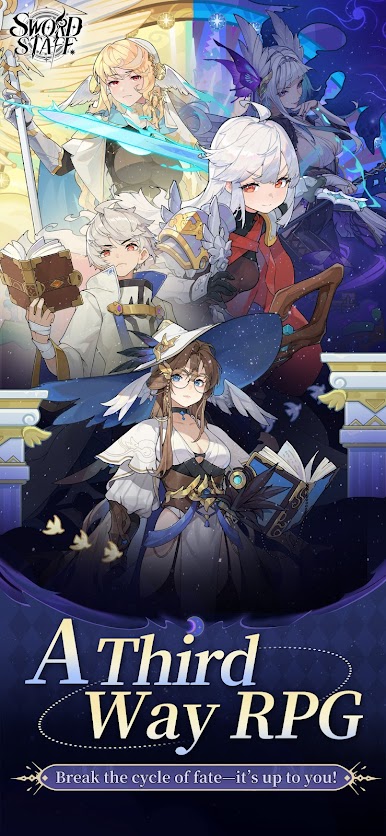
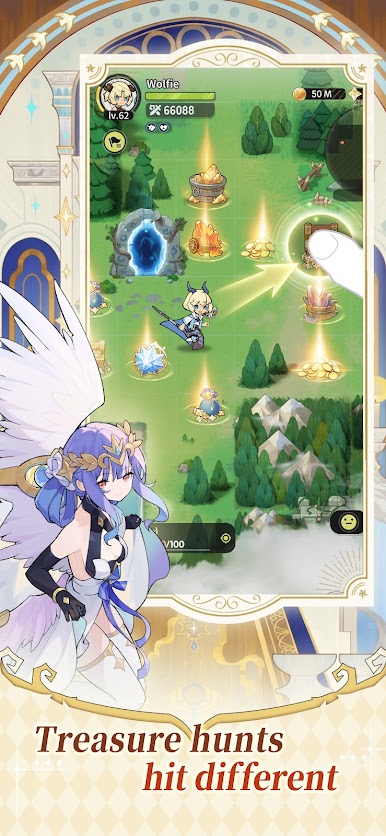
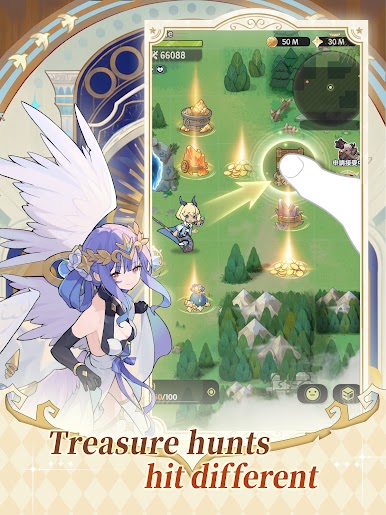
Sword x Staff makes you the Chosen Adventurer in the world of Kanstein. Your primary objective is to team up with the Staff and Sword Twins to defeat your enemies and save the world. You can also claim forgotten treasures by piercing through thick fog across several locations. The game lets you mix and match hundreds of skills to develop your own fighting style to conquer any battlefield.
Game Features
- Huge World Map: Explore every region in this realm at your own pace to uncover dark secrets, meet companions, and enjoy new sights. Examples of these regions include Verdantglade, Cinder Ridge, Aqualis, and Loong Haven.
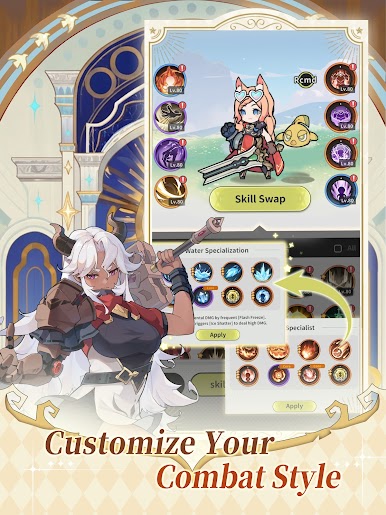
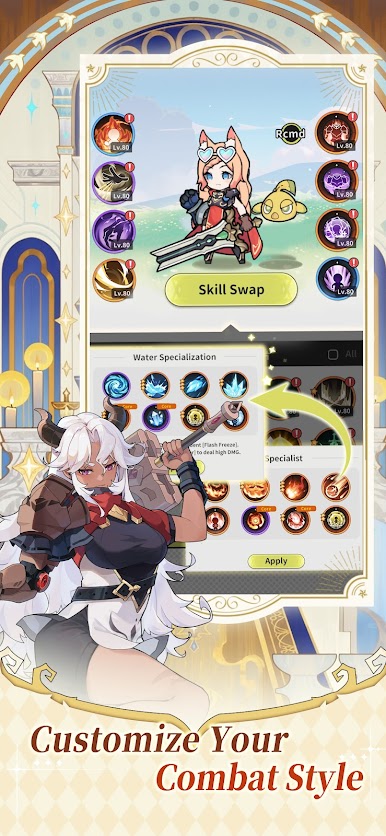
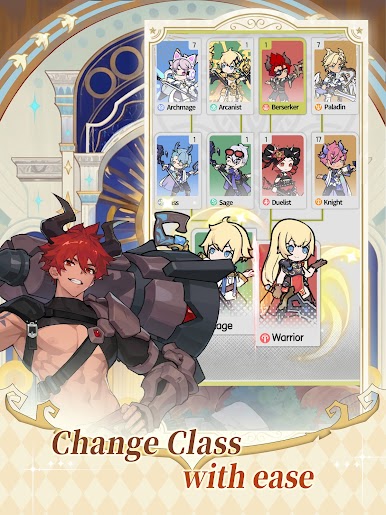
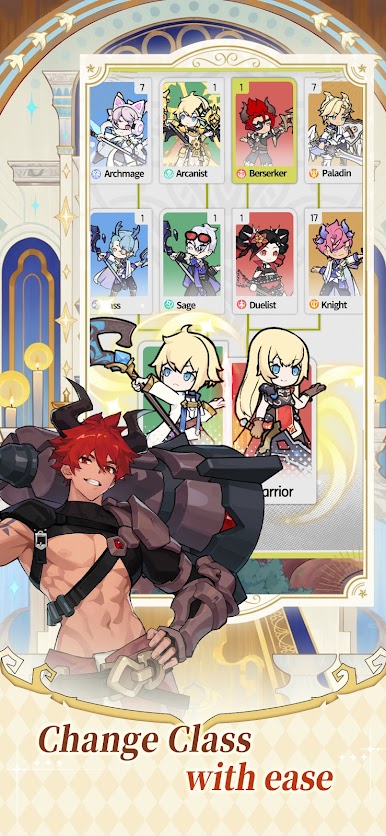
- Deep Strategy Gameplay: The game begins with the Warrior & Mage dual-class system, and stretches into over 200 skill combinations. It allows you to not only mix skills, but also change cast order, swap elemental builds, and fine-tune your setup.
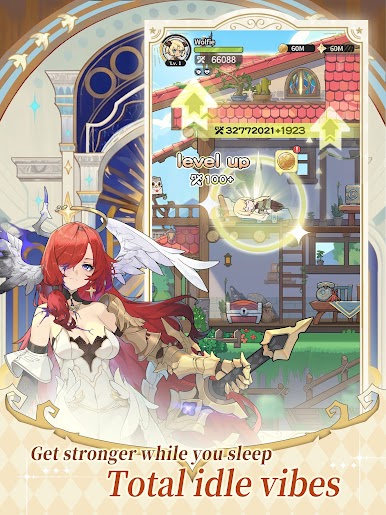
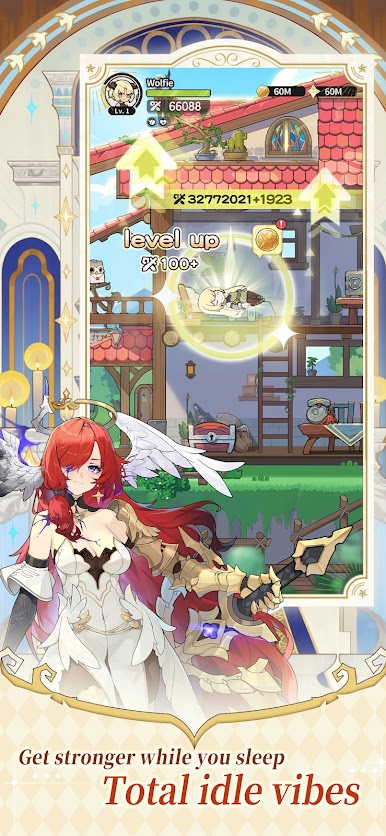
- Efficient Progression: When you’re offline, AFK mode kicks in to make sure your character grows stronger, stacks up resources, and keeps progressing without the endless farming and stress.
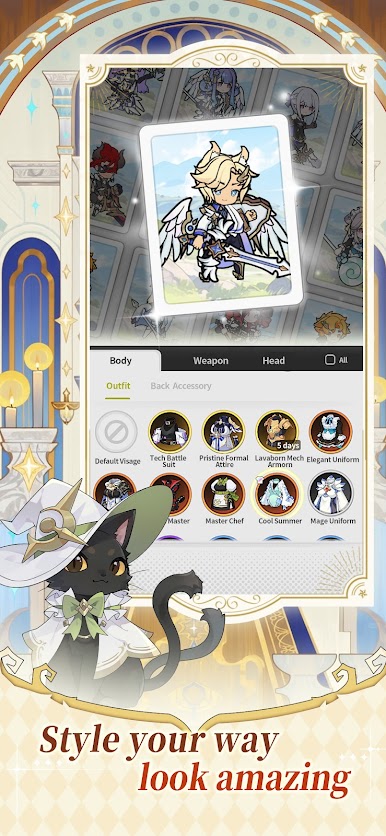
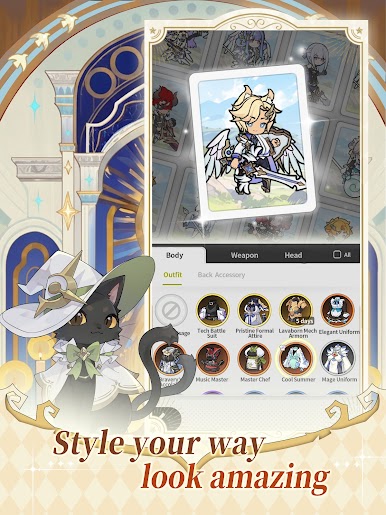
- Customizable Avatars: Style your character’s appearance to make them stand out and look cool, even on the battlefield. You can choose different hairstyles, outfits, and others.
How to Play?
Download Sword x Staff for free from the Google Play Store using the BlueStacks app player.

Play Sword x Staff on PC. It’s easy to get started.
-
Download and install BlueStacks on your PC
-
Complete Google sign-in to access the Play Store, or do it later
-
Look for Sword x Staff in the search bar at the top right corner
-
Click to install Sword x Staff from the search results
-
Complete Google sign-in (if you skipped step 2) to install Sword x Staff
-
Click the Sword x Staff icon on the home screen to start playing

