


Zlip-Disappearing Social Buzz
Play on PC with BlueStacks – the Android Gaming Platform, trusted by 500M+ gamers.

Page Modified on: Sep 14, 2026
Play Zlip-Disappearing Social Buzz on PC
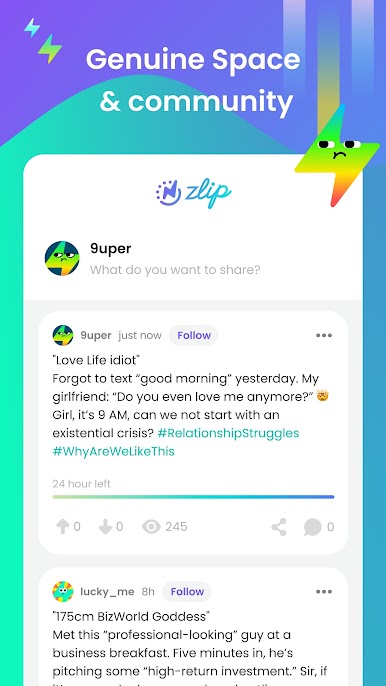
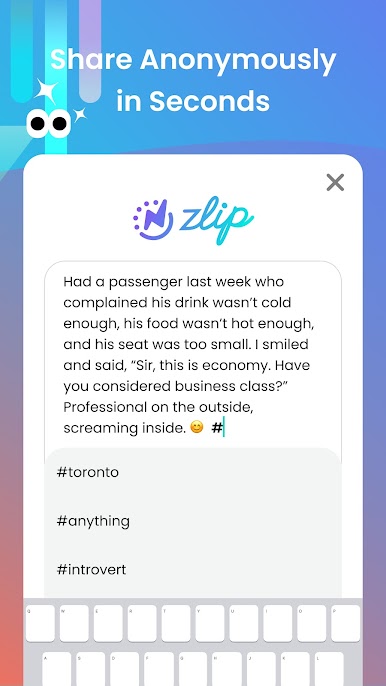
Share your inner stories, unique opinions, and interesting moments as "Zlips"✨.
Your Zlip's visibility extends based on its popularity, giving you more time to make an impact while ensuring your digital footprint isn’t permanent.
🔥What Makes Zlip Unique?
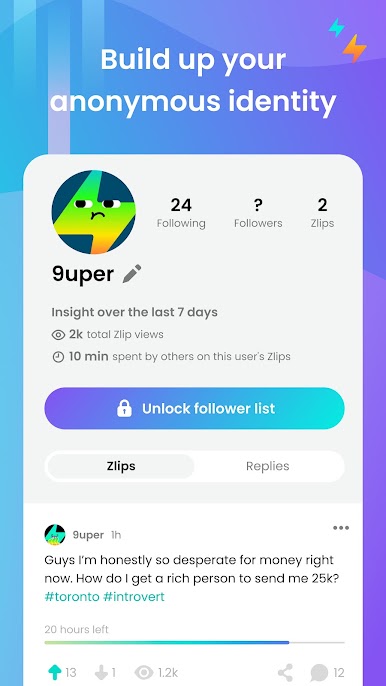
🕶️ Anonymity Unleashed: Speak your mind freely without judgment.
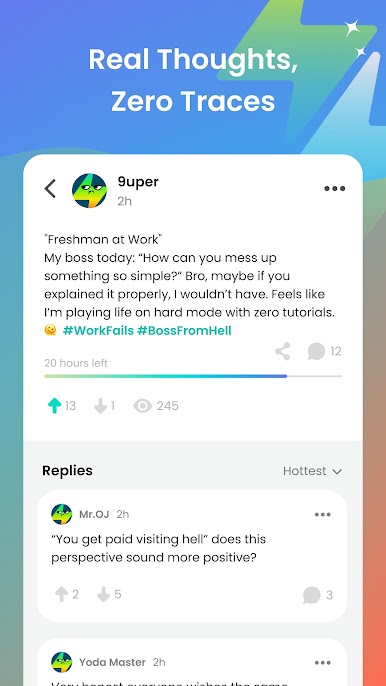
⏳ Ephemeral Posts: Your thoughts, or "Zlips," vanish after 24 hours—seize the moment!
💬 Engage and Interact: Upvote, downvote, and comment to join the conversation.
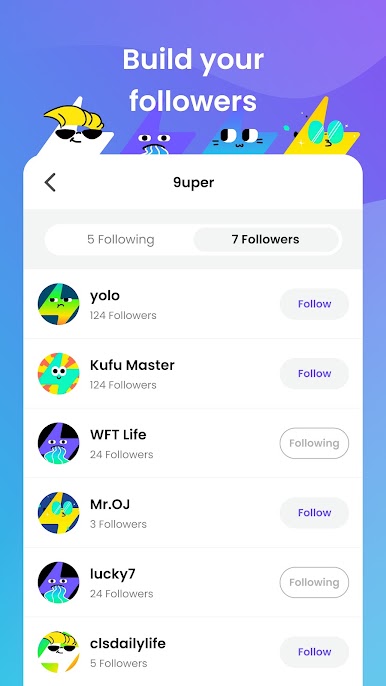
👥 Build Connections: Follow others and keep up with their Zlips before they disappear.
🎉 Share the Buzz: Share meaningful posts with your friends effortlessly.
Zlip is your go-to for fleeting, candid conversations where every moment counts. Get it now! 🚀
Zlip Privacy Policy
https://www.thezlip.com/privacy
Zlip User Terms
https://www.thezlip.com/terms
Play Zlip-Disappearing Social Buzz on PC. It’s easy to get started.
-
Download and install BlueStacks on your PC
-
Complete Google sign-in to access the Play Store, or do it later
-
Look for Zlip-Disappearing Social Buzz in the search bar at the top right corner
-
Click to install Zlip-Disappearing Social Buzz from the search results
-
Complete Google sign-in (if you skipped step 2) to install Zlip-Disappearing Social Buzz
-
Click the Zlip-Disappearing Social Buzz icon on the home screen to start playing

