


Zombie Defense: Survive in the Zombie World
Play on PC with BlueStacks – the Android Gaming Platform, trusted by 500M+ gamers.

Page Modified on: Jan 15, 2026
Overview
【How to Play】
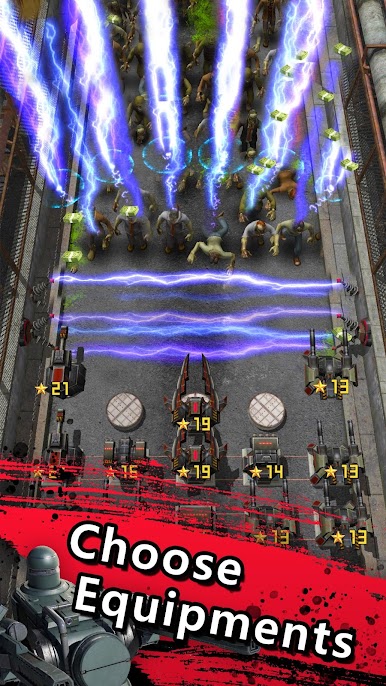
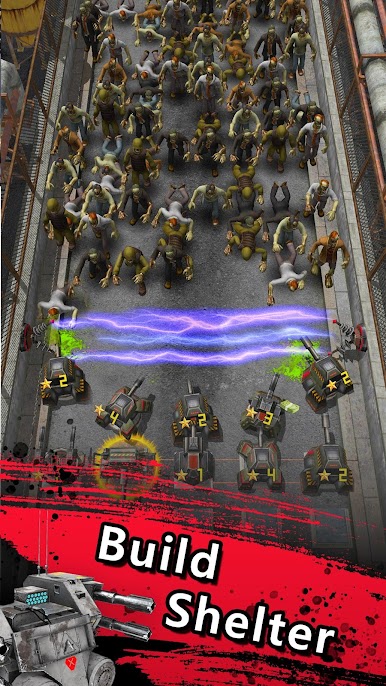
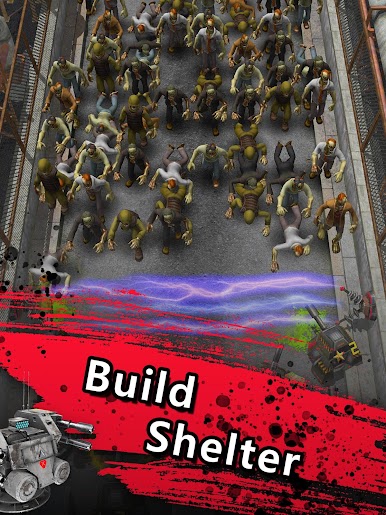
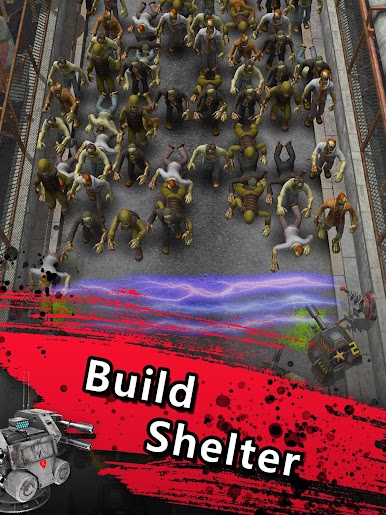
1. Arrange the turret defense line, defeat the invading zombie army and collect gold.
2. Merge and upgrade turrets, strategically match various turrets and defend against different zombies.
3. Defeat multiple bosses and unlock more advanced weapons and technology.
4. Even if the game is closed, the turret is already guarding the shelter and collecting gold, don't forget to come back and upgrade them.
【Game Features】
1. Idle game and infinite upgrade
No need for a lot of manual operations, you only need a simple synthesis to upgrade your turret to experience the refreshing and exciting tower defense battle.
2. Diverse strategies and flexible matching
Rich weapon system, featured turrets take turns in battle, with different functions.
The rich variety of zombies gives you a different experience.
3. Super technology system, multiply your fighting power.
Use increased firepower x2 to increase the speed of the weapon.
Using gold coins to increase income x2 makes income increase rapidly.









Play Zombie Defense: Survive in the Zombie World on PC. It’s easy to get started.
-
Download and install BlueStacks on your PC
-
Complete Google sign-in to access the Play Store, or do it later
-
Look for Zombie Defense: Survive in the Zombie World in the search bar at the top right corner
-
Click to install Zombie Defense: Survive in the Zombie World from the search results
-
Complete Google sign-in (if you skipped step 2) to install Zombie Defense: Survive in the Zombie World
-
Click the Zombie Defense: Survive in the Zombie World icon on the home screen to start playing

