


Lite Writer: Writing/Note/Memo
Play on PC with BlueStacks – the Android Gaming Platform, trusted by 500M+ gamers.

Page Modified on: Mar 10, 2026
Run Lite Writer: Writing/Note/Memo on PC or Mac
Get freedom from your phone’s obvious limitations. Use Lite Writer: Writing/Note/Memo, made by OneLiteCore, a Productivity app on your PC or Mac with BlueStacks, and level up your experience.
About the App
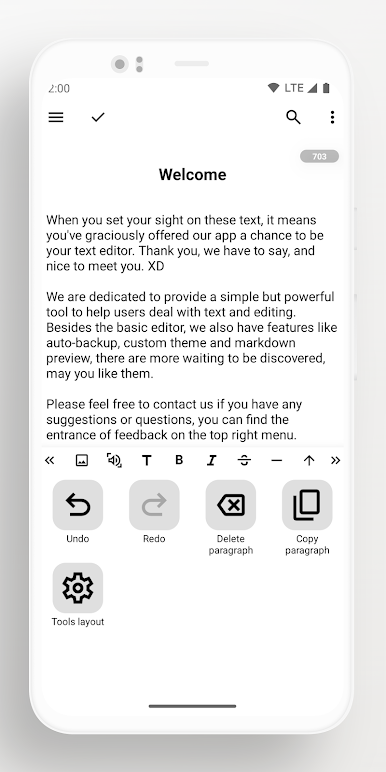
Lite Writer: Writing/Note/Memo is a friendly companion for anyone who likes to jot down thoughts, stories, or keep things organized. Whether you’re brainstorming your next novel, adding ideas throughout your day, or just need a straightforward place for notes, this app from OneLiteCore keeps things simple but powerful. Expect a clutter-free environment where inspiration never slips away, plus plenty of handy features if you want a bit more control over your writing space.
App Features
-
Effortless File Organization
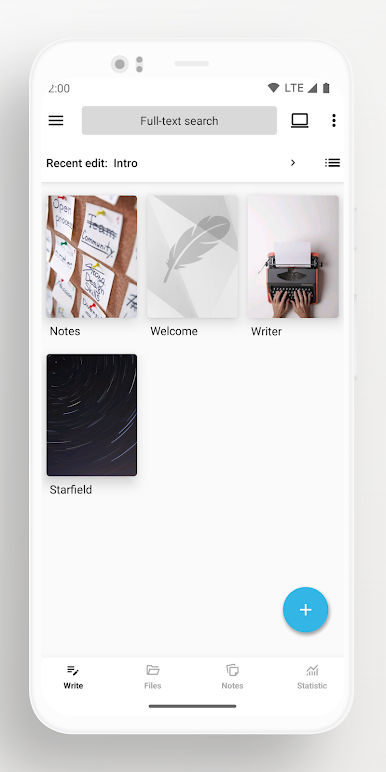
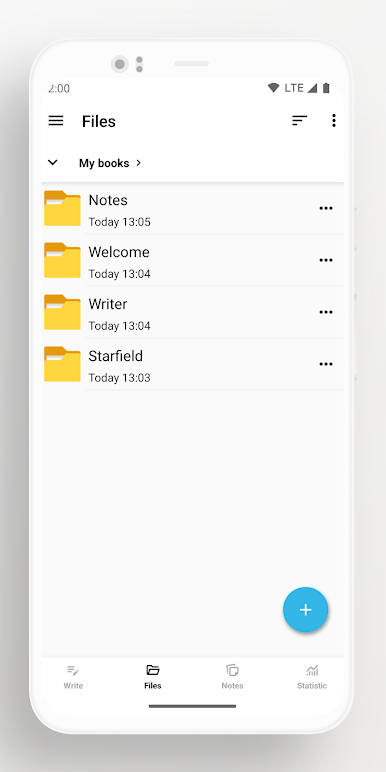
Keep your writing chaos in check. Create folders, arrange your books and notes neatly, and even personalize book covers so you can spot your projects at a glance. -
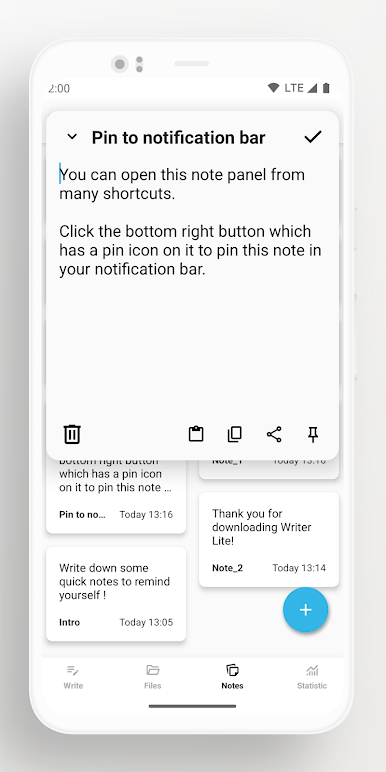
Quick Notes Panel
Got an idea while on the go? Pop open the instant note panel from a shortcut. You can even pin urgent memos to your notification bar, so nothing important fades away. -
Smart Chapter Management
Working on a multi-chapter story or a collection of ideas? Chapters are auto-numbered and sorted for you. Easily manage chapters and keep everything in the right place. -
Live Word & Character Stats
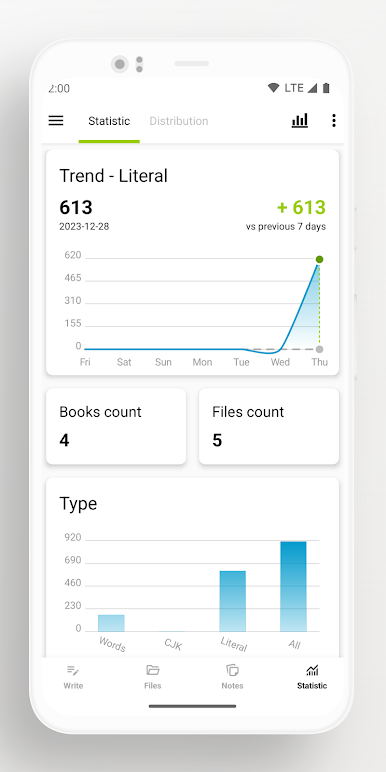
See your word and character count as you type, with handy floating buttons if you need them. There’s even support for CJK characters and a 7-day trend if you’re working toward a writing goal. -
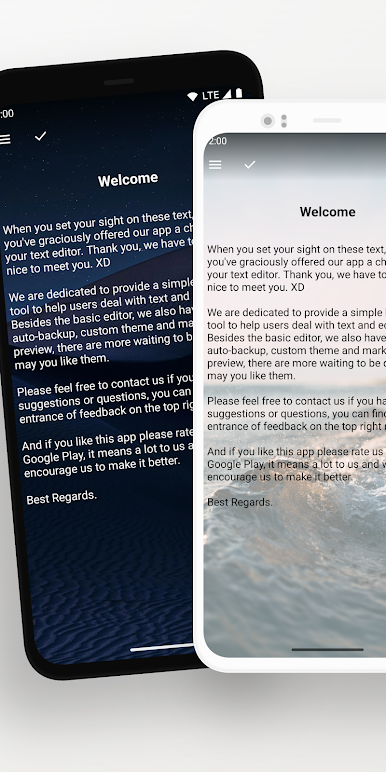
Mood-Boosting Themes
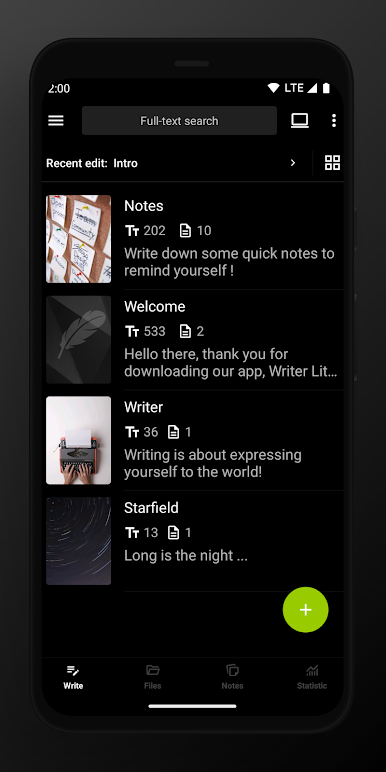
Switch things up with black, white, or colorful themes—or add your own wallpaper if you like it more personal. Dark mode is perfect for late-night writing stints. -
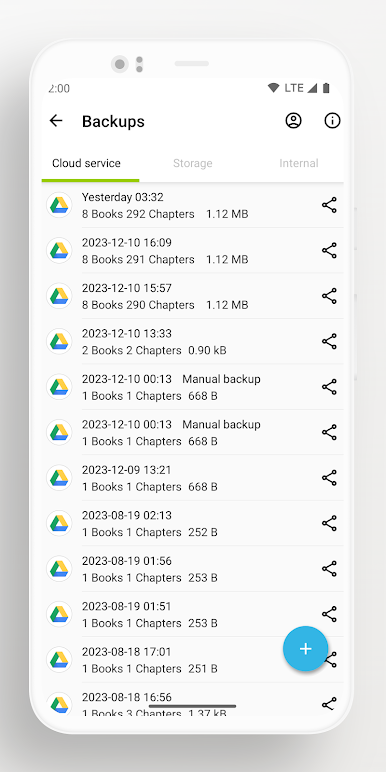
Peace-of-Mind Backups
Set up automatic backups to Google Drive or WebDav, save files locally, or grab any version you need from the recycle bin. All your data is just a tap away if you need to recover something. -
Privacy and Security
Rest easy with fingerprint or pattern locks, auto-lock when idle, and blurred screenshots in your recent tasks for a bit of extra privacy.
And for folks who like to work on their laptops or desktops, Lite Writer: Writing/Note/Memo makes it easy to map your folders for editing on PC—and with BlueStacks, you can make the most out of this Productivity app anywhere you like.
Switch to BlueStacks and make the most of your apps on your PC or Mac.
Play Lite Writer: Writing/Note/Memo on PC. It’s easy to get started.
-
Download and install BlueStacks on your PC
-
Complete Google sign-in to access the Play Store, or do it later
-
Look for Lite Writer: Writing/Note/Memo in the search bar at the top right corner
-
Click to install Lite Writer: Writing/Note/Memo from the search results
-
Complete Google sign-in (if you skipped step 2) to install Lite Writer: Writing/Note/Memo
-
Click the Lite Writer: Writing/Note/Memo icon on the home screen to start playing

