


Future Baby Generator, AI Baby
Play on PC with BlueStacks – the Android Gaming Platform, trusted by 500M+ gamers.

Page Modified on: Mar 13, 2026
Run AI Future Baby Generator App on PC or Mac
AI Future Baby Generator App is a Photography app developed by AI Photo Generator, AI Chat. BlueStacks app player is the best android emulator to use this android app on your PC or Mac for an immersive Android experience.
About the App
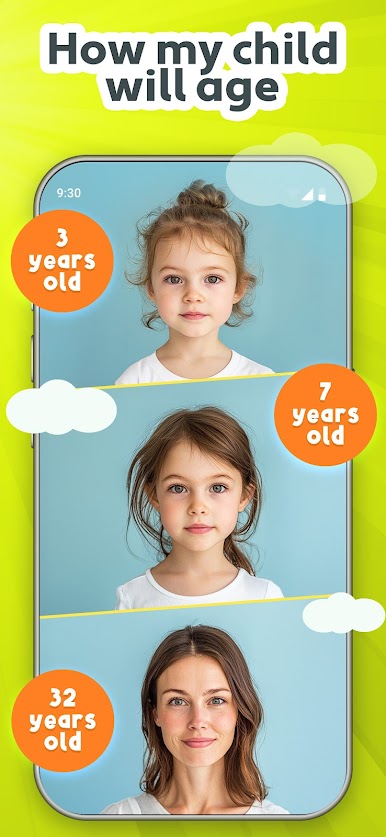
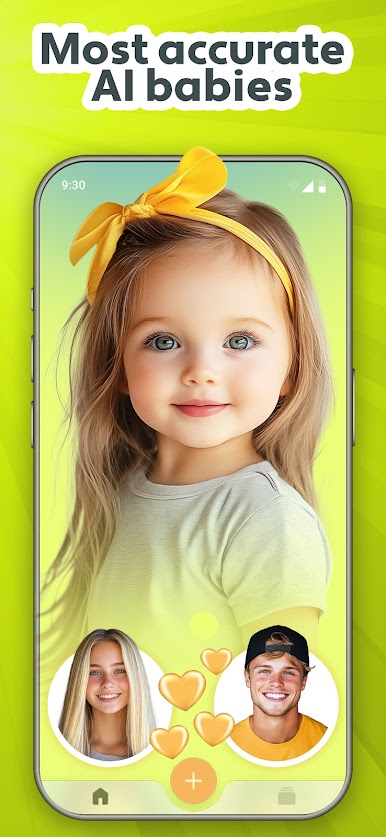
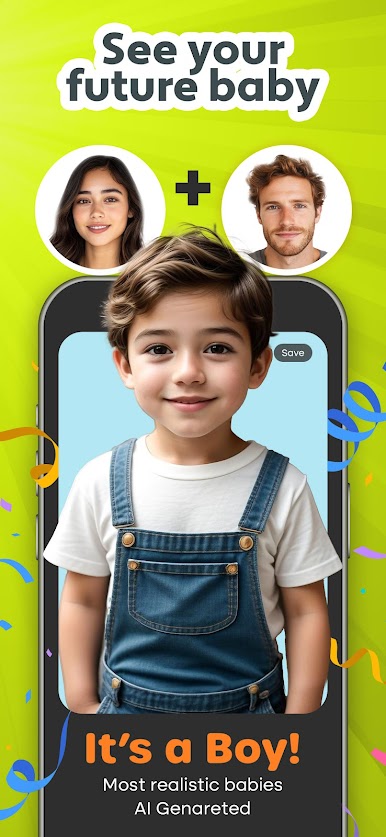
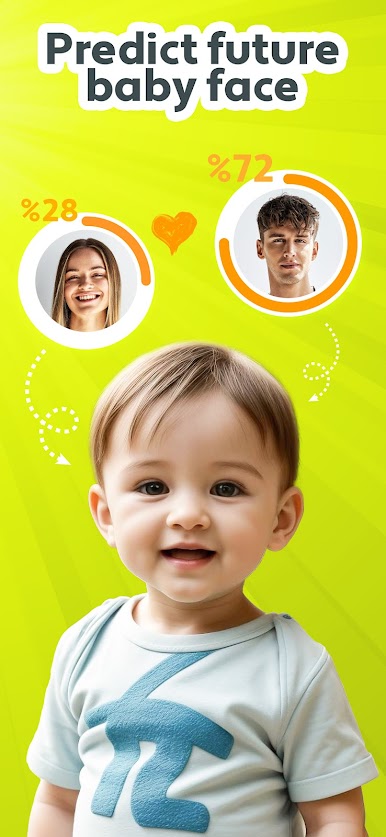
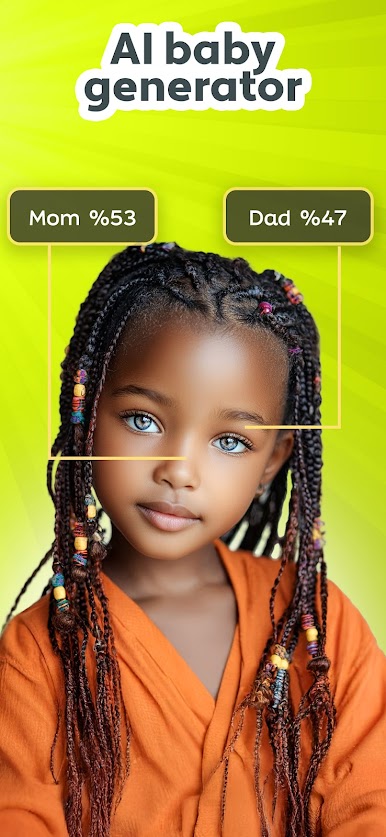
Ever wondered, “What would our baby look like?” The AI Future Baby Generator App by AI Photo Generator, AI Chat is here to spark your imagination. Offering a playful glimpse into the future, this Photography app lets you generate baby predictions and whimsical transformations with just a photo.
App Features
- Future Baby Face Generator: Upload photos to predict what your future child might look like.
- AI-Powered Filters: Transform images with perky PS2 filters, anime, and cartoon effects for unique photos.
- AI Couple Photo Generator: Create fun couples’ images to envision your future family.
- Cool 90s and Retro Styles: Play with vintage filters and charming retro aesthetics.
- Character Creations: Morph yourself into movie or game characters!
Use BlueStacks for a larger-than-life experience on your PC. Let the AI Future Baby Generator App show you the possible and the imaginative, all in good fun!



Play Future Baby Generator, AI Baby on PC. It’s easy to get started.
-
Download and install BlueStacks on your PC
-
Complete Google sign-in to access the Play Store, or do it later
-
Look for Future Baby Generator, AI Baby in the search bar at the top right corner
-
Click to install Future Baby Generator, AI Baby from the search results
-
Complete Google sign-in (if you skipped step 2) to install Future Baby Generator, AI Baby
-
Click the Future Baby Generator, AI Baby icon on the home screen to start playing

