


Used Cars: Buy Cars, Sell Cars
Play on PC with BlueStacks – the Android Gaming Platform, trusted by 500M+ gamers.

Page Modified on: Feb 2, 2026
Play Used Cars: Buy Cars, Sell Cars on PC
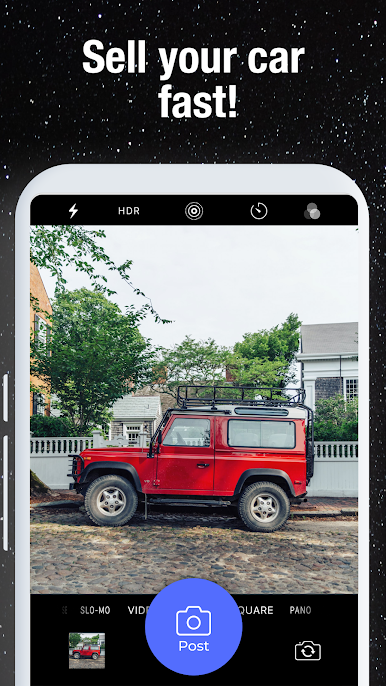
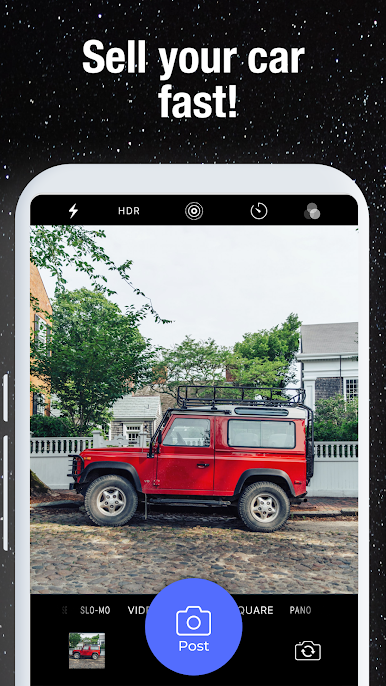
List your vehicle for free in under 60 seconds. Snap a photo, write a quick description, and connect with serious buyers instantly.
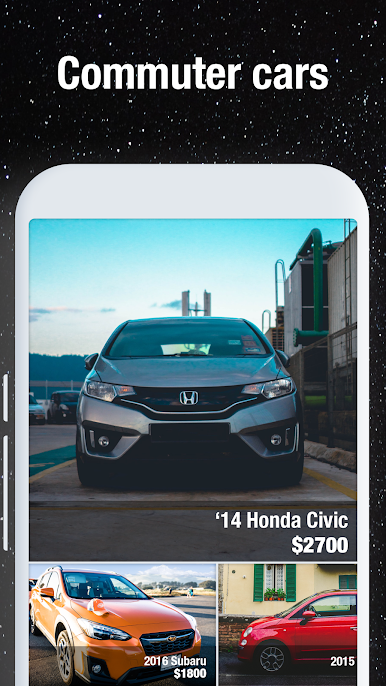
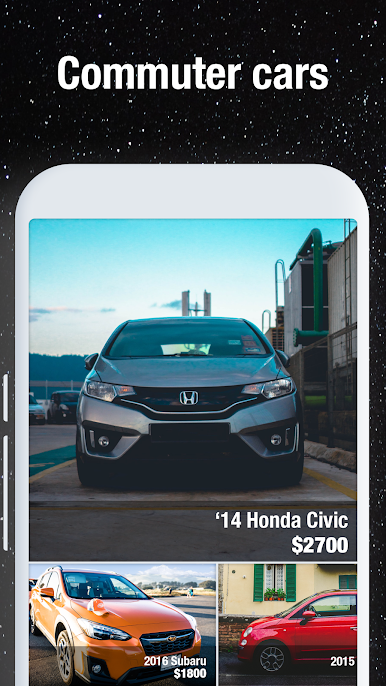
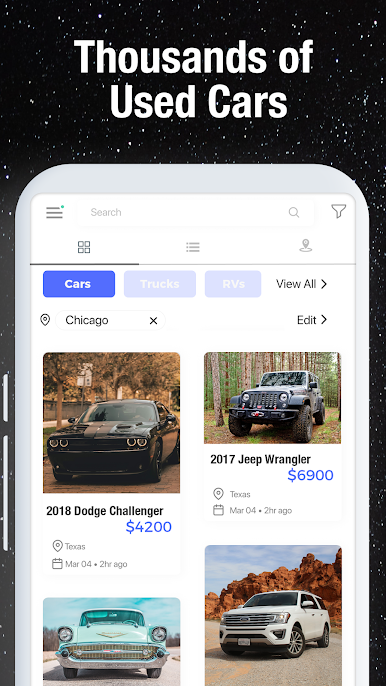
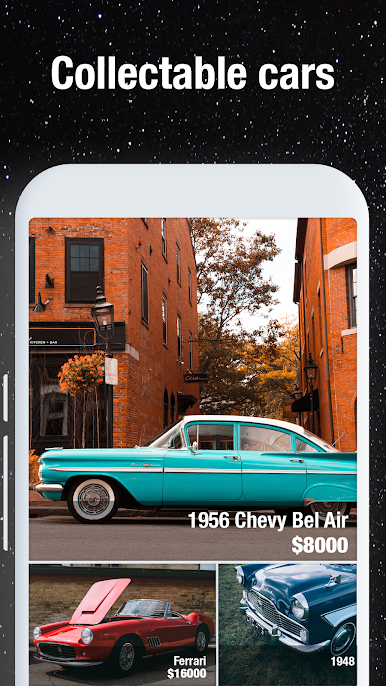
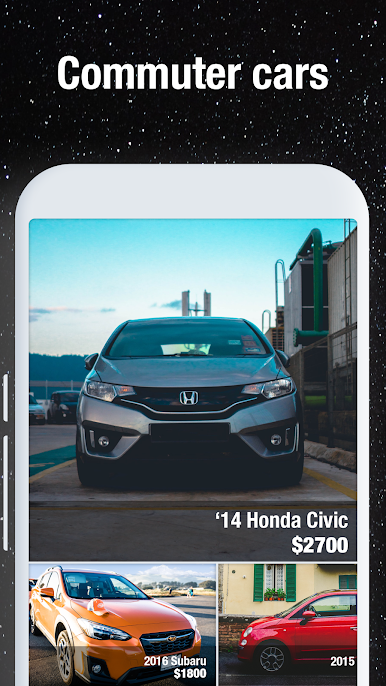
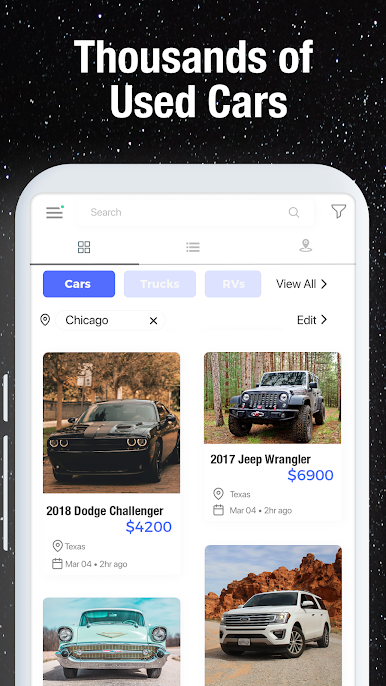
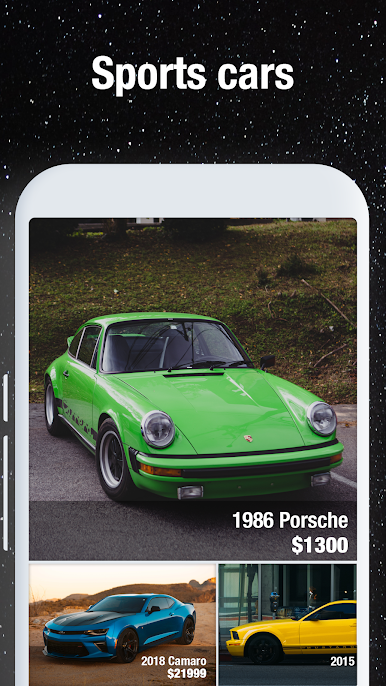
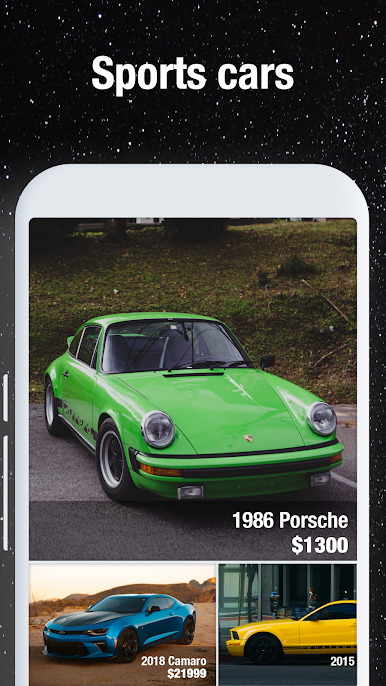
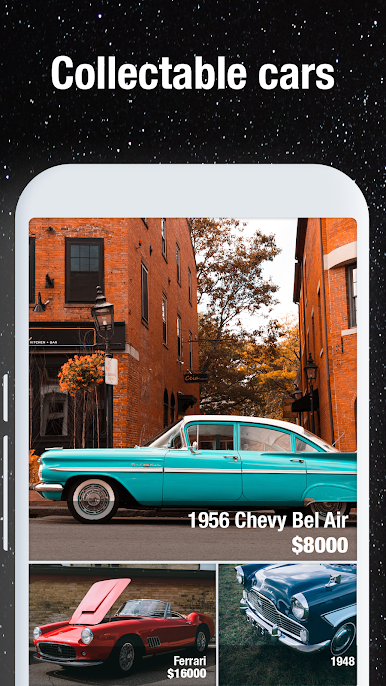
- Browse thousands of listings including electric vehicles (EVs), trucks, and hybrids.
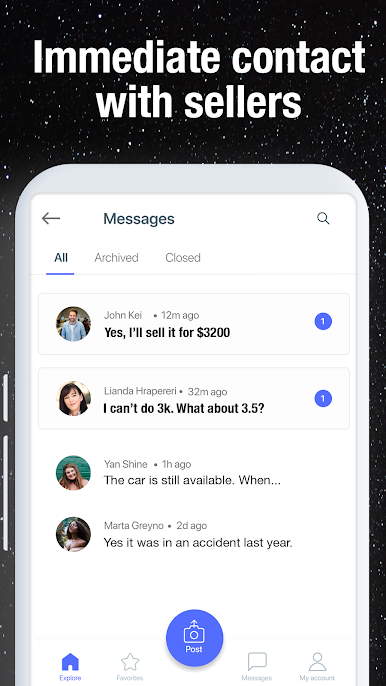
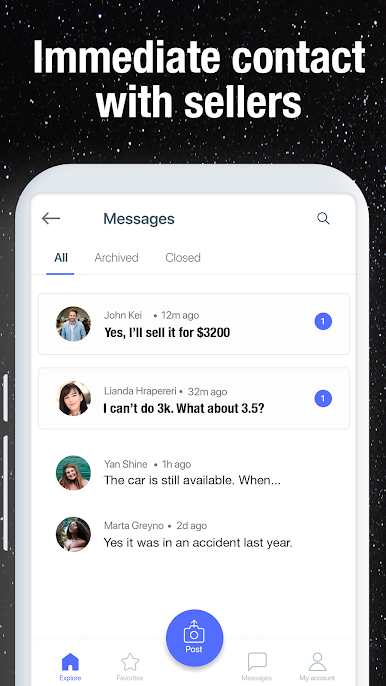
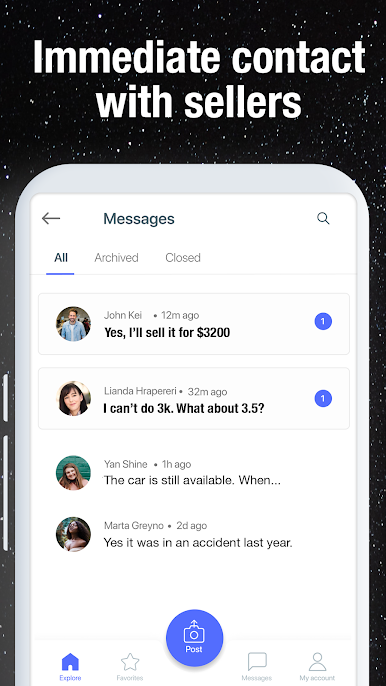
- Instant messaging makes it easy to schedule test drives and close deals fast.
- Use the financial loan calculator to estimate your monthly car payments.
- Explore auto loan offers, low-interest financing, and zero down payment plans.
- Compare car insurance quotes from trusted providers and protect your investment.
No hidden fees. No dealership pressure. Just transparent, person-to-person car sales in your area.
Whether you're upgrading to a fuel-efficient car or selling your old ride, our platform makes it fast, safe, and hassle-free.
Download Used Cars by cPro and start saving today.
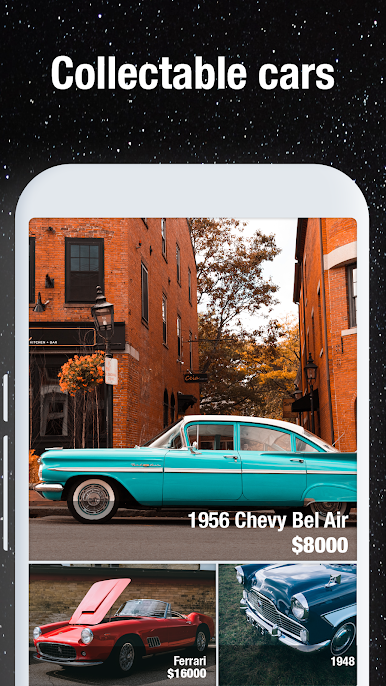
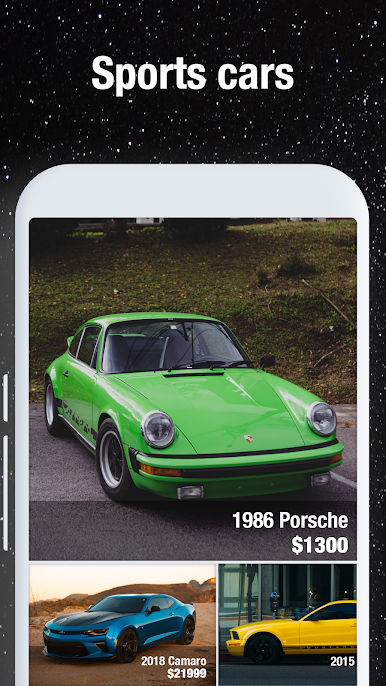
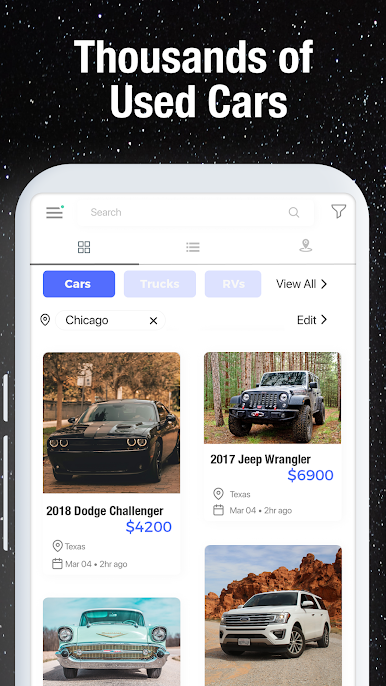
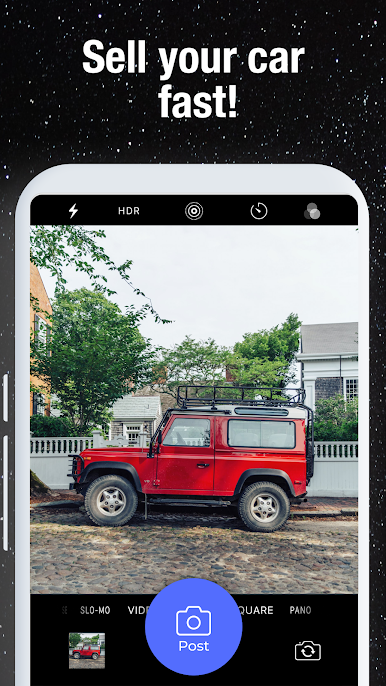
Play Used Cars: Buy Cars, Sell Cars on PC. It’s easy to get started.
-
Download and install BlueStacks on your PC
-
Complete Google sign-in to access the Play Store, or do it later
-
Look for Used Cars: Buy Cars, Sell Cars in the search bar at the top right corner
-
Click to install Used Cars: Buy Cars, Sell Cars from the search results
-
Complete Google sign-in (if you skipped step 2) to install Used Cars: Buy Cars, Sell Cars
-
Click the Used Cars: Buy Cars, Sell Cars icon on the home screen to start playing

