


Jami
Play on PC with BlueStacks – the Android Gaming Platform, trusted by 500M+ gamers.

Page Modified on: Mar 17, 2026
Run Jami on PC or Mac
Why limit yourself to your small screen on the phone? Run Jami, an app by Savoir-faire Linux Inc., best experienced on your PC or Mac with BlueStacks, the world’s #1 Android emulator.
About the App
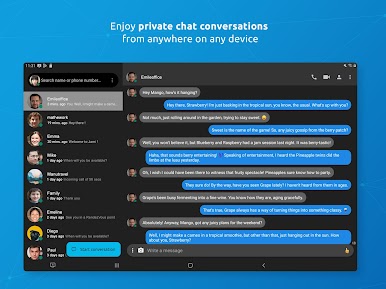
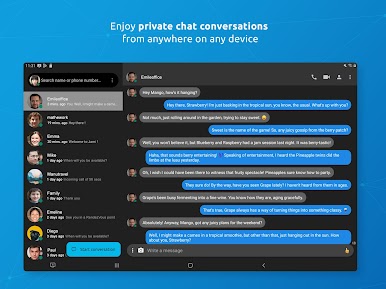
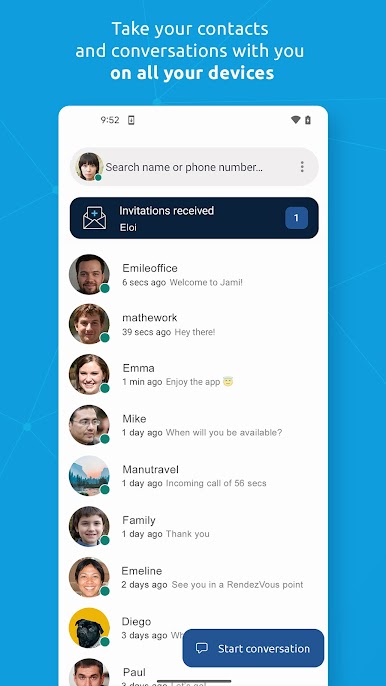
Jami brings a new spin on how you keep in touch—whether you’re all about quick texts or prefer face-to-face video chats. It’s a Communication app from Savoir-faire Linux Inc. that puts your privacy front and center, ditching servers and letting you connect straight from device to device. Expect a clean, professional feel, lots of ways to chat, and all the privacy tools you’d hope for. Plus, it’s available on just about any device you’re using, including through BlueStacks if you’re on a bigger screen.
App Features
-
Direct Calls & Messages
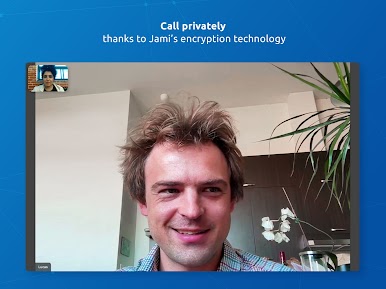
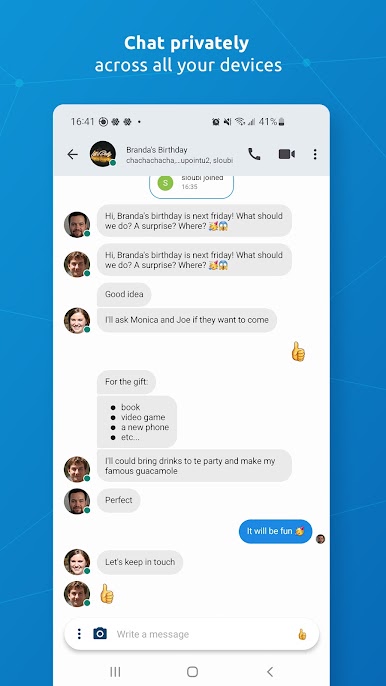
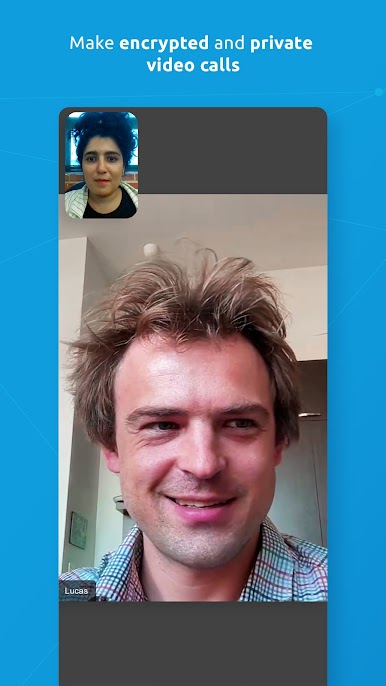
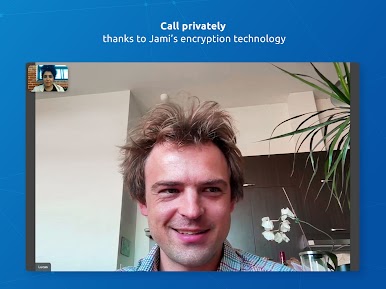
No middleman here—Jami connects you directly for private audio and video calls or simple one-on-one and group messages, all without third-party servers getting involved. -
Total Privacy
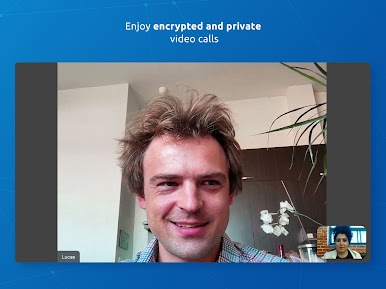
Every conversation is locked down with end-to-end encryption, so you can text, call, or share without worrying about eavesdropping. -
Multi-Platform Compatibility
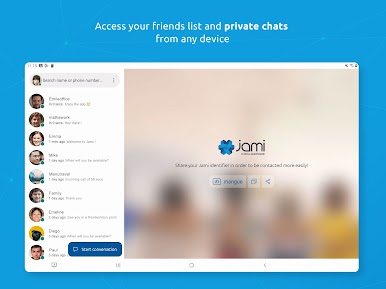
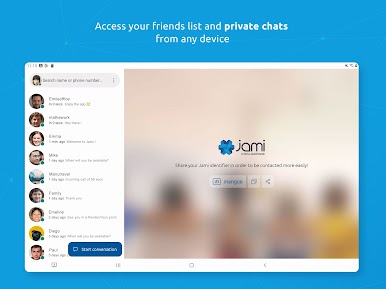
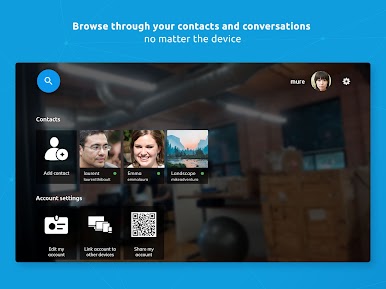
Use it on Android, iPhone, browsers, or your desktop. Jami works pretty much everywhere, and if you like using BlueStacks, it fits right in. -
Rich Communication Tools
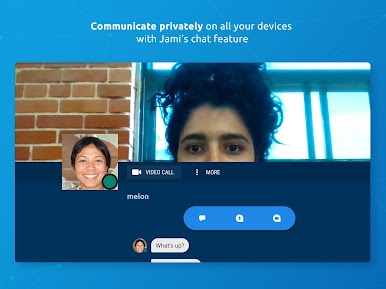
Instant messaging, high-quality voice and video calls, screen sharing, sending files—Jami’s got all the communication basics and then some. -
Group & Community Support
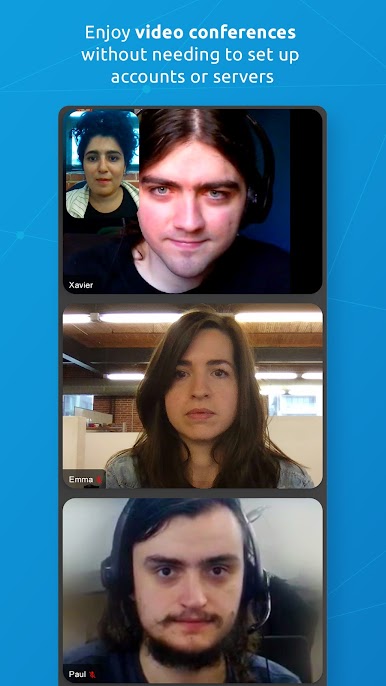
Chat with just one friend or bring the whole crew together—handle both direct and group convos seamlessly. Set up an organization or community with JAMS (Jami Account Management Server) and keep things tidy with your own logins. -
Handy Extensions
Tweak your experience with built-in extensions like audio filters, auto answer, green screen backgrounds, watermarks, and even automatic transcripts (great for business calls or notes). -
Flexible Account Management
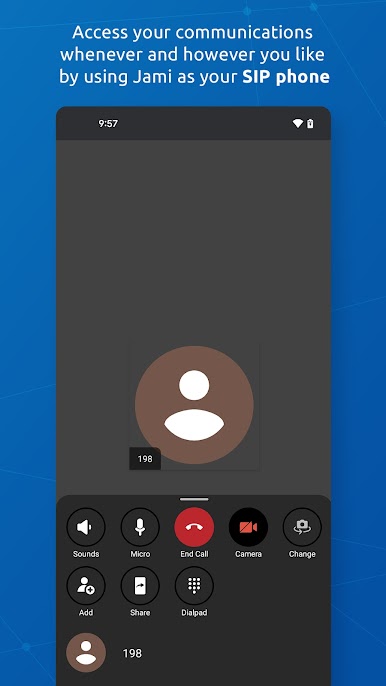
Run multiple accounts—mix and match SIP, Jami, and JAMS logins across your devices, all from a single app. -
No Ads & No Fees
Chat as much as you want, share as many files as you like—Jami doesn’t limit your communication or pepper you with ads. It’s all about keeping things private, fast, and simple. -
Open-Source & Free
Open to everyone, Jami’s code is community-driven and always free—no subscriptions, no hidden surprises. -
Advanced Sharing Options
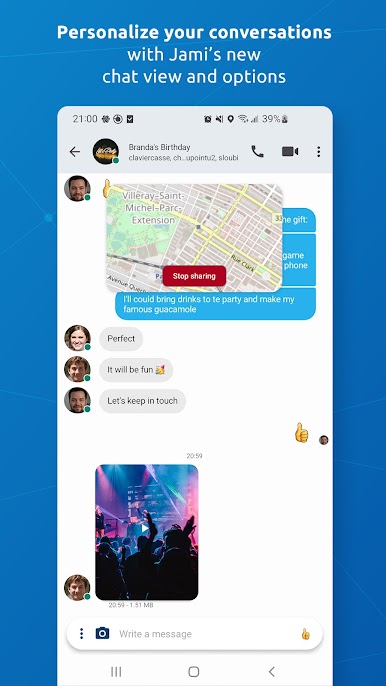
Send your location, record and forward audio or video messages, or even share your screen—all within a few taps.
Switch to BlueStacks and make the most of your apps on your PC or Mac.


Play Jami on PC. It’s easy to get started.
-
Download and install BlueStacks on your PC
-
Complete Google sign-in to access the Play Store, or do it later
-
Look for Jami in the search bar at the top right corner
-
Click to install Jami from the search results
-
Complete Google sign-in (if you skipped step 2) to install Jami
-
Click the Jami icon on the home screen to start playing

