


JoiPlay
Play on PC with BlueStacks – the Android Gaming Platform, trusted by 500M+ gamers.

Page Modified on: May 30, 2021
Overview
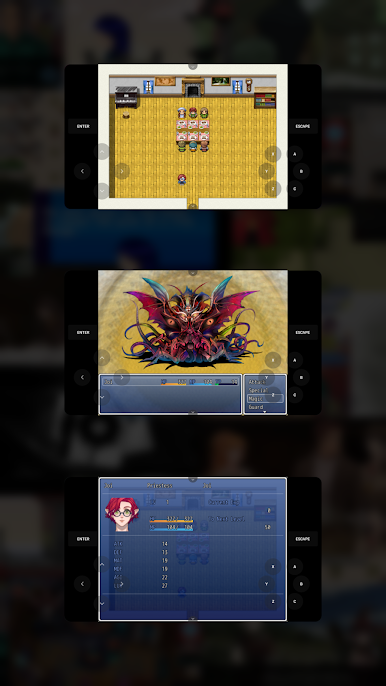
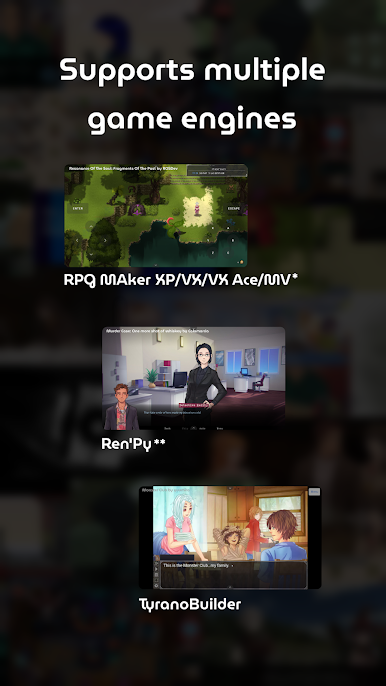
* RPG Maker Plugin for JoiPlay must be installed to play RPG Maker XP, VX and VX Ace games.
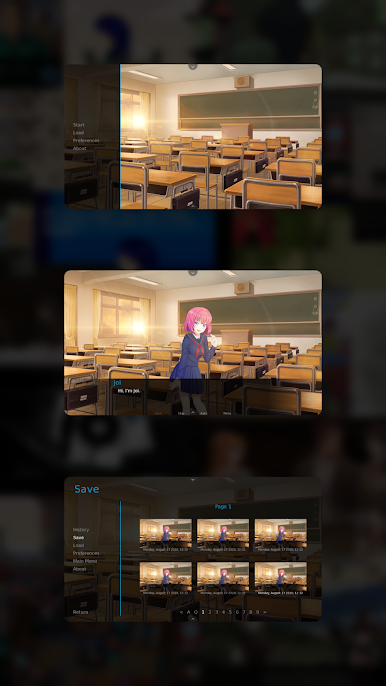
** Ren'Py Plugin for JoiPlay must be installed to play Ren'Py games.
Features:
-> Cross-platform save file support.
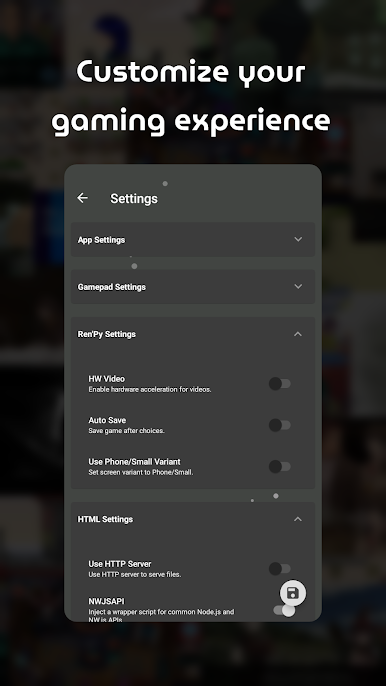
-> Advanced settings for game types.
-> Built-in cheat menus for supported game types.
-> Easy-to-use and modern user interface.
Compatibility:
JoiPlay doesn't emulate Windows or any operation system so games that depend on Windows APIs or uncommon Node.js classes/functions won't work. Estimated compatibility rates are 70% for RPG Maker XP/VX/VX Ace games and %90 for other game types.
Required Permissions:
Storage permission is required to read and write game files.
Note:
JoiPlay doesn't includes any games and requires legally obtained game files to play them.
RPG Maker XP, RPG Maker VX, RPG Maker VX Ace and RPG Maker MV are trademarks of Enterbrain. TyranoBuilder is a trademark of STRIKEWORKS.
-> Terms of Service: https://joiplay.cyou/tos.html
-> Privacy Policy: https://joiplay.cyou/privacy.html
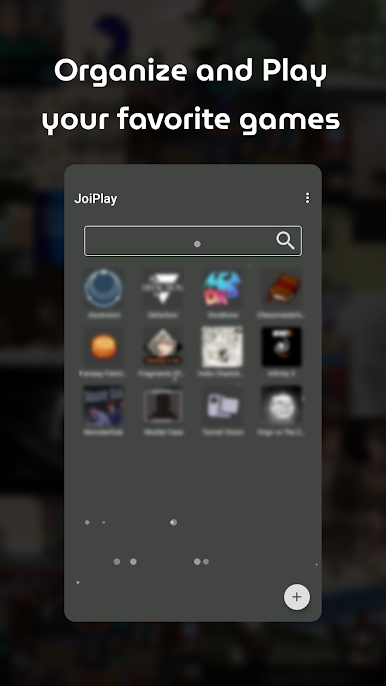
Play JoiPlay on PC. It’s easy to get started.
-
Download and install BlueStacks on your PC
-
Complete Google sign-in to access the Play Store, or do it later
-
Look for JoiPlay in the search bar at the top right corner
-
Click to install JoiPlay from the search results
-
Complete Google sign-in (if you skipped step 2) to install JoiPlay
-
Click the JoiPlay icon on the home screen to start playing

