

MasterTherm
Play on PC with BlueStacks – the Android Gaming Platform, trusted by 500M+ gamers.

Page Modified on: Sep 3, 2025
Run MasterTherm on PC or Mac
What’s better than using MasterTherm by Neoware s.r.o.? Well, try it on a big screen, on your PC or Mac, with BlueStacks to see the difference.
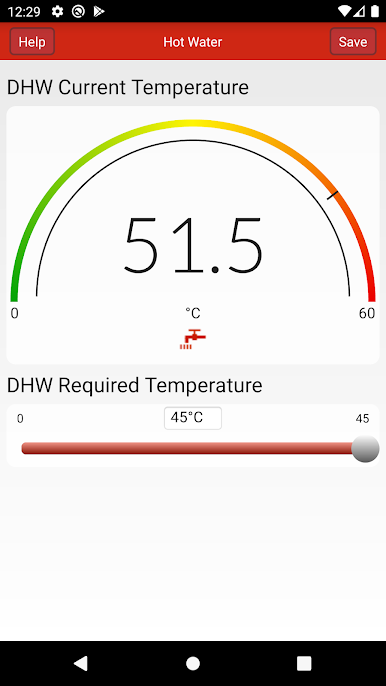
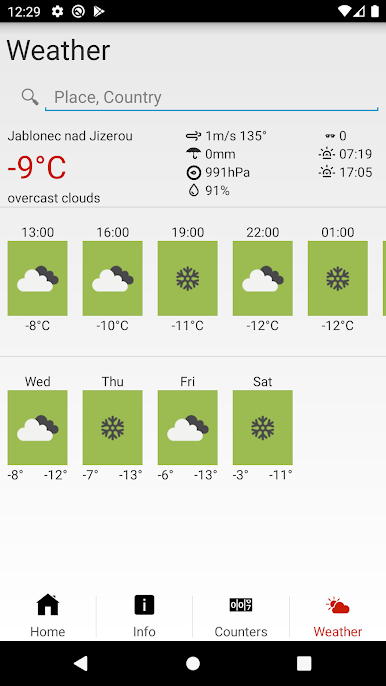
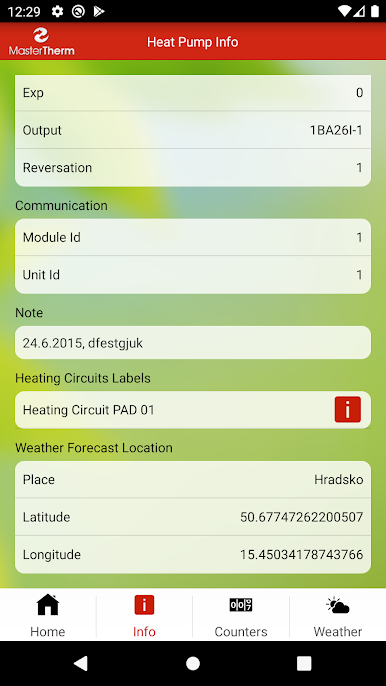
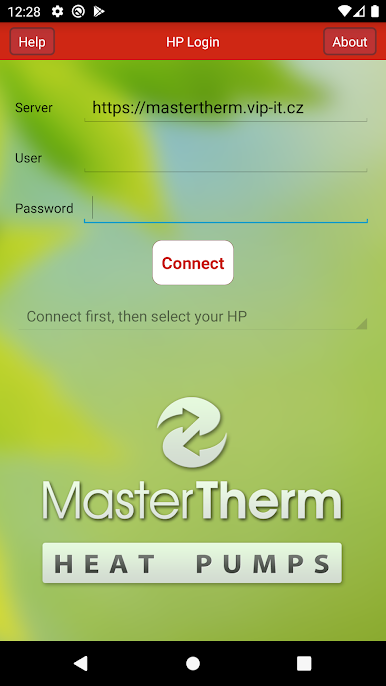
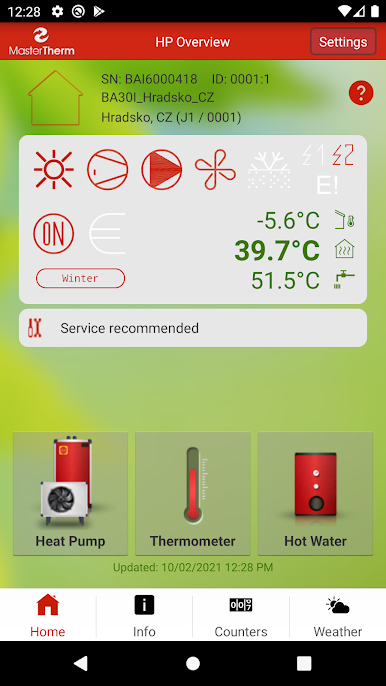
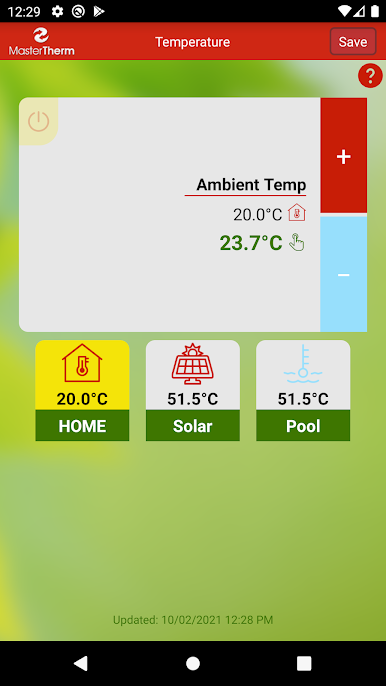
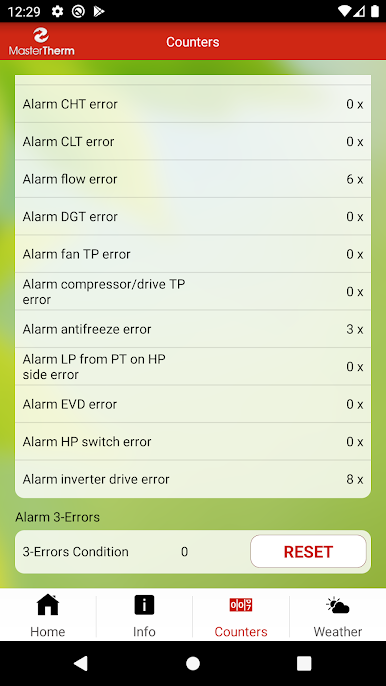
MasterTherm is basically a remote control for a MasterTherm heat pump, but with a lot more detail than a basic thermostat. It lets a user check what the unit is doing right now, see operating data and temperatures, and switch things like heating mode or hot water prep without walking to a panel. If the setup includes extras like a pool or solar collectors, those show up too, so everything can be monitored in one place. The weather compensation settings are there as well, which is great for nudging efficiency when the weather swings. There is even a simple On or Off switch for when the system needs a quick pause.
Nothing here is flashy. It is more about clear numbers and status info that make sense at a glance. On a phone it is fine, but running it on a PC with BlueStacks gives all that data some breathing room and makes tapping through menus feel easier with a mouse. Not every system will have every feature, since it depends on the actual installation, and it does require login details from the heat pump supplier. There is a demo account option to poke around before connecting anything. Language support covers English, German, Dutch, and Czech, so it suits mixed households or anyone who prefers a different UI language. For someone who likes to keep an eye on performance and tweak temperatures without fuss, it feels very straightforward.
Big screen. Bigger performance. Use BlueStacks on your PC or Mac to run your favorite apps.
Play MasterTherm on PC. It’s easy to get started.
-
Download and install BlueStacks on your PC
-
Complete Google sign-in to access the Play Store, or do it later
-
Look for MasterTherm in the search bar at the top right corner
-
Click to install MasterTherm from the search results
-
Complete Google sign-in (if you skipped step 2) to install MasterTherm
-
Click the MasterTherm icon on the home screen to start playing

