


Dark Flow TS2B UI for Klwp
Play on PC with BlueStacks – the Android Gaming Platform, trusted by 500M+ gamers.

Page Modified on: Aug 25, 2020
Play Dark Flow TS2B UI for Klwp on PC
Content of this application .....
.One page
* Application content
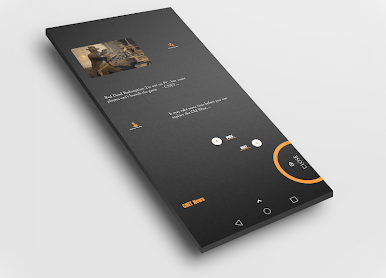
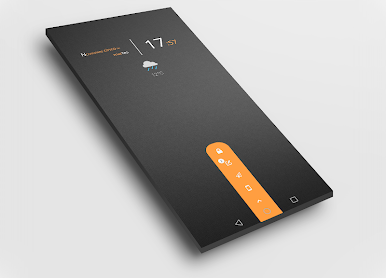
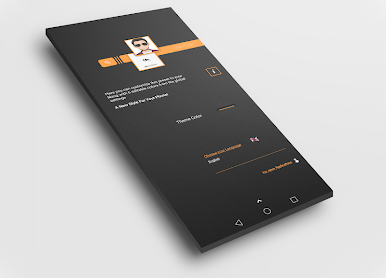
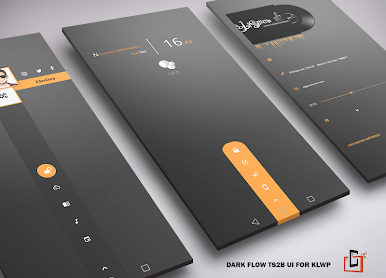
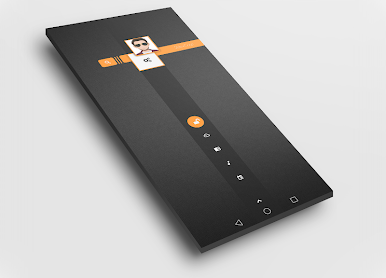
-Direct access to calls, mail and sms (edit contact for each phone in global)
-Feed / Rss in English and Spanish
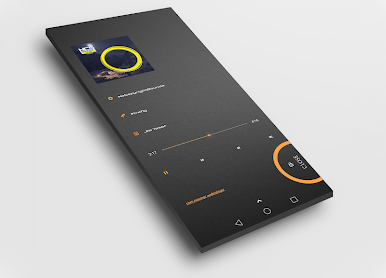
-Music player
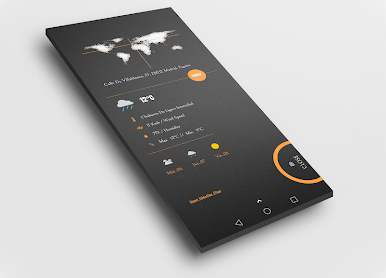
-Widget with the current time and weather
-6 editable colors
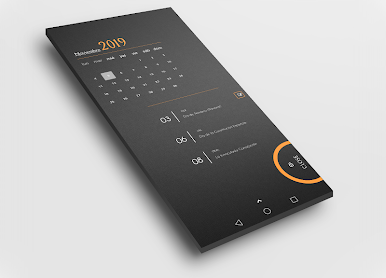
-Animations and much more.
What you need before using:
1 / Kustom Live Wallpaper Pro available here in Play Store
2 / A launcher like N. Launcher (compatible with klwp Pro)
In N. Launcher you must select a free screen, hide the notification bar, hide the navigation bar if the mobile phone supports it, Dock Off, Done !!
3 / Open the Klwp Pro application and select this elegant theme in the Menu / Installed tab
4 / Wait for this theme to load "depending on the type of phone that will take more or less" approximately 10 seconds
Ready!!
Set this theme as the main wallpaper
✔ If you have more questions, you can contact us by email located at the bottom of this page in Play Store
✔ Rate this app, it will help other people ... thanks
✔ Credits to Jürgen Amourette for its beautiful weather icons
✔ Credits to Easy.dev for the calendar component
✔ Credits to María Ps for her wonderful wallpapers
Play Dark Flow TS2B UI for Klwp on PC. It’s easy to get started.
-
Download and install BlueStacks on your PC
-
Complete Google sign-in to access the Play Store, or do it later
-
Look for Dark Flow TS2B UI for Klwp in the search bar at the top right corner
-
Click to install Dark Flow TS2B UI for Klwp from the search results
-
Complete Google sign-in (if you skipped step 2) to install Dark Flow TS2B UI for Klwp
-
Click the Dark Flow TS2B UI for Klwp icon on the home screen to start playing

